
Unlock Peak Performance: Guide to the Samsung Odyssey OLED G8 Deal
Are you seeking a high-performance gaming monitor that also excels for daily productivity? The Samsung 32-inch Odyssey OLED G8 (G80SH) gaming monitor is currently available at a significant discount, making it an

Are you seeking a high-performance gaming monitor that also excels for daily productivity? The Samsung 32-inch Odyssey OLED G8 (G80SH) gaming monitor is currently available at a significant discount, making it an opportune time to consider this premium display. This guide will walk you through evaluating if this monitor is the right fit for your needs and how to take advantage of the current deal.
What You Will Accomplish
By following this guide, you will be able to:
- Determine if the Samsung Odyssey OLED G8 (G80SH) meets your specific gaming and daily usage requirements.
- Understand the key features and potential considerations of QD-OLED technology.
- Identify if your current PC setup is compatible with the monitor's high-end capabilities.
- Confidently decide whether to purchase this monitor during its limited-time sale.
Prerequisites and Key Considerations Before You Buy
Before diving into the purchase process, it's crucial to assess a few essential points to ensure this monitor is suitable for your setup and usage habits:
- Identify Your Monitor Needs: This monitor is specifically designed for users who desire a single, high-end display for both demanding gaming and regular desktop work, without opting for a larger ultrawide screen. If this description doesn't align with your primary use cases, you might find other options more appropriate.
- Verify Your PC's Power: To fully leverage the monitor's 4K resolution at a 240Hz refresh rate, you will need a powerful gaming PC equipped with a capable graphics card. Without sufficient hardware, you won't experience the monitor's peak performance, potentially rendering some of its advanced features underutilized.
- Understand OLED/QD-OLED Technology: The monitor features a QD-OLED panel. While this offers stunning contrast, true blacks, and vibrant HDR, it comes with specific characteristics. Be aware that in brightly lit environments, blacks might exhibit a purplish tint. Additionally, like all OLED displays, burn-in is a long-term concern, although Samsung has implemented protective measures.
- Distinguish Between Models: Ensure you are looking at the correct model. This deal is for the 32-inch Samsung Odyssey OLED G8 (G80SH), which is a 4K OLED variant. Samsung also offers a similarly named G80HS, which is a 6K IPS display. Confirm the exact model number to ensure you get the monitor with the features discussed here.
Step-by-Step Guide to Evaluating and Purchasing
Follow these steps to make an informed decision and acquire your new monitor:
Step 1: Confirm the Current Deal Details
The Samsung 32-inch Odyssey OLED G8 (G80SH) is currently priced at $999.99, reduced from its original price of $1,299.99. This represents a saving of $300. According to price tracking tools, this is the lowest price recorded for this model so far. Confirm this pricing on the retailer's page.
Step 2: Assess Gaming Performance Suitability
- High Refresh Rate Gaming: The 240Hz refresh rate combined with the 4K QD-OLED panel makes this monitor ideal for competitive games like shooters and racing titles, providing smooth, blur-free motion. Cinematic games will also appear exceptionally sharp.
- Advanced Connectivity: The monitor is equipped with DisplayPort 2.1 and HDMI 2.1, ensuring compatibility with the latest graphics hardware and supporting high bandwidth requirements for 4K at 240Hz.
- Adaptive Sync: With FreeSync Premium Pro and G-SYNC compatibility, screen tearing should be minimized, contributing to a smoother gaming experience. However, be aware that OLED monitors can sometimes display visible VRR flicker during dark scenes if frame rates fluctuate inconsistently.
Step 3: Evaluate Productivity and Everyday Use Features
- Dual-Purpose Design: The monitor is well-suited for users who need a single display that handles both high-performance gaming and daily desktop tasks effectively.
- USB-C Connectivity: A standout feature for productivity is the USB-C port, offering up to 98W of power delivery. This allows compatible laptops to transmit video and charge simultaneously with just one cable, decluttering your workspace.
Step 4: Understand OLED Visual Enhancements and Considerations
- Superior Contrast and HDR: The QD-OLED panel delivers true blacks and striking bright effects, which significantly enhance the visual fidelity of darker games and HDR content. This eliminates the 'blooming' effect often seen on traditional LCD monitors.
- Burn-in Protection: Samsung addresses the concern of OLED burn-in by incorporating active cooling and various screen-protection features. Furthermore, burn-in resulting from normal usage is explicitly covered under warranty, providing peace of mind.
Step 5: Make Your Purchase Decision
If, after reviewing the features and considerations, you find that the Samsung Odyssey OLED G8 (G80SH) aligns with your needs and your PC can support its capabilities, this sale presents an excellent opportunity. The deal is available at Amazon. Click on the provided link in the source article to navigate directly to the product page and complete your purchase.
Troubleshooting Tips
- VRR Flicker: If you notice slight flickering in darker game scenes, this is a known characteristic of some OLED panels with variable refresh rate. Ensure your graphics card drivers are up to date, and experiment with in-game V-Sync settings if it becomes distracting.
- Purple Tint: If you observe a purplish tint on black areas, especially in a bright room, this is characteristic of QD-OLED technology. Adjusting ambient lighting or monitor placement can help mitigate this.
- Burn-in Concerns: While Samsung provides protection and warranty coverage, practicing good habits like enabling screen savers, using pixel shift features, and avoiding static images for extended periods can further prolong your monitor's life.
Next Steps and Related Topics
Once you've purchased your monitor, consider exploring additional tech deals. The source article also lists other editor-vetted tech deals, including various Apple products, tablets, and smart TVs, which might complement your new gaming setup. Keep an eye on price tracking tools for future deals on peripherals like high-refresh-rate gaming mice or keyboards to complete your ultimate setup.
FAQ
Q: Is this monitor suitable for professional creative work like video editing or graphic design?
A: While the monitor offers excellent color reproduction and deep blacks thanks to its QD-OLED panel, the source content primarily highlights its benefits for high-end gaming and general desktop use. Its 4K resolution and high refresh rate are advantageous, but specific features for professional creative work (like color accuracy certifications) are not detailed in the provided information. Its USB-C power delivery can be convenient for connecting compatible laptops used for work.
Q: What is the primary difference between the G80SH and the G80HS models?
A: The crucial distinction, as noted in the source, is that the G80SH (the monitor on sale) is a 4K OLED model. The G80HS, conversely, is described as a 6K IPS variant. This means they utilize different panel technologies (OLED vs. IPS) and offer different native resolutions (4K vs. 6K).
Q: How can I confirm if my PC can handle 4K at 240Hz?
A: To run games at 4K resolution and a 240Hz refresh rate, you will need a very powerful, modern graphics card (GPU) from either Nvidia or AMD. You can check your GPU's specifications and performance benchmarks online for popular games at 4K resolution to see if it can reach high frame rates. If your GPU is older or lower-end, you may need to play games at lower resolutions or refresh rates to maintain smooth performance.
Related articles
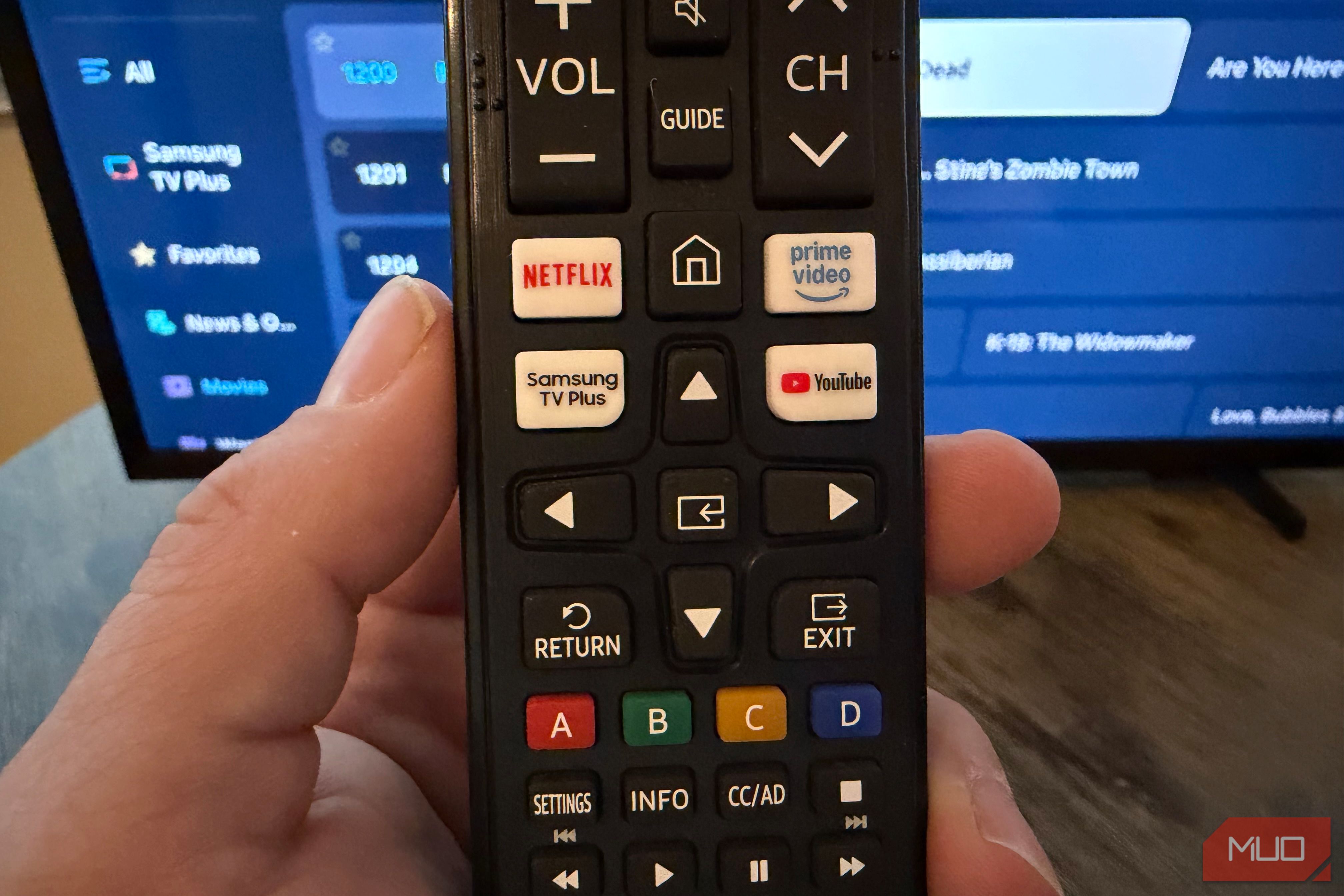
Unlock 650+ Free Channels on Your Samsung TV with One Button
Learn to instantly access over 650 free, ad-supported channels and movies on your Samsung TV with a single button press, requiring no logins or subscriptions.

GeekWire Week in Review: A Curated Dose of PNW Tech News
Verdict: Your Weekly Dose of Pacific Northwest Tech Insights GeekWire's "Week in Review" for October 25, 2026, serves as a highly efficient digest for anyone looking to stay abreast of the significant tech and startup
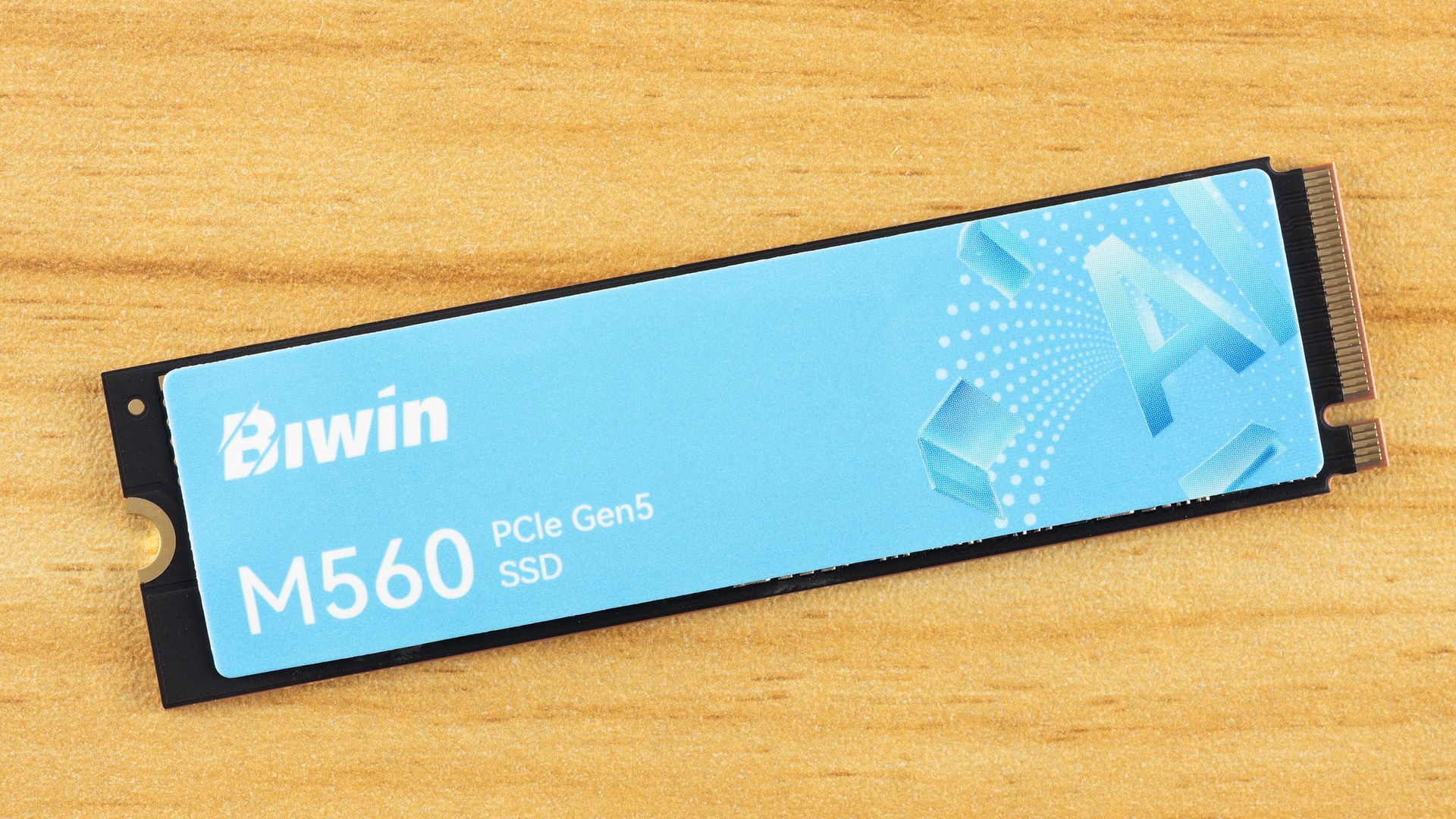
Biwin M560 2TB SSD Review: A DRAM-less PCIe 5.0 Powerhouse
The Biwin M560 2TB SSD is a top-tier PCIe 5.0 DRAM-less drive, delivering exceptional application and gaming performance with impressive efficiency. Its SMI SM2504XT controller shines, making it a strong contender for next-gen storage.
How to Pick the Best Firefox for Your Android: A Guide to All 5
Explore the five distinct versions of Firefox for Android to find the perfect browser for your privacy, extension needs, or everyday use.

November 2026 Skywatching Guide: Your Stellar Companion for Autumn
The "November 2026 Skywatching Guide: Meteors, Planets, Stars and a Full Moon" from CNET positions itself as an essential companion for celestial enthusiasts. This comprehensive guide delivers a detailed roadmap to the
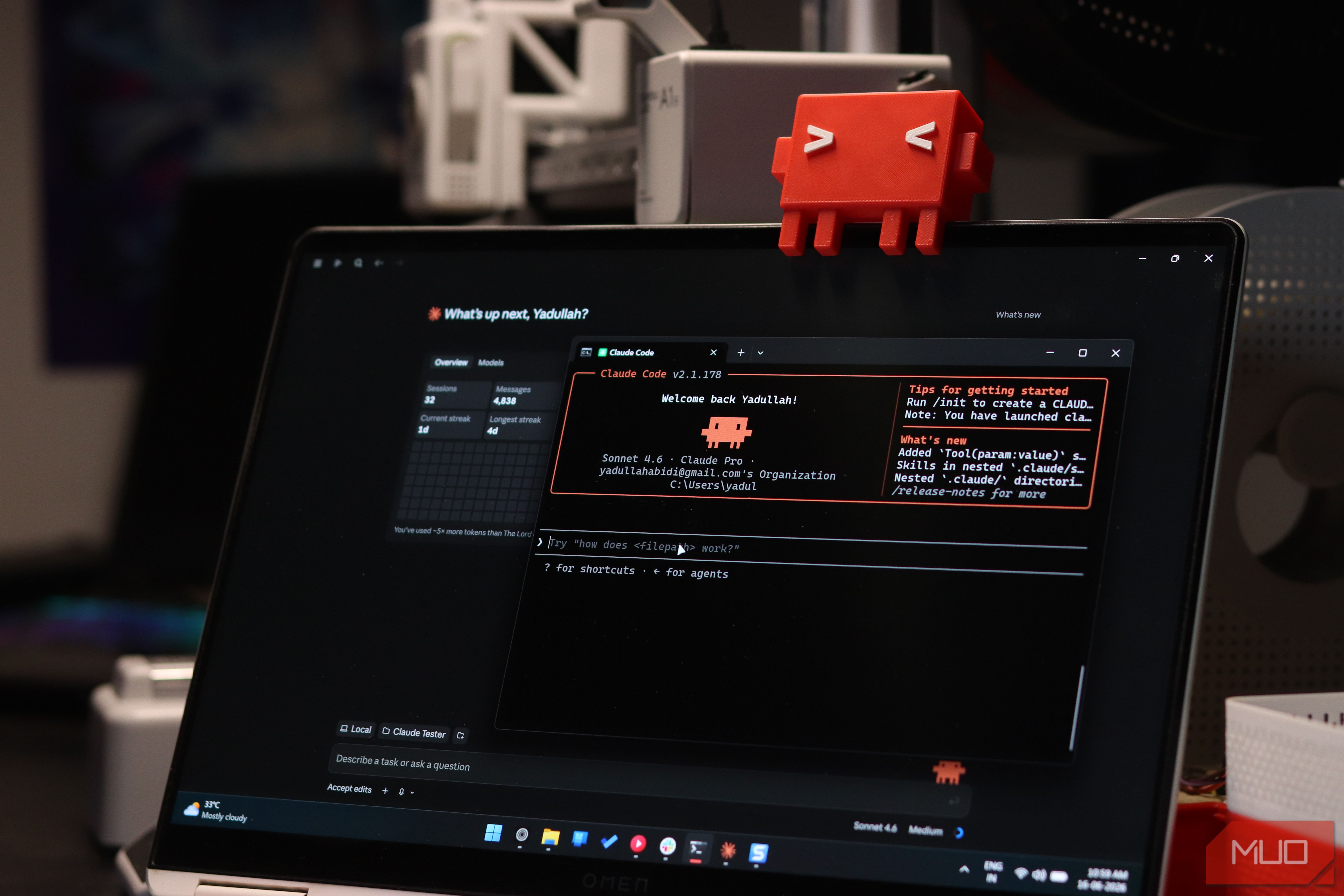
Securely Empower Your Smart Home: Integrating Claude Code with Home
Learn to integrate Claude Code with Home Assistant to automate and manage your smart home devices, focusing on secure practices for token usage and deployment.