
Securely Empower Your Smart Home: Integrating Claude Code with Home
Learn to integrate Claude Code with Home Assistant to automate and manage your smart home devices, focusing on secure practices for token usage and deployment.
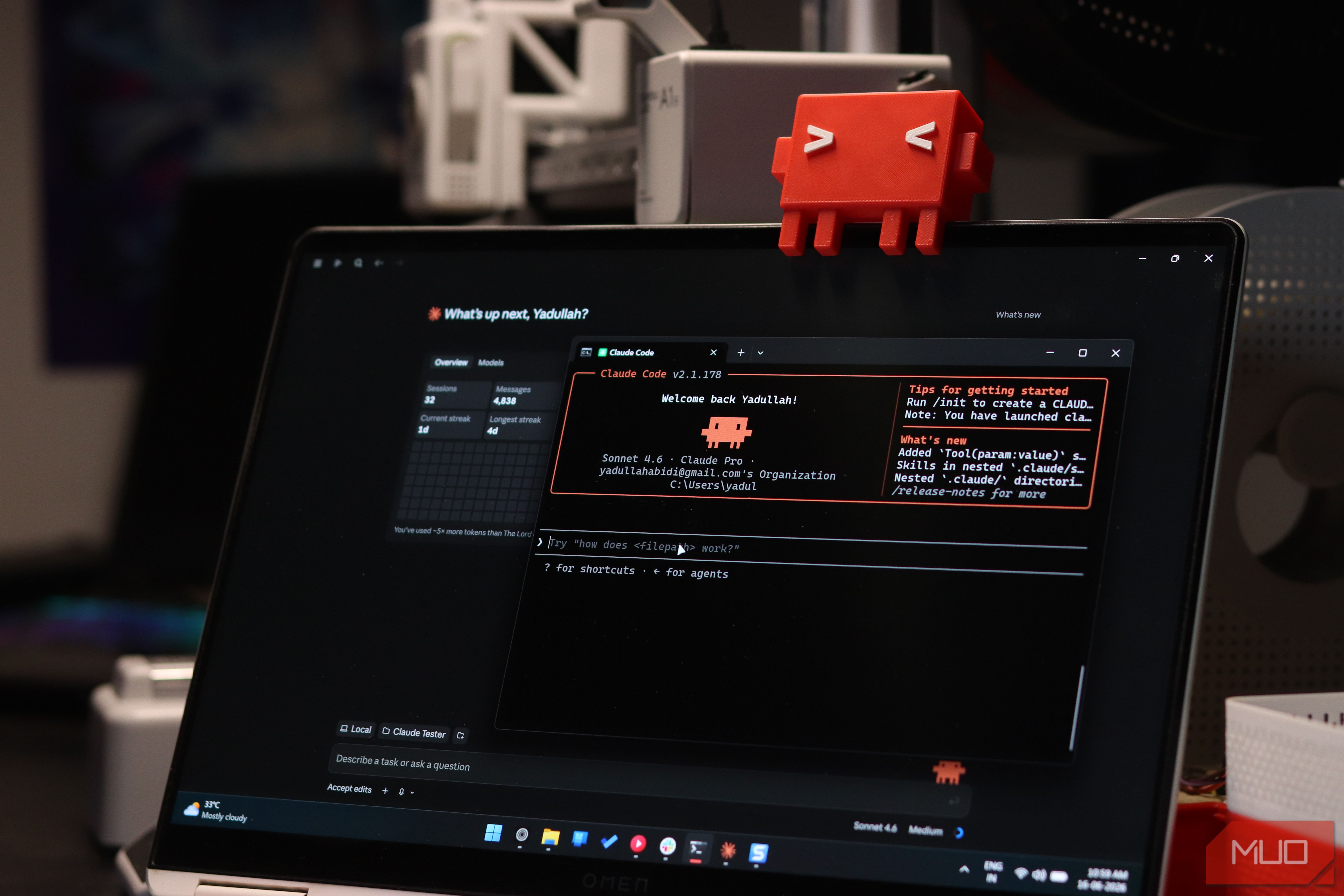
Integrating an AI assistant like Claude Code with your Home Assistant setup can transform how you manage your smart home, moving beyond simple suggestions to direct action. This guide will show you how to leverage this powerful functionality, while emphasizing critical security measures derived from the author's real-world experience, ensuring you benefit from AI automation responsibly.
Prerequisites
Before you begin, ensure you have the following:
- A working Home Assistant instance: Your Home Assistant should be fully set up with your devices and entities configured.
- Claude Code access: You'll need an active Claude Code account and a basic understanding of its interface.
- Basic understanding of Home Assistant: Familiarity with concepts like entities, services, and YAML configuration will be beneficial.
- Network access to Home Assistant: Claude Code will need to communicate directly with your Home Assistant instance, usually via its local network address or a remote access solution.
Understanding Home Assistant API Access and Tokens
Home Assistant provides an Application Programming Interface (API) that allows external applications to interact with your smart home. With proper authentication, clients like Claude Code can read the current status of your smart home entities and call services to control devices such as lights, plugs, cameras, and 3D printers. The primary method for granting this access is through a 'long-lived access token'.
Generating a Home Assistant Long-Lived Access Token (Use with Caution)
A long-lived access token offers persistent access to your Home Assistant instance for an extended period, potentially up to 10 years. While convenient, this long validity introduces significant security risks if the token is compromised or mishandled. It is crucial to manage these tokens with extreme care and follow the security best practices outlined later in this guide.
Steps to generate a token:
- In Home Assistant, navigate to your Profile (typically found in the sidebar menu).
- Scroll down to the Long-Lived Access Tokens section.
- Click the Create Token button.
- Give your token a clear, descriptive name, such as 'Claude Code Integration' or 'AI Automation Tool'.
- Immediately copy the generated token. For security reasons, it will only be displayed once upon creation. Store it securely and temporarily, as you'll soon provide it to Claude Code.
Providing the Token to Claude Code
Once you have your long-lived access token, you can provide it to Claude Code, typically by pasting the token into your Claude Code conversation or a dedicated configuration area within the AI environment. This action authenticates Claude Code with your Home Assistant instance, granting it the ability to inspect your setup, call actions, and propose direct changes to your smart home configurations.
Leveraging Claude Code for Smart Home Management
With access configured, Claude Code transforms into a powerful ally for smart home management:
- Design and Overhaul Dashboards: Describe your ideal dashboard layout in natural language, and Claude can generate the necessary YAML configurations. The author successfully combined multiple Claude-generated design elements to create a primary office dashboard and a touch-friendly mobile version.
- Troubleshoot Complex Issues: Claude can help debug problems across various system layers. For instance, the author debugged a Frigate camera setup that had driver mismatches, authentication issues, and video-decoding problems, all within the same conversation. This eliminated the need for constant copy-pasting between windows and streamlined the troubleshooting process.
- Create Advanced Automations:
- Away Mode: Easily define rules for turning off devices (such as AC, lights, and inactive 3D printers) when you leave home, based on criteria like your phone leaving your home Wi-Fi network and GPS confirming your absence.
- Device Quirk Management: For devices with specific operational quirks, like an AC unit requiring a power cycle to truly activate, Claude can assist in crafting sophisticated retry scripts. The author created a script that monitors actual power draw from the AC compressor, power cycles the AC if the compressor doesn't kick in, and attempts this multiple times, ensuring the AC truly runs. A separate safety-off automation was also created to disarm the system or switch off devices if they go offline.
- Household Management: Claude can even help create utilities like a rent calculator. The author developed a system that splits rent, househelp, water, and electricity charges among flatmates, factoring in individual AC usage from the previous month and including features like payment confirmation and overdue warnings.
Essential Security Practices for AI Integration
The convenience of AI integration is undeniable, but the potential for unintended consequences is significant. The author of the source article explicitly warns against casually copying their initial token-pasting approach. Here’s how to tighten your security:
- Dedicated, Limited Credentials: Whenever possible, use tokens or credentials that have the absolute minimum permissions required for Claude's specific tasks, rather than granting broad access.
- Restrict Deployment Access: Configure Claude Code to generate code for your review rather than directly pushing major changes to your Home Assistant instance. This creates a critical human-in-the-loop safeguard.
- Regular Backups: Before allowing any major AI-driven modifications, always create a full backup of your Home Assistant configuration.
- Revoke Tokens After Use: If you're using a broad access token for a specific project or debugging session, revoke it immediately once the task is completed.
- Require Approvals: Utilize Claude Code's explicit permission rules to mandate your manual approval before it deploys significant changes to your physical devices or configurations.
- Verify AI-Generated Code: Always treat AI-generated code (YAML, scripts, etc.) as a first draft. Thoroughly review it for accuracy, efficiency, and any potential unintended consequences before implementation.
- Understand the Distinction: Always maintain a clear understanding of the difference between an AI offering helpful code suggestions and it taking direct control over your home's physical systems. Human oversight is paramount.
Troubleshooting Tips
Even with an AI assistant, issues can arise. Here's how to approach common troubleshooting scenarios:
- Device or Integration Failures: If specific devices or integrations (like camera feeds through Frigate) aren't responding or functioning correctly, leverage Claude Code to inspect logs or system states for clues related to driver mismatches, authentication problems, or stale configurations, as the author successfully did.
- Token and Authentication Issues: Double-check the validity of your access token and ensure it has been correctly provided to Claude Code. Expired or mistyped tokens are frequent causes of communication failures.
- Deployment Problems: If Claude reports successful deployment but the changes aren't visible in Home Assistant, verify the permissions granted to Claude, check network connectivity between Claude and your Home Assistant instance, and consider restarting Home Assistant or clearing your browser's cache for UI-related changes.
- Physical Device Verification: For critical automations affecting physical devices (e.g., ensuring an AC compressor actually kicks in), do not rely solely on reported software states. Implement actual feedback mechanisms, such as power consumption monitoring, to confirm the device is behaving as expected in the real world.
FAQ
Q: Is it safe to give Claude Code full access to my Home Assistant? A: The author of the source content explicitly states it's not recommended to give "full access" casually due to the long-lived nature of tokens and the risk of unintended deployments. While powerful, it requires careful security measures, such as using dedicated credentials with limited scope, restricted access, and mandatory human approval for major changes.
Q: What kind of tasks can Claude Code help with in Home Assistant? A: Claude Code can assist with various tasks, including generating YAML for dashboards, troubleshooting complex device integrations (like camera feeds), creating advanced automations (e.g., away modes, retry scripts for stubborn appliances), and managing household calculations based on smart plug data.
Q: How can I minimize the risks when integrating AI with my smart home? A: To minimize risks, always use dedicated credentials with limited permissions, revoke tokens after a task is complete, back up your configurations regularly, require explicit approval for AI-driven changes, and always verify any code or configurations generated by the AI before deployment.
Next Steps
Now that you understand how to integrate Claude Code with Home Assistant and the critical security measures involved, begin experimenting with small, low-risk automations or dashboard adjustments. Continuously refine your security protocols and approvals as you explore more complex integrations. Consider reviewing your Home Assistant user permissions to further segment access for any external tools. Experiment cautiously, always prioritizing security and human oversight.
Related articles

Unlock 650+ Free Channels on Your Samsung TV with One Button
Learn to instantly access over 650 free, ad-supported channels and movies on your Samsung TV with a single button press, requiring no logins or subscriptions.

GeekWire Week in Review: A Curated Dose of PNW Tech News
Verdict: Your Weekly Dose of Pacific Northwest Tech Insights GeekWire's "Week in Review" for October 25, 2026, serves as a highly efficient digest for anyone looking to stay abreast of the significant tech and startup
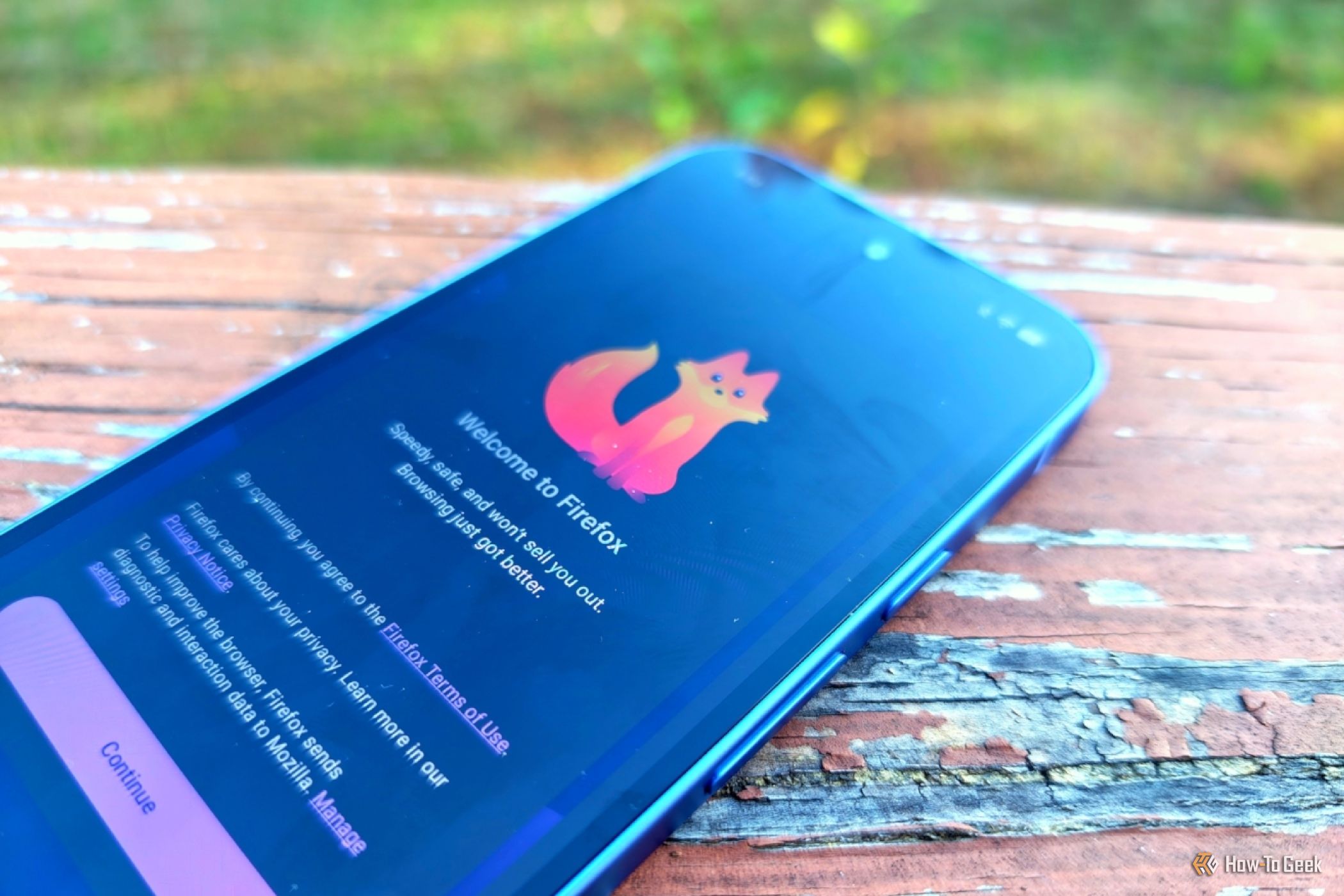
How to Pick the Best Firefox for Your Android: A Guide to All 5
Explore the five distinct versions of Firefox for Android to find the perfect browser for your privacy, extension needs, or everyday use.
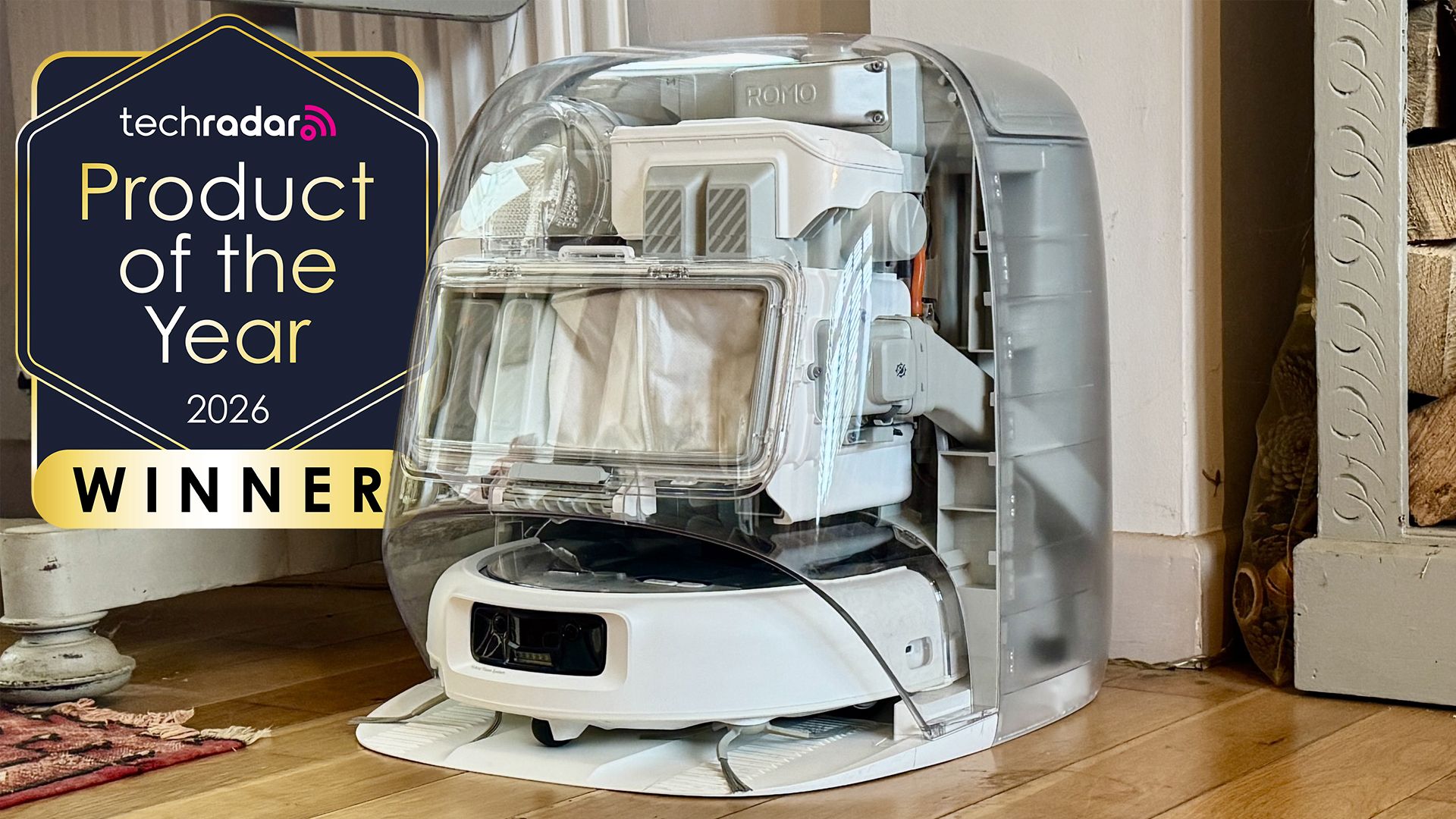
DJI Romo P Review: Drone Navigation Hits Your Floors with Impressive
Quick Verdict The DJI Romo P, our Home Device of the Year for 2026, marks an astonishing debut for DJI in the robot vacuum market. Leveraging its unparalleled drone-navigation technology, the Romo P offers class-leading

WhatsApp Group Chats: Smart Upgrades for Busy Conversations
WhatsApp rolls out significant group chat updates, including permanent message pins, private Group Status, and enhanced message discovery, aiming to tame chaotic conversations and improve user efficiency.

November 2026 Skywatching Guide: Your Stellar Companion for Autumn
The "November 2026 Skywatching Guide: Meteors, Planets, Stars and a Full Moon" from CNET positions itself as an essential companion for celestial enthusiasts. This comprehensive guide delivers a detailed roadmap to the