
How to Pick the Best Firefox for Your Android: A Guide to All 5
Explore the five distinct versions of Firefox for Android to find the perfect browser for your privacy, extension needs, or everyday use.
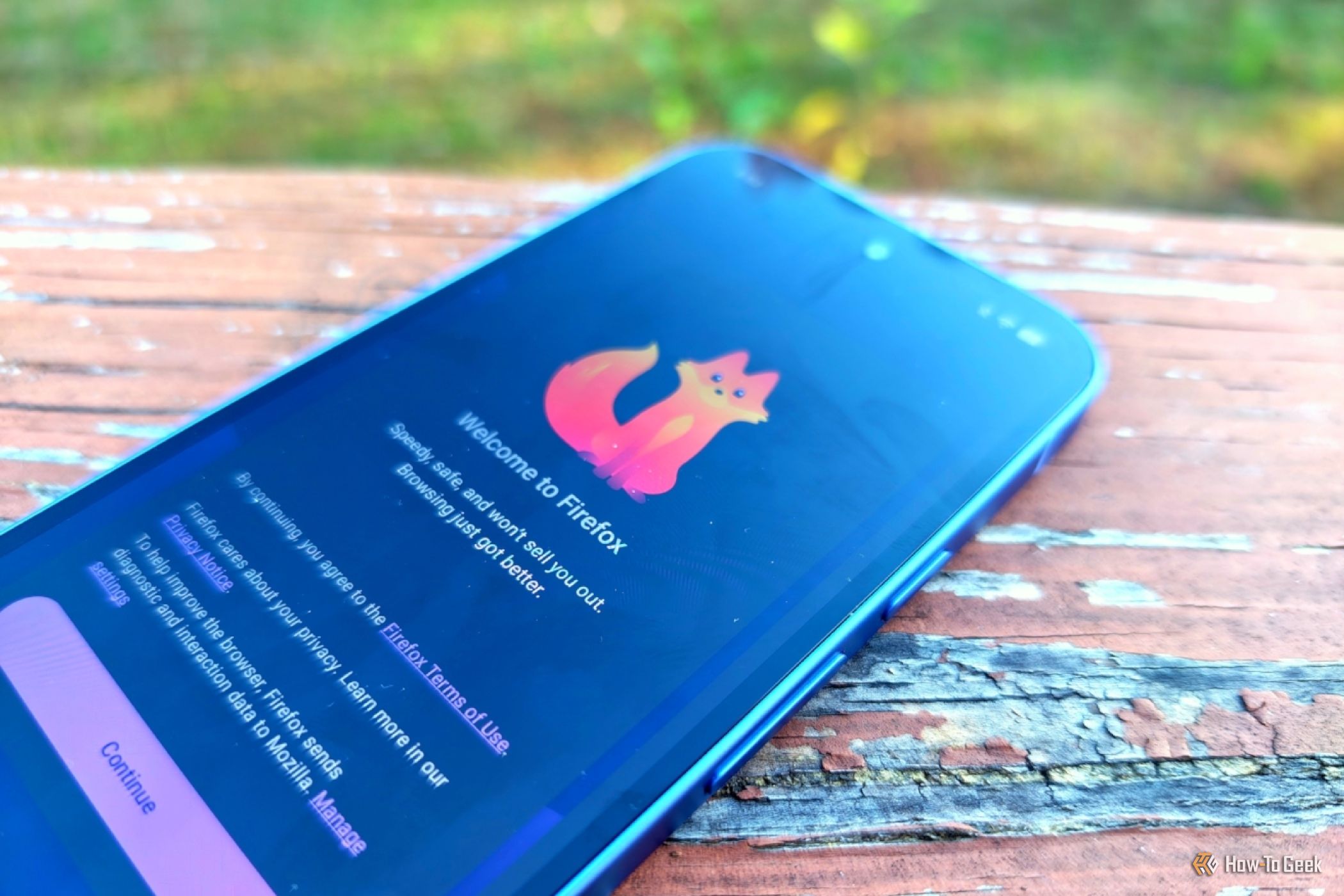
While Google Chrome dominates Android, many turn to Mozilla Firefox for privacy and an open web experience. What often surprises users is that "Firefox for Android" isn't just one app; there are five distinct versions, each tailored for specific needs, from enhanced privacy to broad add-on support. This guide will clarify the purpose of each Firefox variant, helping you choose the perfect browser for your Android device.
Prerequisites You'll need an Android smartphone or tablet and an active internet connection to download your chosen browser(s).
Exploring the Five Firefox Versions for Android
Here’s a breakdown of each Firefox version, highlighting its core features and ideal use case.
1. Mozilla Firefox: The Standard Everyday Browser
This is the official, full-featured Firefox browser from Mozilla, found on the Google Play Store, designed for general use.
Why Choose It? Opt for this if you want a fast, reliable browser with integrated privacy protections (surpassing Chrome) and appreciate Mozilla's ecosystem. It’s the only version with a built-in VPN service and receives immediate updates. Ideal for most users seeking a robust daily browser without highly specialized requirements.
Key Consideration: It includes Mozilla's usage telemetry, making it the least private among the Firefox-based alternatives, though Mozilla prioritizes user privacy.
2. Firefox Focus: For Quick, Private Browsing
Firefox Focus is a minimalist browser specifically engineered for maximum privacy during short, incidental browsing sessions.
Why Choose It? Use Focus to open links from messages or emails without leaving a trace. It automatically clears all cookies, history, and cached data upon closing, preventing trackers from following you. Perfect as a secondary or default browser for quick taps, isolating your main browsing.
Key Consideration: Its lean design means it lacks advanced features like comprehensive tab management or broad extension support.
3. Fennec: The Telemetry-Free Choice
Fennec provides the core Firefox experience without any of Mozilla's data collection mechanisms, appealing to open-source advocates. It's available on F-Droid, an open-source Android app store.
Why Choose It? If you seek a pure Firefox browser free from Mozilla's telemetry (no surveys, experiments, or usage pings), Fennec is your answer. Developed independently, it offers a truly open-source experience. It also supports some unique extensions not found in vanilla Firefox and avoids defaulting to Google search, enhancing user control and privacy.
Key Consideration: As a community-maintained project, its update schedule might differ from official Mozilla releases.
4. Iceraven: Expanded Extension Support
Iceraven is a modified Firefox variant for users desiring more extensive browser add-on compatibility than the official Firefox for Android provides.
Why Choose It? If you rely on desktop browser extensions (e.g., ad-blocking, productivity) and wish for similar capabilities on your phone, Iceraven is designed to support a wider array of add-ons, including some from the Chrome Web Store incompatible with standard mobile Firefox.
Key Consideration: It uses experimental libraries, so not all desktop extensions are guaranteed to work without "breakage" due to mobile API limitations. However, in-browser recommended extensions typically function well.
5. Tor Browser: For Ultimate Anonymity
Based on Firefox's Extended Service Release code, the Tor Browser for Android offers powerful anonymity by routing your internet traffic through a global, decentralized network.
Why Choose It? This is your go-to for situations demanding the highest level of privacy and untraceability, such as bypassing censorship, safeguarding identity, or accessing sensitive information. Tor routes your connection through at least three encrypted relays, making online activities exceptionally difficult to monitor.
Key Consideration: This robust anonymity significantly impacts browsing speed; pages will load much slower due to multi-layered routing. Best reserved for critical use cases where anonymity is paramount over speed.
Choosing Your Firefox: A Quick Guide
- Standard Firefox: General use, built-in VPN.
- Firefox Focus: Quick, private, disposable sessions.
- Fennec: Telemetry-free, open-source.
- Iceraven: Broader desktop extension compatibility.
- Tor Browser: Maximum anonymity for critical privacy.
Practical Tips for Any Firefox Version
- Stay Updated: Regularly update for security and performance.
- Explore Settings: Customize privacy and other options.
- Combine Browsers: Use a primary browser with Focus for diverse needs.
Next Steps
Once you've chosen your ideal Firefox version(s), download and install. Use the Google Play Store for official Mozilla apps. For Fennec, look to F-Droid. For Iceraven and Tor Browser, download securely from their official project websites. Customize settings, and enjoy a browsing experience tailored to your Android preferences.
FAQ
Q: Can I install multiple Firefox versions on my Android simultaneously? A: Yes. Each installs as a separate app, letting you use different ones for distinct purposes (e.g., standard Firefox for daily use, Focus for private links).
Q: Are community Firefox versions like Fennec and Iceraven safe? A: Generally, yes. They're open-source and community-vetted. Always download Fennec from F-Droid and Iceraven from its official GitHub to ensure authenticity.
Q: Why is Tor Browser much slower than other Firefox versions? A: Tor's slowness is inherent to its anonymity process. It routes traffic through at least three encrypted relays globally, adding latency to page loading while making your activity incredibly difficult to trace.
Related articles
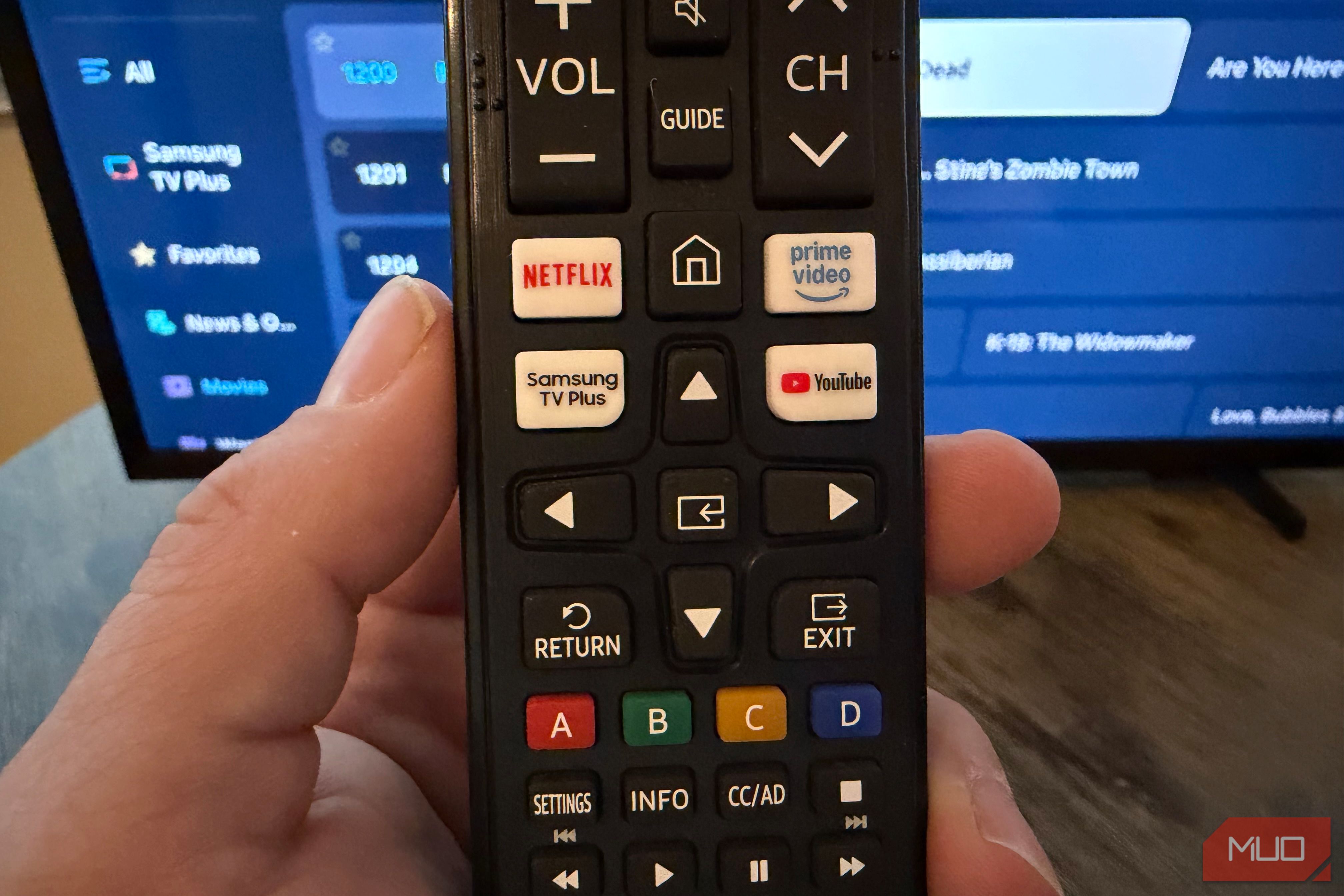
Unlock 650+ Free Channels on Your Samsung TV with One Button
Learn to instantly access over 650 free, ad-supported channels and movies on your Samsung TV with a single button press, requiring no logins or subscriptions.

GeekWire Week in Review: A Curated Dose of PNW Tech News
Verdict: Your Weekly Dose of Pacific Northwest Tech Insights GeekWire's "Week in Review" for October 25, 2026, serves as a highly efficient digest for anyone looking to stay abreast of the significant tech and startup

WIRED Unveils 2026's Best Space Heaters, Addresses Recall
WIRED's 2026 review identifies the top space heaters for portable warmth, emphasizing safety, efficiency, and quiet operation. The Dreo Whole Room Heater 714 earns the "best overall" title, though the review also flags a critical recall for a similar Dreo model, highlighting the importance of consumer vigilance.

DJI Romo P Review: Drone Navigation Hits Your Floors with Impressive
Quick Verdict The DJI Romo P, our Home Device of the Year for 2026, marks an astonishing debut for DJI in the robot vacuum market. Leveraging its unparalleled drone-navigation technology, the Romo P offers class-leading

November 2026 Skywatching Guide: Your Stellar Companion for Autumn
The "November 2026 Skywatching Guide: Meteors, Planets, Stars and a Full Moon" from CNET positions itself as an essential companion for celestial enthusiasts. This comprehensive guide delivers a detailed roadmap to the
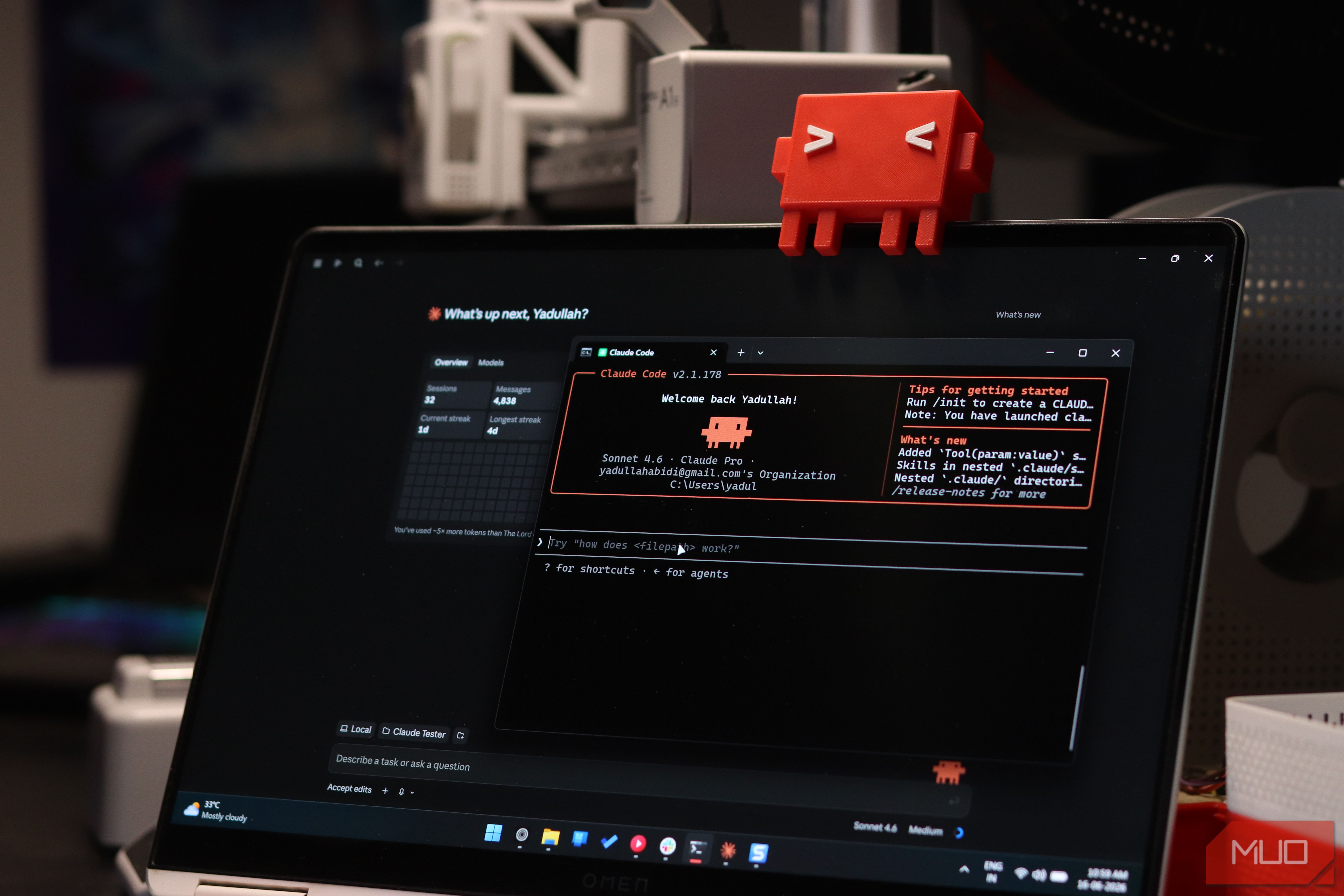
Securely Empower Your Smart Home: Integrating Claude Code with Home
Learn to integrate Claude Code with Home Assistant to automate and manage your smart home devices, focusing on secure practices for token usage and deployment.