
Transform Your PowerPoint: Unleash Modern Presentation Power
Learn to modernize your PowerPoint presentations by leveraging AI design, advanced animations, live data linking, and camera embedding to create dynamic, engaging experiences, moving beyond outdated, text-heavy slides.
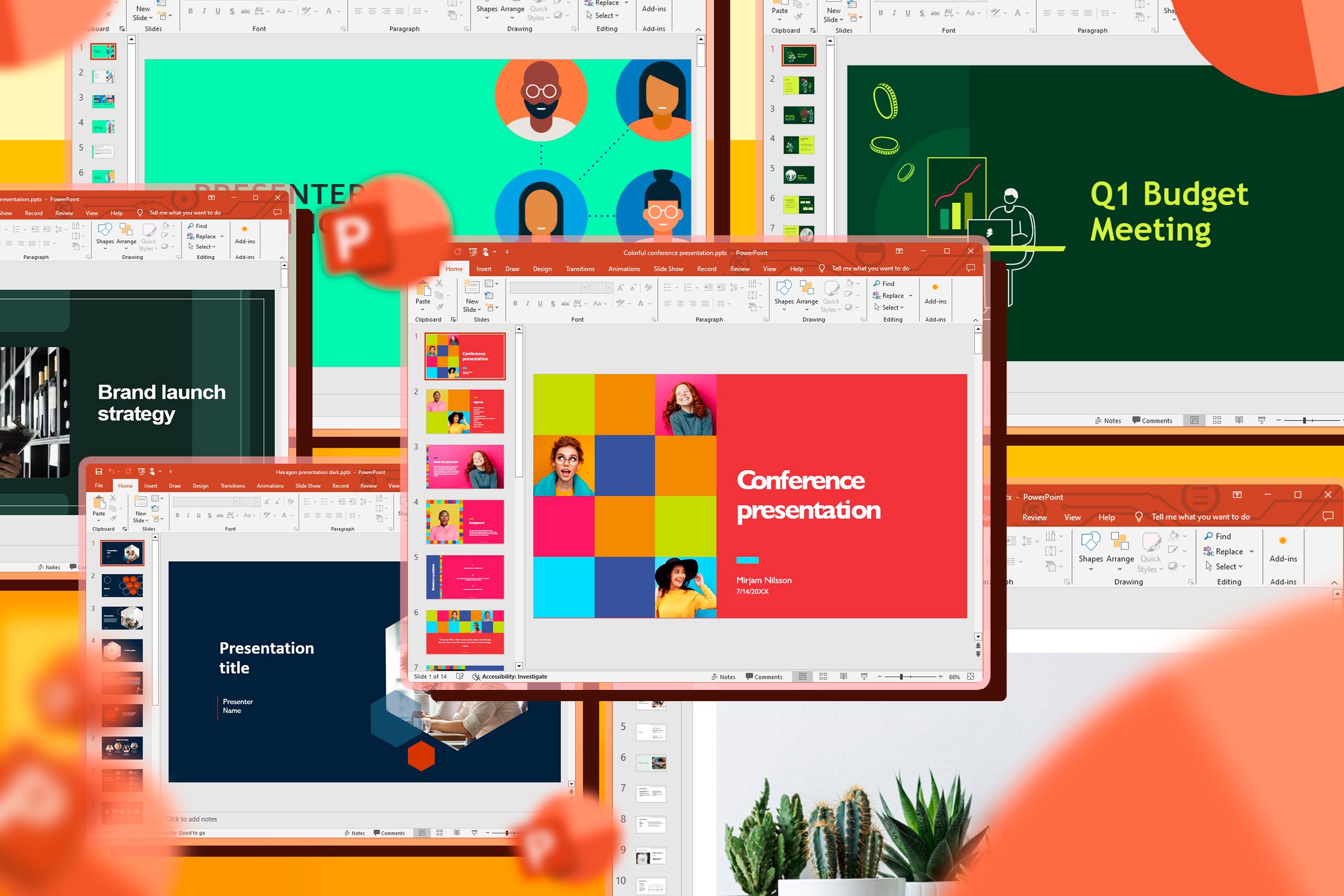
Many blame PowerPoint for boring presentations, but often, the real issue is an outdated approach. Microsoft has quietly evolved PowerPoint into a sophisticated design and motion graphics tool. If your presentations feel stuck in the past, it's time to update your workflow.
This guide will empower you to use PowerPoint's latest features to create engaging, dynamic, and professional presentations, moving beyond static, text-heavy slides.
Prerequisites: To access all features discussed:
- The latest desktop versions of PowerPoint.
- A Microsoft 365 Personal subscription.
Ditch the Document Trap: Design for Visual Impact
The biggest mistake users make is treating a slide like a horizontal Word document, stuffing it with paragraphs. This "document trap" overloads your audience, as reading and listening compete for brain regions, leading to disengagement.
Think like a billboard designer:
- Kill Your Bullet Points: Forget the 5/5/5 rule. Eliminate bullets. If a point needs more than a high-impact image and one declarative sentence, use more slides, not more text.
- Embrace Whitespace: Use whitespace (negative space) as a visual pointer, guiding audience eyes. Don't fear empty space; it's a design feature.
- Master the Selection Pane: Use the Selection Pane (
Home > Select > Selection Pane). This layers panel helps manage complex visual hierarchies by letting you hide, rename, and reorder elements without disturbing backgrounds.
Let AI Design and Enhance: Automate Layouts and Edit Photos
PowerPoint's built-in AI handles design and photo editing, saving time and reducing external software needs.
Automate Slide Layouts with Microsoft Designer
Microsoft Designer (formerly Design Ideas) analyzes slide content in real time, offering professional layout suggestions.
- Start Typing or Insert a Picture: As you add text or an image, Designer suggests relevant, high-quality layouts.
- Access Designer Manually: If suggestions don't appear, click
Designerin theHometab. - Select and Refine: Choose the best layout, focusing on content while AI handles aesthetics.
Edit Pictures Directly in PowerPoint
You no longer need external apps for image cleanup. PowerPoint features a dedicated AI-powered editing suite.
- Insert Picture: Paste or use
Insert > Pictures. - Open Editor: Select picture, then
Picture Formattab. ClickEdit ImageorEdit Picture. - Choose Tool: Select a tool (e.g., erase photobombers, move subjects, upscale). For text in a picture, hover and click
Edit Text. - Preview & Adjust: See real-time AI edits. Use back arrow for more tools,
Undofor last action. - Save Edits: Click
Updateto apply changes.
Note: This feature is available in the latest desktop versions and rolling out to PowerPoint for the web.
Bring Your Slides to Life: Dynamic Transitions and Navigation
Engage your audience with fluid animations and dynamic navigation, moving beyond static presentations.
Automate Animations with Morph
Morph transforms simple object movements into smooth, professional animations.
- Prepare Slides: Create a slide with an object (shape, image, text). Duplicate it.
- Modify Object: On the duplicated slide, move, resize, rotate (3D also), or change the object's color.
- Apply Morph: Select the duplicated slide. In
Transitionstab, clickMorph. PowerPoint animates the object's journey.
Navigate with Style Using Slide Zoom
Slide Zoom offers Prezi-like navigation: zoom into sections and back to an overview, maintaining structure.
- Design Overview: Create a main navigation slide.
- Create Section Slides: Design individual slides/sections to zoom into.
- Insert Slide Zoom: Go to
Insert > Zoom > Slide Zoom. - Select Thumbnails: Check your section slides (leave overview unchecked). Click
Insert. - Position Thumbnails: Arrange and resize inserted thumbnails on your overview slide.
- Enable Return to Zoom: Select each thumbnail on the overview slide. In
Zoomtab, checkReturn to Zoomto jump back to overview.
Present Like a Pro: Link Live Data and Embed Your Camera
Elevate presentations by integrating live data and your camera feed directly into slides.
Link Live Data from Excel
End manual updates and version control issues. Link Excel data directly for a "single source of truth."
- Copy Excel Chart: In Excel, copy your chart (
Ctrl+C). - Paste Special: In PowerPoint, go to
Home > Paste > Paste Special. - Select Link: In dialog, choose
Paste linkandMicrosoft Excel Chart Object. Confirm source file path. - Confirm: Click
OK. Your PowerPoint chart automatically updates with Excel changes.
Embed Your Live Camera Feed with Cameo
Transform virtual presentations into high-end broadcasts by embedding your live camera feed directly.
- Create Content: Ensure slides are complete.
- Insert Cameo: Go to
Inserttab, clickCameo. - Choose Placement: Select whether to show camera on active slide or all slides.
This hosts a production, not just a screen-share, fostering stronger audience connection.
Conclusion
PowerPoint is no longer a "digital typewriter." It can design, enhance photos, animate, link live data, and embed your camera. If presentations feel dated, it's your workflow. Embrace these modern capabilities to unlock countless uses for PowerPoint and transform presentations into truly engaging experiences.
FAQ
Q: Why should I avoid text-heavy slides?
A: They cause "cognitive overload." Reading text and listening compete for brain regions, hindering processing and leading to disengagement.
Q: Do I need a special subscription for these new features?
A: Many advanced features require the latest desktop PowerPoint, typically via a Microsoft 365 Personal subscription. Some are rolling out to web.
Q: How can I make my virtual presentations more engaging?
A: Use Cameo for camera feed, dynamic visuals (Morph, Slide Zoom), minimal text, linked live data, and a "billboard designer" mindset for compelling content.
Related articles
Solve Annoying PDF Problems Locally in Your Browser with BentoPDF
Dealing with PDFs can often feel like a never-ending series of small, annoying tasks. You might need to combine several documents, reduce the size of a bulky file, or even make an image-only scan searchable. Typically,

Your Guide to LG's 115-inch QNED evo TV: Features, Gaming & Price
Welcome to an exciting exploration of LG's latest innovation in home entertainment: the colossal 115-inch QNED evo AI Mini LED TV. This guide is designed to walk you through everything you need to know about this

The Super Mouse puts a touchscreen macro pad under your hand: Tech
Arctic Fox Technologies has launched the Super Mouse, an innovative peripheral featuring a 3.1-inch touchscreen for dynamic app controls, macros, and enhanced productivity. Available on Kickstarter for $199, this wired mouse aims to consolidate multiple desktop devices into one intuitive command center. Its contextual display and advanced features redefine user interaction.
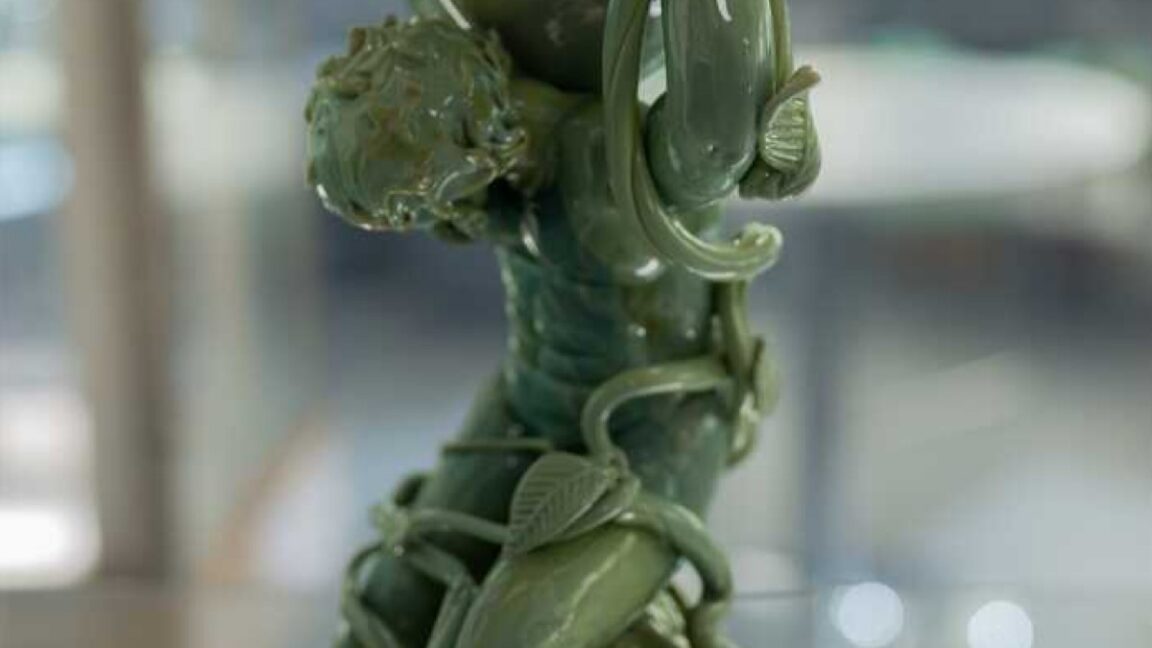
Sculpture Re-creates Lycurgus Cup Effect: A Glimmering Triumph of Art
The University of Sheffield successfully re-creates the 1,600-year-old dichroic glass recipe of the Lycurgus Cup. A new sculpture by artist Elliott Walker displays the stunning green-to-red optical effect, blending ancient tech with modern art. A significant scientific and artistic achievement.

How to Stop Google Using Your Gmail & Drive Data for Ads
Google's "Personal Intelligence" feature, designed to offer more tailored AI responses, may inadvertently lead to your personal data from apps like Gmail, Google Drive, and Google Photos being used for targeted

UK Gaming's Future on the Line: UKIE Pushes for Modern Tax Credits
UKIE is urging the government to modernize the Video Games Expenditure Credit (VGEC) and introduce a new 'Games Scale-Up Fund' ahead of the Autumn Budget. This move is critical to keep the UK competitive in global game development, address outdated rules, and prevent studios and talent from relocating, ensuring a vibrant future for British-made games.