
Android 17 Beta 4: A Polished Near-Final Preview
Google's Android 17 journey is nearing its destination, and the latest stop is Android 17 Beta 4. This release isn't about flashy new features; it's a critical polishing phase, setting the stage for the highly
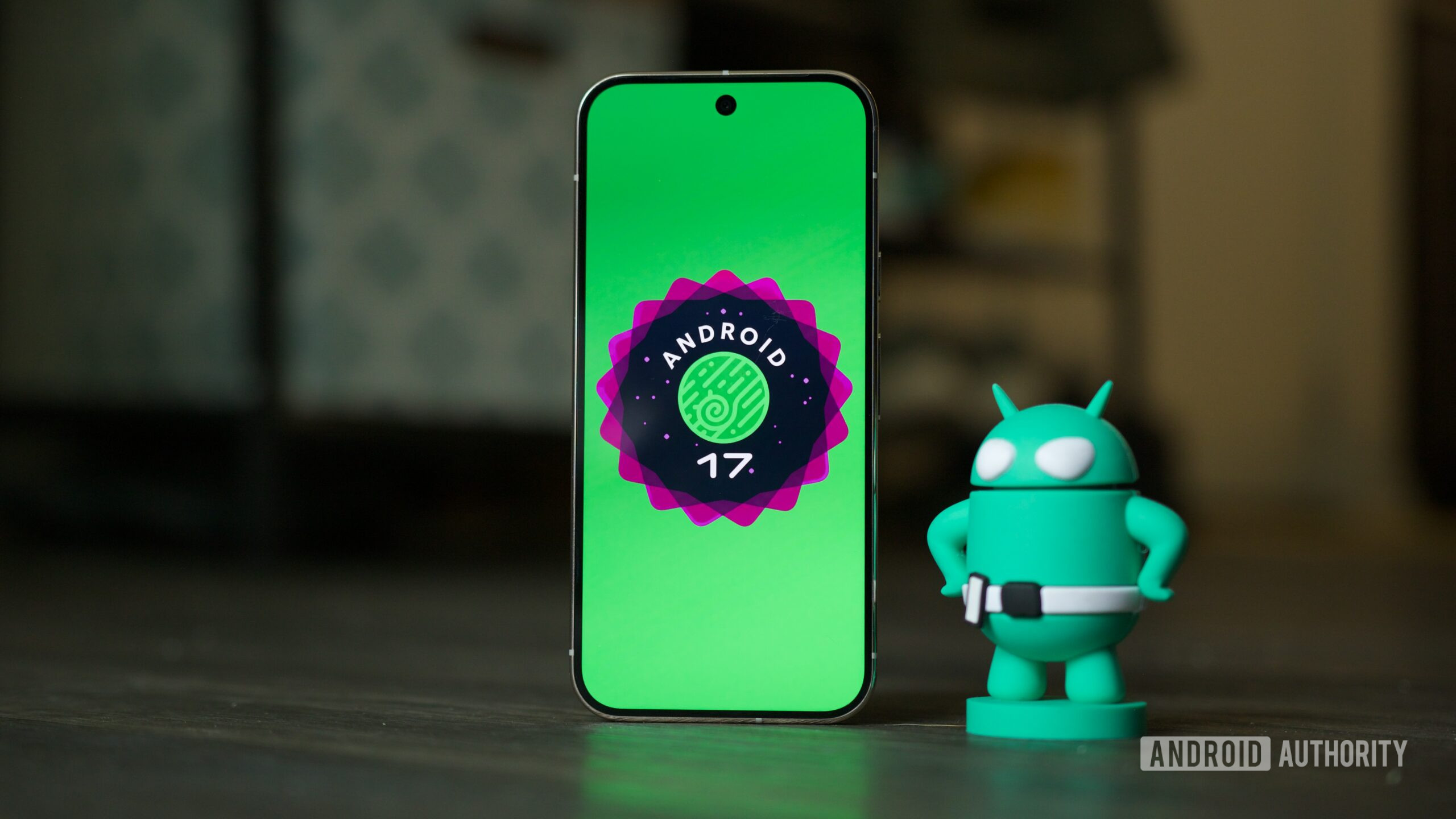
Google's Android 17 journey is nearing its destination, and the latest stop is Android 17 Beta 4. This release isn't about flashy new features; it's a critical polishing phase, setting the stage for the highly anticipated stable launch in the coming months. As experienced tech reviewers, we've delved into what this "near-final environment" brings to the table, and our verdict is clear: this beta is all about refinement, stability, and subtle but welcome user experience improvements.
Quick Verdict: A Refined Final Push Towards Stability Android 17 Beta 4 marks the final scheduled beta in Google's development cycle, signaling that the core features are locked in, and the focus has shifted entirely to squashing bugs and optimizing performance. If you're a tester with a compatible Pixel device, this update is a must-install, bringing a significantly more stable and reliable experience. For those contemplating joining the beta program now, it offers a solid, nearly complete glimpse into Android 17, though the typical caveats of beta software still apply.
Availability and Installation Android 17 Beta 4 is currently accessible to owners of Google Pixel phones and tablets, specifically from the Pixel 6 series onwards. Existing testers should already be receiving notifications for the over-the-air update. If you're new to the beta program but are eager to get an early look at Android 17, the process remains straightforward, requiring you to sign up through Google's Android Beta guide. It's worth remembering that while this is a late-stage beta, it's still pre-release software, and minor kinks can occasionally be present.
Under the Hood: Stability and Security First Having reached platform stability with Beta 3, Android 17's Application Programming Interfaces (APIs) are now finalized. This means developers can confidently build and update their apps for the new OS without fear of core changes breaking functionality. As a consequence, Beta 4 isn't introducing major new features, but rather strengthening the foundation.
One significant improvement under the hood is Google's implementation of new Android 17 app memory limits. This intelligent system is designed to dynamically allocate the "right amount of RAM" to each application based on system availability, aiming to ensure smoother multitasking and more efficient resource management across the board. In practical terms, this should translate to a snappier, more responsive device, especially when juggling multiple demanding applications.
Security also receives a crucial boost with the promised Post-Quantum Cryptography (PQC) upgrades. These enhancements fortify Android against potential future threats, hardening the system against sophisticated hacking techniques that may emerge with advancements in quantum computing. While not a user-facing change, it’s a vital long-term investment in device security.
And for those who enjoy a bit of fun, this release also officially debuts the Android 17 Easter egg, a small, delightful tradition for every Android iteration.
User Experience: Subtle Yet Impactful Tweaks While new features are sparse, Beta 4 delivers a couple of noticeable, user-facing refinements that contribute positively to the overall experience.
First, Google has revamped the notification screen when your inbox is empty. Gone is the somewhat uninspiring "No notifications" text, replaced by a more engaging "You're all caught up" message accompanied by a congratulatory trophy icon. It's a small aesthetic change, but it adds a touch of gamification and positivity to an otherwise blank slate. Tapping this new message also conveniently pulls up your notification history, a useful shortcut for quickly reviewing missed alerts.
Perhaps more impactful for many users is the return of a beloved feature: the "Save" button in the Recents screen for photos. In Android 16 QPR3, Google removed the ability to long-press a photo in the Recents carousel to save it, a decision that was met with considerable user dissatisfaction. We, along with many others, were not fans of that change, so its reappearance in Android 17 Beta 4 is a welcome reversion. It reinstates a convenient shortcut for image management that should never have left.
Critical Bug Fixes: The Unsung Heroes of Beta 4 The true stars of Android 17 Beta 4 are the extensive list of bug fixes. These are the improvements that make a real difference in daily usability, tackling a wide array of issues that could previously mar the user experience. Google has addressed numerous critical problems, significantly enhancing stability, functionality, and accessibility:
- System Stability and Performance: Many fixes target frustrating instability issues, including spontaneous device restarts while typing, critical system hangs and crashes during normal usage, and instances where core components like Pixel Launcher or navigation would crash or become unresponsive for minutes after a reboot. These fixes are paramount for a smooth, reliable experience.
- Notification and Media Management: Issues where media control widgets would disappear or fail to navigate between sessions have been resolved. A crucial fix also prevents silent notifications from unexpectedly playing alert sounds, which was a disruptive bug on Android 16 when multiple notifications were present.
- Charging and Display Issues: For those experiencing significantly reduced charging speeds when nearing 80% battery, resulting in long delays, this beta offers a fix. Display issues, such as random multicolored horizontal lines obscuring the screen, have also been tackled, ensuring a clear visual experience.
- Connectivity and Accessibility: Problems preventing Bluetooth from being re-enabled after being turned off are resolved. Wi-Fi analyzer applications, which previously failed to detect signals, now function correctly. Crucially, several accessibility issues have been patched, including scenarios where the device became completely unresponsive or users couldn't properly interact with apps after using split-screen view.
- Privacy and Convenience: A notable privacy fix prevents webpage URLs from being automatically included when sharing screenshots from the capture preview, addressing an issue that could lead to unwanted links being shared alongside images.
- Wallpaper and System Services: Issues with downloading and applying cinematic or local weather wallpaper effects, as well as problems with dream services processing key events, have also been addressed.
This comprehensive list of fixes underscores Google's dedication to delivering a robust and polished Android 17 stable release. Many of these issues, left unaddressed, could severely impact the daily operability of a device.
Pros and Cons
Pros:
- Enhanced Stability: A multitude of critical bug fixes significantly improves system reliability and reduces crashes.
- Improved Security: Post-Quantum Cryptography upgrades future-proof Android against advanced threats.
- Smarter Resource Management: New app memory limits should lead to smoother multitasking and better overall performance.
- User-Friendly Revisions: Welcome changes like the "You're all caught up" notification and the return of the "Save" button in Recents address minor pain points.
- Near-Final Experience: Offers a very close approximation of what the stable Android 17 release will feel like.
Cons:
- Few New User-Facing Features: Having reached platform stability, this beta focuses on refinement rather than groundbreaking new functionalities.
- Still Beta Software: While significantly more stable, it's not the final release, meaning minor bugs or app incompatibilities could still surface.
- Limited Device Support: Exclusively available for Pixel 6 and newer devices for testing.
Comparison to Alternatives As Android 17 Beta 4 is an iterative operating system update, it doesn't have direct 'alternatives' in the traditional sense that could be compared in a table. Instead, it represents the evolution and refinement of the Android platform itself. The comparison is really against previous beta versions of Android 17 and the current stable release of Android 16, which this beta aims to significantly improve upon in terms of stability, security, and minor usability features.
Buying Recommendation (Installation Recommendation)
For Existing Android 17 Beta Testers: Installing Beta 4 is a no-brainer. The sheer volume of critical bug fixes makes it a mandatory update for a more reliable and enjoyable pre-release experience.
For New Testers with a Secondary Device: If you have a compatible Pixel 6 or newer device that isn't your primary daily driver and you're keen to experience the absolute latest in Android development (minus the initial rough edges), now is a good time to jump in. The "near-final" status means it's generally quite stable.
For New Testers with a Primary Device: While significantly more stable than earlier betas, we still advise caution. Beta software, by its nature, can have unforeseen issues or app incompatibilities. If absolute stability is paramount for your daily workflow, it's still best to wait for the official, stable release of Android 17.
For the General Public: Hold off. The stable release is just around the corner, and it will offer the most polished, bug-free, and officially supported version of Android 17.
FAQ
Q: Who is Android 17 Beta 4 primarily intended for?
A: Android 17 Beta 4 is primarily intended for existing beta testers seeking the latest bug fixes and stability improvements. It also serves as a strong candidate for adventurous users with compatible Pixel devices who wish to experience a "near-final" preview of Android 17 before its official launch, understanding it's still pre-release software.
Q: What's the most significant aspect of this Android 17 Beta 4 release?
A: The most significant aspect of this release is its intense focus on refinement and stability. With platform stability already achieved, Beta 4 prioritizes critical bug fixes, performance optimizations (like improved memory management), and crucial security enhancements, rather than introducing new user-facing features. It’s about ensuring a solid foundation for the stable build.
Q: Should I install Android 17 Beta 4 on my main smartphone?
A: While Android 17 Beta 4 is described as a "near-final environment" and includes numerous stability fixes, it is still beta software. As such, there's always a possibility of encountering minor bugs, app incompatibilities, or unexpected behavior. For optimal reliability and peace of mind, it is generally recommended to avoid installing beta software on your primary, critical daily driver and instead wait for the official, stable release.
Related articles
Android 17 QPR2 Beta 7.1: The Performance Relief You've Been Waiting
Android 17 QPR2 Beta 7.1: Finally Fixing the QPR1 Performance Woes Verdict: Android 17 QPR2 Beta 7.1 is a crucial and highly anticipated software update for Google Pixel users, specifically targeting and resolving the

DJI Solo Video Setups: Smart Choices for Lone Creators
This review delves into DJI's recommended solo video setups, highlighting the Osmo Pocket 3 Creator Combo as a top pick for its integrated camera, gimbal, and mic. It also covers stabilizers like the Osmo Mobile 8 and RS 4, and the DJI Mic Mini series for enhanced audio, providing honest pros, cons, and clear buying advice.

Ars Technica's Rocket Report: Your Essential Space Industry Briefing
Quick Verdict Ars Technica's Rocket Report, presented by veteran space reporter Stephen Clark, offers an invaluable and meticulously organized weekly (or similar frequency, implied by "Edition 9.15") digest of the most

Apple iPhone Duo: A Daring Debut with Notable Compromises
Apple's highly anticipated iPhone Duo, priced at $2,000, has gone on pre-order. While hailed as "Apple's most exciting device in a decade" for its innovative foldable design and immersive display, it comes with significant drawbacks like the absence of FaceID and a premium camera.

KDE Plasma 6.8: A Future-Focused 30th Anniversary Update
Quick Verdict KDE Plasma 6.8, arriving as the "30th Anniversary Edition," is a pivotal release that decisively pushes the desktop environment into the future. With a definitive farewell to native X11 sessions and a

Ephemeral PR Preview Environments on GKE: A Deep Dive
Every development team eventually grapples with the limitations of shared staging environments. The familiar scenario: multiple features deployed simultaneously, database migrations clashing, and the phrase "it works on