
Why Your Phone Still Drains When Powered Off: An Engadget Deep Dive
The Verdict: Your Phone is Never Truly 'Off' It's a common user frustration: you power down your smartphone, perhaps for a long flight or to tuck it away for later use, only to discover the battery has still taken a
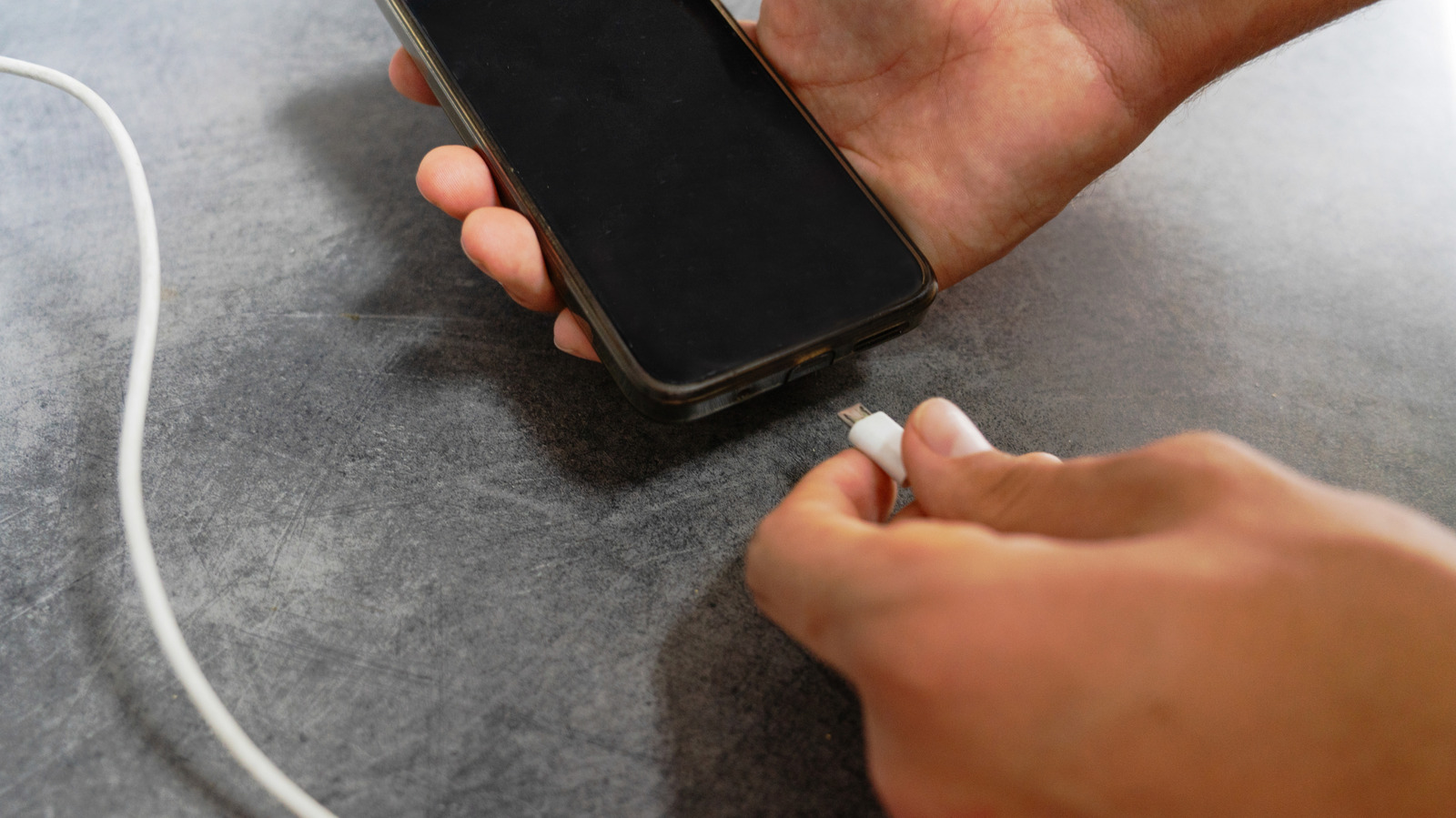
The Verdict: Your Phone is Never Truly 'Off'
It's a common user frustration: you power down your smartphone, perhaps for a long flight or to tuck it away for later use, only to discover the battery has still taken a hit. The short answer? Your phone is never truly off in the traditional sense, and a combination of necessary circuits and inherent battery chemistry means a slow, steady drain is always at play. While powering down does significantly slow depletion compared to leaving it idle, don't expect it to freeze time on your battery percentage. Understanding why this happens, and how to properly store your device, is key to maximizing its longevity.
The Lingering Power of Modern Smartphones
We've all been there: staring at a low battery warning when you least expect it. While advancements in smartphone battery technology have given us larger capacities and more efficient chipsets, the perplexing issue of battery drain even when a device is supposedly 'powered off' persists. Many assume that hitting the power button is like flipping a light switch, severing all connection to the energy source. However, modern smartphones, much like other battery-operated electronics, continue to draw a minimal amount of power even in their 'off' state.
This isn't necessarily a design flaw, but rather a consequence of essential functionalities and the very nature of the lithium-ion batteries that power our devices. While significantly slower than active use or even an idle, powered-on state, this subtle drain can still catch users off guard, particularly after extended periods of dormancy.
Unpacking the 'Off' State: Clock-and-Wake and Self-Discharge
There are two primary culprits behind this seemingly paradoxical battery drain:
The Clock-and-Wake Circuit
Think of this as the phone's minimalist heartbeat. Even when 'off,' a tiny circuit remains active, consuming a minuscule amount of current. Its purpose is twofold: first, to ensure the power button can respond when pressed, initiating the boot-up sequence; and second, to maintain the correct time and date. Without this low-power circuit, your phone would essentially be in a comatose state, unable to register input or recall basic timekeeping information upon revival. This ensures a smoother, quicker boot-up experience without the need to manually reset the clock every time.
The Chemical Reality: Self-Discharge
By far the most significant factor, self-discharge is an inherent characteristic of the lithium-ion batteries prevalent in almost all modern smartphones. This isn't an electrical leak but a fundamental chemical process. Even when not connected to a circuit actively drawing power, the chemical reactions within the battery itself slowly release energy. This results in a gradual loss of charge. For typical smartphone batteries, this self-discharge rate is roughly 1-2 percent of its total capacity per month when powered down. The rate of self-discharge can also be influenced by environmental factors; storing a phone in temperatures above typical room temperature can accelerate this depletion.
Powered Off vs. Powered On (Idle): A Clear Distinction
While powering down doesn't stop battery drain entirely, it's crucial to understand that it dramatically reduces it compared to leaving the phone on but unused. When a phone is powered on, even if it's sitting untouched on a desk:
- Screen notifications: The display lights up for incoming calls, messages, and app alerts, consuming significant power.
- Radio activity: The device constantly searches for and latches onto cellular, Wi-Fi, and Bluetooth signals, keeping its radios active.
- Background apps: Numerous applications continue to run processes in the background, syncing data, fetching updates, and performing other tasks.
As our own testing shows, an idle Android phone can easily go from half charge to completely dead within a week. Therefore, if you're looking to give your phone a break or conserve power for a specific event (like a long flight), powering it down completely is still the most effective method, despite the slow, unavoidable self-discharge.
User Experience and Long-Term Storage: Best Practices
Understanding these mechanisms is particularly important for users who plan to store a device for an extended period, such as an old phone waiting for a child to grow into, or a backup device. Leaving a phone in a drawer for months without attention can lead to irreversible battery damage. Here's what the experts, including Apple, recommend:
- The 50 Percent Rule: Do not store a phone with a fully charged or completely depleted battery. The optimal charge level for long-term storage is around 50 percent. This strikes a balance, preventing the stress of a full charge and guarding against the dangers of a deep-discharge state.
- Regular Top-Ups: Even at 50 percent, self-discharge will occur. To prevent permanent damage, recharge the device back to approximately 50 percent every six months. This periodic maintenance is critical for preserving battery health.
- Cool, Dry Environment: Store your device in a cool, dry place. Temperatures exceeding 90°F can accelerate self-discharge and contribute to battery degradation.
The Peril of Deep Discharge
Allowing a phone's battery to remain completely dead for an extended duration can lead to a 'deep-discharge' state. In this condition, the copper current collector within the battery can dissolve and redeposit. This physical alteration can permanently impair the battery's capacity, meaning it will hold less charge and offer shorter battery life per cycle moving forward. In more severe cases, it can even increase the risk of an internal short circuit, posing a safety concern.
Our experience, and that of many users, confirms that while a phone left dead for months might still boot up and function after a charge, its battery performance will almost certainly be diminished. An old BlackBerry PlayBook, unbooted since 2011, charged and worked, but its daily endurance was clearly a fraction of its former self. This illustrates that while devices are remarkably resilient, neglect does come at a cost to battery longevity.
The Takeaway: Informed Battery Management
Ultimately, the takeaway is clear: powering down your phone is a valuable strategy for conserving battery life in the short term, like during travel. However, it's not a magic bullet that completely halts energy consumption. The inherent chemical properties of lithium-ion batteries and the need for always-on 'wake' circuits mean a subtle drain is inevitable. For optimal battery health, especially for devices destined for long-term storage, proactive management – maintaining a 50 percent charge and topping up periodically in a cool environment – is your best defense against premature degradation. Understanding these nuances empowers you to get the most out of your devices, whether in active use or slumber.
FAQ
Q: Is it better to power down my phone or leave it on standby overnight to save battery? A: For short periods like overnight, the difference in battery drain between fully powering down and leaving it on standby (with low power mode enabled and background refresh limited) might be negligible for many modern phones. However, for maximum conservation, powering down is still superior as it eliminates drain from screen notifications, active radios, and most background apps. If you need to conserve every last percentage, power down.
Q: What happens if I store my phone fully charged or completely dead for a long time? A: Storing a phone fully charged for an extended period can put stress on the battery, potentially leading to faster degradation over time. Storing it completely dead (a deep-discharge state) is even more harmful, as it can cause irreversible damage to the battery's internal structure, reducing its overall capacity and potentially increasing the risk of a short circuit. The recommended practice is to store it around 50% charge.
Q: Will my phone's battery health suffer if I frequently power it off and on? A: No, frequently powering your phone off and on will not significantly impact its battery health. Modern smartphone operating systems and hardware are designed to handle these cycles. The factors that truly affect battery health are more related to charge cycles (number of full discharges/recharges), extreme temperatures, and prolonged storage at extreme charge levels (0% or 100%). Powering off is a valid strategy for conservation and does not harm the battery.
Related articles

howto: 4 Photoshop plugins so essential they should be built-in
Discover four essential Photoshop plugins that streamline your workflow, save time, and unlock new creative possibilities, making you wonder why they aren't built-in features.

Nothing CMF Clip Pro Review: Open-Ear Awareness at a Steal
The Nothing CMF Clip Pro offers a unique open-ear listening experience, designed for situational awareness and comfort. Now $30 off at $69, it's an appealing option for those seeking spacious sound without sealing off the world.

Solve Annoying PDF Problems Locally in Your Browser with BentoPDF
Dealing with PDFs can often feel like a never-ending series of small, annoying tasks. You might need to combine several documents, reduce the size of a bulky file, or even make an image-only scan searchable. Typically,

Your Guide to LG's 115-inch QNED evo TV: Features, Gaming & Price
Welcome to an exciting exploration of LG's latest innovation in home entertainment: the colossal 115-inch QNED evo AI Mini LED TV. This guide is designed to walk you through everything you need to know about this

Sakurai Shrugs Off AI Games: Why Human Creativity Still Reigns Supreme
Masahiro Sakurai, creator of *Super Smash Bros.*, believes most AI-created games will be "unprofitable titles" and "low-quality goods." He argues AI can only reproduce existing systems, not generate truly original artistic works like those from Fumito Ueda. In an era of mass production and industry shifts to AI-first models, Sakurai stresses the growing importance of unique human creativity and vision.

Apple's Touchscreen MacBook Pro: A Long-Awaited Touch
The Verdict Apple's rumored touchscreen MacBook Pro represents a long-overdue evolution, promising to blend the convenience of direct screen interaction with the powerful macOS laptop experience. While not an essential