
Samsung Messages Shutdown: A Necessary Evil for Android Messaging
For many Samsung Galaxy owners in the US, a significant shift is on the horizon: Samsung Messages, the default messaging application for many of the company's devices, is officially shutting down. Set to cease
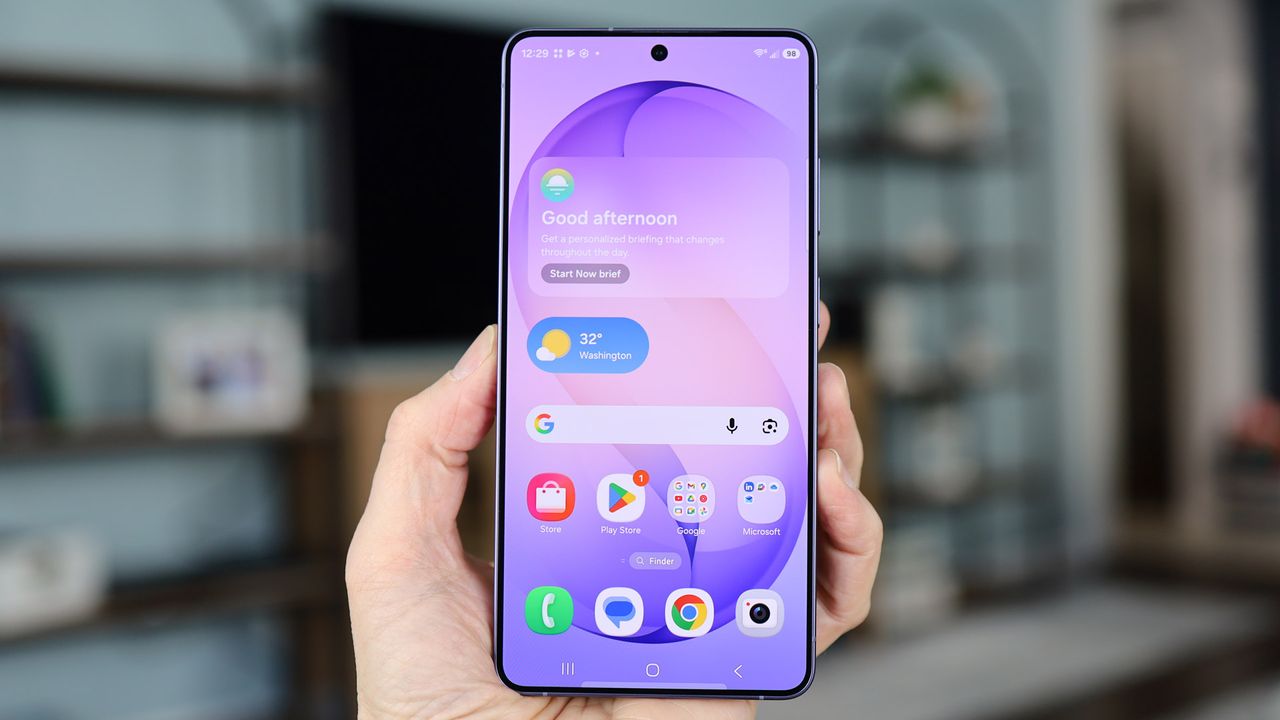
For many Samsung Galaxy owners in the US, a significant shift is on the horizon: Samsung Messages, the default messaging application for many of the company's devices, is officially shutting down. Set to cease operations in July, with some users reporting a specific date of July 6, this move isn't just a minor app update; it's a forced migration that demands immediate attention from affected users to preserve their communication history and maintain seamless texting capabilities.
The End of an Era: Samsung Messages Shutting Down
Samsung's decision to discontinue its native messaging app, initially for US users, marks a definitive pivot. While the exact reasoning hasn't been explicitly detailed by Samsung, the most apparent driver is a consolidation around Google Messages, pushing a more unified Android messaging experience. This transition affects a specific segment of Samsung's user base: those in the United States running Android 12 or a newer version of the operating system. If you fall into this category, action is required soon.
Interestingly, the shutdown doesn't apply universally. Users outside the US, or those on older devices running Android 11 or below, will reportedly see Samsung Messages continue to function. However, relying on an older Android version comes with its own set of risks, primarily security vulnerabilities. Therefore, even if you're not directly affected by the shutdown, updating your device or considering a new one with up-to-date software is a wise move for security reasons alone.
Why the Switch? Implications and Considerations
While the forced nature of this change might feel inconvenient, it aligns with a broader industry trend towards standardizing on Rich Communication Services (RCS). Google Messages has been at the forefront of pushing RCS as the successor to SMS/MMS, offering a more modern, feature-rich, and secure messaging experience akin to popular chat apps like WhatsApp or Apple's iMessage.
Even for users outside the US who aren't immediately impacted, this development signals Samsung's shifting priorities. If Samsung is no longer investing in its own messaging platform in a major market, it's highly probable that future development and updates for Samsung Messages in other regions will diminish. This makes a proactive switch to an alternative a prudent strategy for anyone who values ongoing feature enhancements, security updates, and long-term support for their primary communication tool. It’s better to choose your next messaging platform on your own terms rather than being forced to react when support eventually dwindles.
Choosing Your Next Messaging Hub
The most straightforward path for most users will be Google Messages. Samsung itself is directing users towards this app, making it the de facto successor. Google Messages offers full RCS support, which is a significant upgrade from traditional SMS. RCS enables features like read receipts, typing indicators, higher-quality photo and video sharing, and improved group chats, bringing the default Android messaging experience closer to what users expect from modern chat applications. Downloading it from the Google Play Store is simple and quick.
However, Google Messages isn't your only option, although the alternatives come with a notable caveat. Apps like Fossify Messages, Textra SMS, and Pulse SMS are available. While they offer different interfaces and customization options, they are generally limited to SMS/MMS functionality. This means you'll miss out on the richer features and enhanced security that RCS provides. For those prioritizing a more advanced messaging protocol, these SMS-only alternatives are less appealing.
Another interesting alternative is Beeper. Beeper stands out because it does support RCS, along with integrating various other chat services into a single interface. However, its migration process is a bit more involved. To transfer your existing chat history to Beeper, you'll first need to move your conversations to Google Messages, and then connect Beeper to your Google account for access. This extra step might deter some users looking for the simplest transition.
The Migration Checklist: Ensuring a Smooth Transition
Given the looming July deadline, here are the essential steps you need to take to ensure a seamless transition and safeguard your chat history:
- Confirm Your Status: First, verify if you are a US-based Samsung user with a device running Android 12 or newer. If so, prepare to switch.
- Choose and Download Your New App: Decide whether you'll opt for the recommended Google Messages for full RCS functionality and ease of transfer, or if you're willing to handle Beeper's more complex setup for its broader integration capabilities. Download your chosen app from the Google Play Store.
- Set It as Your Default Messaging App: Upon launching your new messaging app for the first time, you'll typically receive a prompt to set it as your default. If not, navigate to your phone's Settings > Apps > Choose default apps > SMS app, and then select your newly installed application.
- Wait for Your Chats to Move Across: For most apps, including Google Messages, your existing conversations from Samsung Messages should automatically transfer once the new app is set as default. This process can take up to 24 hours, so don't panic if your chat history doesn't appear immediately. For Beeper, as mentioned, you'll need to ensure your chats are first migrated to Google Messages before linking Beeper to your Google account.
User Experience: Pros and Cons of the Forced Shift
This forced migration presents both advantages and disadvantages for Samsung users.
Pros:
- Richer Messaging Experience: Moving to Google Messages with RCS support means access to modern chat features like read receipts, typing indicators, and higher-quality media sharing, improving the overall communication experience.
- Unified Android Standard: This step helps standardize messaging across the Android ecosystem, potentially reducing fragmentation and improving interoperability between different Android devices.
- Enhanced Security: RCS offers better encryption and security features compared to traditional SMS, making your conversations more private.
Cons:
- Forced Inconvenience: Users who were perfectly content with Samsung Messages are now compelled to switch, which can be an annoying chore.
- Potential for Data Loss: While chat history transfer is generally automatic, previous reports of bugs (like disappearing chats during Google Messages transitions) highlight a small, but real, risk. Acting proactively helps mitigate this.
- Loss of Samsung-Specific Features: Some users may miss specific functionalities or the aesthetic of Samsung Messages that they preferred.
- Uncertainty for Global Users: The US-only shutdown leaves international users wondering if and when they might face a similar mandate.
Verdict and Recommendation
Samsung's decision to sunset its Messages app in the US is undeniably a hassle for many users, disrupting established habits. However, it also accelerates the adoption of a superior messaging standard in RCS, offering a glimpse into a more unified and feature-rich Android communication future. The move to Google Messages is a logical step forward for the ecosystem, even if the transition is imposed.
My clear recommendation is this: Do not wait until July. Proactively switch your default messaging app now. Google Messages is the most straightforward and recommended choice, offering a seamless transition and full RCS capabilities. If you're willing to take a slightly more circuitous route for multi-platform integration, Beeper is also a viable RCS-enabled option, provided you understand its specific migration requirements. Taking action early will ensure your chat history is preserved and you maintain uninterrupted communication.
FAQ
Q: Who specifically is affected by the Samsung Messages shutdown?
A: US users on Samsung Galaxy devices running Android 12 or newer are directly impacted and must switch apps. Users outside the US or on older Android versions (11 or below) are not currently affected, but switching is still recommended for future-proofing and better feature support.
Q: What is the primary benefit of switching to Google Messages or Beeper over other alternatives?
A: The primary benefit is support for Rich Communication Services (RCS). RCS offers modern messaging features like read receipts, typing indicators, higher quality media sharing, and enhanced security compared to traditional SMS, which the other listed alternatives only support.
Q: Will my old messages automatically transfer to a new app?
A: Yes, in most cases, your chat history from Samsung Messages will automatically transfer to your new default messaging app (like Google Messages) within 24 hours. If using Beeper, you'll first need to transfer your history to Google Messages before connecting Beeper to your Google account.
Related articles
Android 17 QPR2 Beta 7.1: The Performance Relief You've Been Waiting
Android 17 QPR2 Beta 7.1: Finally Fixing the QPR1 Performance Woes Verdict: Android 17 QPR2 Beta 7.1 is a crucial and highly anticipated software update for Google Pixel users, specifically targeting and resolving the

DJI Solo Video Setups: Smart Choices for Lone Creators
This review delves into DJI's recommended solo video setups, highlighting the Osmo Pocket 3 Creator Combo as a top pick for its integrated camera, gimbal, and mic. It also covers stabilizers like the Osmo Mobile 8 and RS 4, and the DJI Mic Mini series for enhanced audio, providing honest pros, cons, and clear buying advice.

Ars Technica's Rocket Report: Your Essential Space Industry Briefing
Quick Verdict Ars Technica's Rocket Report, presented by veteran space reporter Stephen Clark, offers an invaluable and meticulously organized weekly (or similar frequency, implied by "Edition 9.15") digest of the most

Apple iPhone Duo: A Daring Debut with Notable Compromises
Apple's highly anticipated iPhone Duo, priced at $2,000, has gone on pre-order. While hailed as "Apple's most exciting device in a decade" for its innovative foldable design and immersive display, it comes with significant drawbacks like the absence of FaceID and a premium camera.

KDE Plasma 6.8: A Future-Focused 30th Anniversary Update
Quick Verdict KDE Plasma 6.8, arriving as the "30th Anniversary Edition," is a pivotal release that decisively pushes the desktop environment into the future. With a definitive farewell to native X11 sessions and a
Galaxy Watch One UI 9 Beta: Promising Progress, But Patience Needed
Galaxy Watch 8, Watch Ultra, and Watch 7 are receiving a new One UI 9 Watch beta build with bug fixes and a security patch. Active development signals progress, but a stable release date remains elusive.