
Google Maps 3D Immersive View: A Game-Changer for Android Auto
Google Maps 3D Immersive View: A Game-Changer for Android Auto Navigation Verdict: Google Maps' new 3D Immersive View on Android Auto isn't just a visual upgrade; it's a transformative leap in navigation that genuinely

Google Maps 3D Immersive View: A Game-Changer for Android Auto Navigation
Verdict: Google Maps' new 3D Immersive View on Android Auto isn't just a visual upgrade; it's a transformative leap in navigation that genuinely solves some of the most frustrating problems drivers face. By bringing true-to-life 3D renderings, intelligent lane guidance, and more conversational voice prompts, this update makes city navigation significantly clearer and less stressful, representing the biggest visual overhaul in Maps in over a decade.
The Promise of Immersive Navigation
Google recently heralded the "biggest transformation of the navigation experience in over a decade" with the introduction of Immersive Navigation. While Android users have been gradually receiving this feature over recent months, it's finally making its way to car dashboards via Android Auto. This isn't about adding new features; it's about fundamentally changing how existing information is presented, promising a more intuitive and less confusing driving experience. The core of this upgrade lies in its ability to render a highly detailed, 3D environment, moving beyond the traditional flat, overhead, or slightly angled 2D views.
First Impressions and Visual Overhaul
My initial experience with Immersive View via Android Auto was subtle, primarily because I started in a more rural area where the benefits of dense 3D visuals are less apparent. However, as I ventured closer to urban centers, the transformation became dramatically clear. The interface shed its two-dimensional confines, revealing a rich, three-dimensional world that instantly made navigation more engaging and informative. Instead of generic outlines, Maps now displays translucent, true-to-life building outlines, intricate lane markings, and clear distinctions for overpasses and underpasses. Even environmental elements like individual trees are indicated, offering a broader contextual overview of the surroundings. While these tree markers represent foliage rather than exact trees, they contribute to a richer, more descriptive map. This enhanced imagery isn't just for show; it's powered by a recent Gemini integration that meticulously analyzes Street View and aerial photos to create an accurate depiction of landmarks and road features, elevating the map from a simple guide to a dynamic, visual co-pilot.
Navigating the Urban Jungle with Clarity
To truly put Immersive Navigation to the test, I took it for a spin through uptown Charlotte, N.C. What quickly became evident was how much easier it made getting my bearings. Navigating a bustling city often involves quick, successive turns that can catch even experienced drivers off guard. The new 3D view, with its real and translucent building outlines, allows for better anticipation of these maneuvers. I could see upcoming turns with far greater clarity, mentally preparing for my next move before it became urgent. The transparency of the buildings is a stroke of genius, preventing visual obstruction while still providing essential spatial context.
Precision in Lane Guidance and Complex Junctions
One of the most significant frustrations in city driving is uncertainty about which lane to be in, especially for exits or multi-lane turns. Immersive View addresses this head-on with explicit lane markings in urban areas. This feature makes it remarkably easy to discern the correct lane for entering or exiting, reducing last-minute panic. Furthermore, the clear rendering of overpasses and underpasses eliminates the guesswork of whether to take an elevated ramp or remain at ground level. Google Maps also employs an intelligent camera system that automatically zooms in on tricky freeway splits or multi-lane junctions. This dynamic zoom provides an invaluable, focused visual of where you need to be, cutting through the confusion of complex interchanges.
Smarter, More Conversational Voice Guidance
The improvements aren't confined to visuals alone. Immersive Navigation also introduces a more conversational style of voice guidance. Gone are the sometimes ambiguous instructions like, "In one mile, exit right" – phrases that often rely on the driver's ability to accurately judge distance. Instead, Maps now offers more contextual cues, such as, "Go past this exit and take the next one for South Tryon Street." This conversational approach is a game-changer for reducing stress and enhancing clarity, particularly in areas where landmarks are numerous or distances are difficult to gauge. Even in a city I know intimately, I’ve often found myself second-guessing directions; this updated voice guidance, combined with the visual improvements, makes those moments of doubt far less frequent.
Pros and Cons: An Honest Look
Pros:
- Significant Visual Upgrade: The biggest visual transformation of Google Maps in over a decade, making navigation dramatically clearer.
- True-to-Life 3D Environment: Realistic, translucent building outlines, lane markings, and over/underpass distinctions provide unparalleled context.
- Enhanced Situational Awareness: Easier to get your bearings and anticipate quick turns in complex urban settings.
- Intelligent Lane Guidance: Clear lane markings in cities help drivers position themselves correctly for turns and exits.
- Clarity at Complex Junctions: Explicitly shows overpasses/underpasses and dynamically zooms in on tricky freeway splits.
- More Conversational Voice Guidance: Offers contextual cues rather than relying solely on distance, reducing ambiguity.
- Addresses Navigation Pain Points: Effectively solves common frustrations with confusing directions and last-minute lane changes.
Cons:
- Limited Impact in Rural Areas: The visual benefits are less pronounced where there are fewer buildings and complex road structures.
- Slow Rollout: The feature is arriving gradually, meaning not all users have access to it immediately.
- No New Core Functionality: While transformative, it's primarily an enhancement of the visual and auditory experience rather than the introduction of completely new features.
Is Immersive View a Must-Have?
For anyone who regularly uses Google Maps on Android Auto, particularly those who frequently navigate urban environments or unfamiliar areas, Immersive View is unequivocally a must-have upgrade. It takes an already essential tool and elevates it to an entirely new level of utility and user-friendliness. The enhanced visuals and smarter voice guidance directly address the moments of confusion and stress that often accompany driving. While it's a visual rather than functional update, its impact on the navigation experience is profound. It's not just about getting from point A to point B; it's about doing so with greater confidence, less anxiety, and a much clearer understanding of your surroundings. As a free update rolling out to existing users, there's no reason not to embrace this immensely useful evolution of Google Maps.
FAQ
Q: How can I tell if I have Google Maps' new Immersive View on Android Auto?
A: Drive into a more populated or urban area. If you see detailed 3D renderings of buildings with true outlines (which might be translucent), clear lane markings, and explicit visual distinctions for overpasses and underpasses, then you likely have the Immersive View update.
Q: Is Immersive View a paid upgrade or a new app that I need to download?
A: No, Immersive View is a free visual upgrade to the existing Google Maps application. It's rolling out gradually to Android users and their Android Auto setups, so you simply need to wait for your device to receive the update.
Q: Will Immersive View significantly improve my navigation experience if I mostly drive in rural areas?
A: While the most dramatic visual improvements, such as detailed building outlines and lane markings, are more evident in urban and densely populated areas, you may still benefit from clearer overpass/underpass indications and the more conversational voice guidance, which can be helpful regardless of the driving environment. However, its core strengths lie in simplifying complex city navigation.
Related articles
Android 17 QPR2 Beta 7.1: The Performance Relief You've Been Waiting
Android 17 QPR2 Beta 7.1: Finally Fixing the QPR1 Performance Woes Verdict: Android 17 QPR2 Beta 7.1 is a crucial and highly anticipated software update for Google Pixel users, specifically targeting and resolving the

DJI Solo Video Setups: Smart Choices for Lone Creators
This review delves into DJI's recommended solo video setups, highlighting the Osmo Pocket 3 Creator Combo as a top pick for its integrated camera, gimbal, and mic. It also covers stabilizers like the Osmo Mobile 8 and RS 4, and the DJI Mic Mini series for enhanced audio, providing honest pros, cons, and clear buying advice.

Ars Technica's Rocket Report: Your Essential Space Industry Briefing
Quick Verdict Ars Technica's Rocket Report, presented by veteran space reporter Stephen Clark, offers an invaluable and meticulously organized weekly (or similar frequency, implied by "Edition 9.15") digest of the most

Apple iPhone Duo: A Daring Debut with Notable Compromises
Apple's highly anticipated iPhone Duo, priced at $2,000, has gone on pre-order. While hailed as "Apple's most exciting device in a decade" for its innovative foldable design and immersive display, it comes with significant drawbacks like the absence of FaceID and a premium camera.
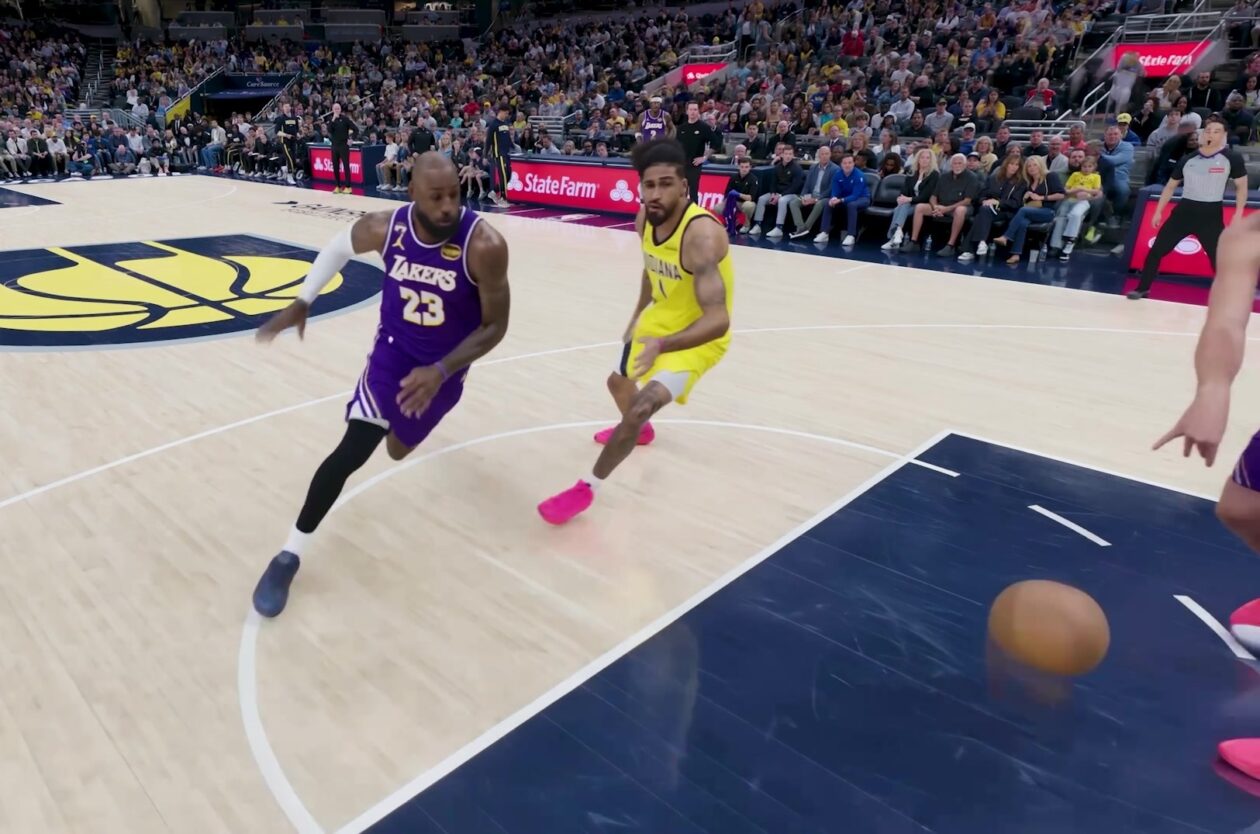
Amazon Prime Video Launches AI-Powered Prime 360 for NBA Coverage
Amazon Prime Video is elevating its NBA coverage with the introduction of Prime 360, an AI-powered replay system offering immersive, 'fly through' views of the action. Kicking off its second season, Prime Video also adds Yahoo fantasy integration and gains exclusive Eastern Conference Finals rights, expanding its tech-driven sports broadcast. The new features aim to deliver a unique and interactive viewing experience for basketball fans.

KDE Plasma 6.8: A Future-Focused 30th Anniversary Update
Quick Verdict KDE Plasma 6.8, arriving as the "30th Anniversary Edition," is a pivotal release that decisively pushes the desktop environment into the future. With a definitive farewell to native X11 sessions and a