
Pixel Watch 4 LTE Bug: A Connectivity Conundrum
Pixel Watch 4 users are reporting a critical bug killing LTE connections when away from their phones, forcing reboots or airplane mode toggles. This issue, alongside previous software glitches, raises concerns about reliability, making the watch hard to recommend for those needing consistent cellular independence.
Quick Verdict
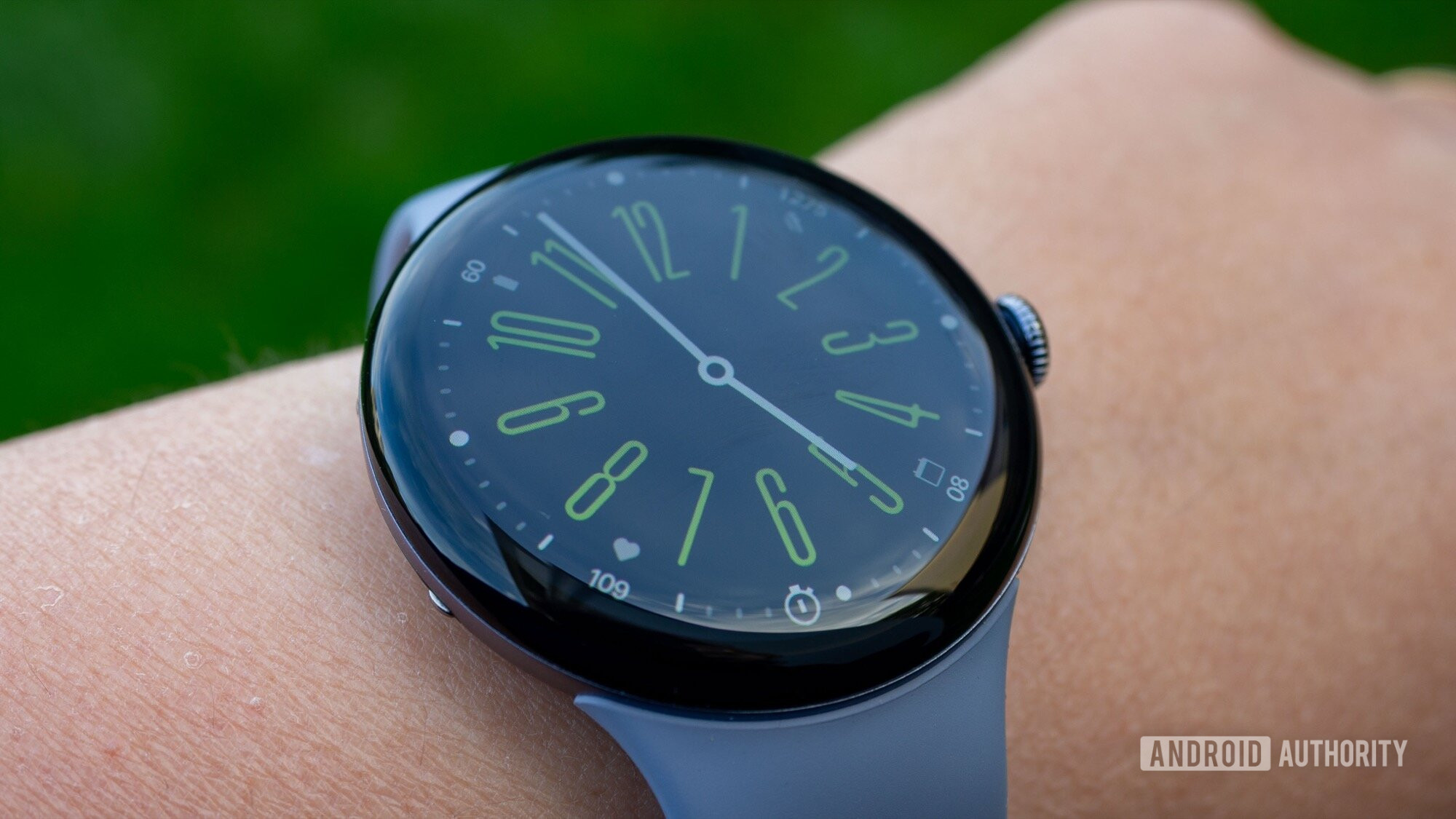
For a device positioned at the premium end of the smartwatch market, the Pixel Watch 4 is currently experiencing a significant setback: a reported bug that cripples its core LTE connectivity for some users. While a smartwatch's appeal often lies in its ability to function independently of a phone, this issue forces users back to their paired device or requires inconvenient workarounds like repeated reboots or toggling airplane mode. Until a definitive fix is rolled out, the promise of untethered freedom offered by the Pixel Watch 4's LTE capabilities remains largely unfulfilled for those affected, making it difficult to recommend for anyone relying on consistent cellular connection.
The Promise and the Problem: Unreliable LTE
Smartwatches with LTE are designed to liberate users from the constant tether to their smartphones. The idea is simple: leave your phone behind, and your watch handles calls, texts, and data independently. However, recent reports from Pixel Watch 4 owners indicate that this core functionality is currently compromised. According to user accounts surfaced by Android Authority, the Pixel Watch 4 is struggling to maintain a stable LTE connection, particularly when users move out of range of their paired phone.
The heart of the problem lies in the watch's inability to consistently connect to or stay connected to LTE networks. Users are reporting scenarios where, despite having an active cellular plan and being away from their phone, the watch fails to establish or maintain its independent connection. This isn't just a minor inconvenience; it undermines one of the primary reasons many consumers opt for an LTE-enabled smartwatch in the first place. The frustration is palpable among those affected, as a device designed for freedom instead demands constant attention or troubleshooting.
User Experience: A Cycle of Frustration
Imagine heading out for a run, leaving your phone at home, confident your smartwatch will keep you connected. Then, you try to send a text or make a call, only to find your Pixel Watch 4 claiming it's "disconnected from phone," even when your phone is powered on and charged elsewhere. This is the reality for some Pixel Watch 4 users. The very situations where LTE connectivity is most crucial – quick errands, workouts, or emergency situations – are precisely where this bug rears its head.
The reported solutions are temporary and deeply inconvenient. Affected users describe having to either restart their Pixel Watch 4 entirely or repeatedly toggle airplane mode on and off to re-establish an LTE connection. These aren't solutions; they're tedious workarounds that erode the 'smart' in smartwatch. A premium wearable should offer seamless connectivity, not require regular manual intervention just to perform its advertised functions. This constant need to troubleshoot transforms a convenience into a chore, detracting significantly from the overall user experience.
Furthermore, the issue extends to basic communication, with users experiencing problems sending and receiving text messages. This intermittent functionality means that important notifications or communications could be missed, raising concerns about the watch's reliability as a communication device when independent of a smartphone. For a product meant to simplify life, this bug introduces unexpected complexity and unreliability.
Broader Context: A Pattern of Pixel Watch Problems?
This LTE connectivity issue doesn't exist in a vacuum. The Android Authority report notes that Pixel Watch users have been grappling with a series of problems in recent weeks. Prior to this LTE bug, owners have reportedly encountered issues with sleep data tracking and problems with the ECG app. While some of these glitches have purportedly been addressed, the emergence of a new, critical bug affecting core connectivity suggests a potential pattern of software instability within the Pixel Watch ecosystem.
For consumers, this raises questions about the software quality assurance processes for Google's wearables. A new device, especially one that carries the reputation of the Pixel brand, is expected to deliver a polished experience from the outset. Repeated significant bugs can erode user trust and confidence in the product line, making prospective buyers hesitant. It's a reminder that hardware innovation, no matter how appealing, is only as good as the software that powers it.
Recommendation: Exercise Caution
Given the critical nature of this LTE connectivity bug and the significant impact it has on the Pixel Watch 4's core functionality, a strong recommendation cannot be given at this time. If consistent, reliable LTE connectivity is a key reason you're considering the Pixel Watch 4, it would be wise to hold off on a purchase. The current situation suggests that relying on the watch to maintain an independent cellular connection is a gamble, and the need for frequent reboots or airplane mode toggling is simply unacceptable for a modern wearable.
While it's unclear how widespread this specific bug is, the fact that multiple users are reporting it across different platforms (like Reddit) indicates it's more than an isolated incident. Google has yet to officially acknowledge or comment on this particular LTE problem, which leaves current owners in limbo and potential buyers without clear guidance. Until Google addresses this issue with a stable software update and confirms a fix, the Pixel Watch 4 with LTE remains a potentially frustrating proposition. Those who already own the device should monitor for official updates and continue to report their experiences to Google.
FAQ
Q: What exactly is the Pixel Watch 4 LTE bug? A: The bug causes the Pixel Watch 4 to lose or fail to connect to LTE cellular networks, especially when it's out of range of its paired smartphone. This means the watch cannot independently make calls, send texts, or use data as intended.
Q: Are there any temporary solutions for the LTE connectivity problem? A: Yes, affected users have reported that toggling airplane mode on and off or completely restarting the Pixel Watch 4 can temporarily re-establish the LTE connection. However, these are inconvenient workarounds that often need to be repeated.
Q: Should I still buy the Pixel Watch 4 if I need reliable LTE connectivity? A: Based on current user reports of this significant bug, it is advisable to hold off on purchasing the Pixel Watch 4 if reliable and consistent LTE connectivity is a crucial feature for you. Waiting until Google officially acknowledges and releases a verified fix would be the prudent course of action.
Related articles
How to Use Kodi: The Simple, Server-Free Way to Watch Your Media
Learn to set up Kodi to watch your personal media library directly on your TV, bypassing complex servers and subscription fees, in just a few steps.

Crystal Lake Series on Peacock: A Deep Dive into Horror's Past
Crystal Lake Series Review: A Deep Dive into Horror's Past Verdict: Is Crystal Lake Worth the Dive? The long-awaited Friday the 13th prequel, Crystal Lake, is finally arriving on Peacock, promising a fresh, in-depth
Google's AI Branding Fix: A Clearer Vision for Gemini
This article critiques Google's fragmented AI branding, proposing a unified 'Gemini Intelligence' system to simplify user experience and strengthen Gemini's identity.

in-depth: The Best 3-in-1 Apple Charging Stations After Testing 30
Wired has released its top picks for 3-in-1 Apple charging stations, extensively tested for iPhone, Apple Watch, and AirPods. The guide highlights six leading models, from premium speedy options to budget-friendly and compact designs, all focused on decluttering and optimizing charging for Apple users.

Chuwi UniBox AI495 Pro Review: A Mini AI Powerhouse
Chuwi's UniBox AI495 Pro review: A powerful mini workstation with 192GB RAM and an AMD Ryzen AI chip for local LLM processing, packed into a compact, Mac Pro-esque design.
Pixel Connectivity: Battery Drain, Not Data Speed, Is the Real
Google's Pixel series has consistently offered a compelling Android experience, often earning a spot on recommendation lists for its clean software and camera prowess. However, a recurring shadow has loomed over the