
Pixel Studio Update: The End of an Exclusive Era
Quick Verdict Google's latest update for Pixel Studio (v2.3.001.911719150) unequivocally marks the end of its core functionality as a dedicated, exclusive AI image and sticker generation app for Pixel 9 and 10 series
Quick Verdict
Google's latest update for Pixel Studio (v2.3.001.911719150) unequivocally marks the end of its core functionality as a dedicated, exclusive AI image and sticker generation app for Pixel 9 and 10 series devices. Users hoping to create new AI art or stickers will now be redirected to 'Nano Banana within the Gemini app.' While basic screenshot editing tools remain, the app's future as anything more than a minimal utility is highly uncertain, effectively forcing users to migrate their creative workflow to Gemini. This is less an update and more a strategic re-platforming, consolidating Google's AI image generation into a broader ecosystem.
Introduction: A Short-Lived Exclusive
Earlier in 2024, Google introduced Pixel Studio alongside its Pixel 9 series. The app was lauded as a showcase for the company's advanced AI-based image generation capabilities, offering users on the Pixel 9 and 10 series the ability to conjure digital art, wallpapers, and stickers from scratch, or to modify existing photos with intelligent tools. It was pitched as a unique, exclusive experience, leveraging the on-device AI power of Google's latest handsets. However, as often happens in the fast-paced world of AI and mobile software, the landscape shifts rapidly. Just months after its debut, the writing was already on the wall for Pixel Studio's standalone existence, and the latest update delivers the final blow to its exclusivity and primary function.
What's Changing: The Demise of AI Generation
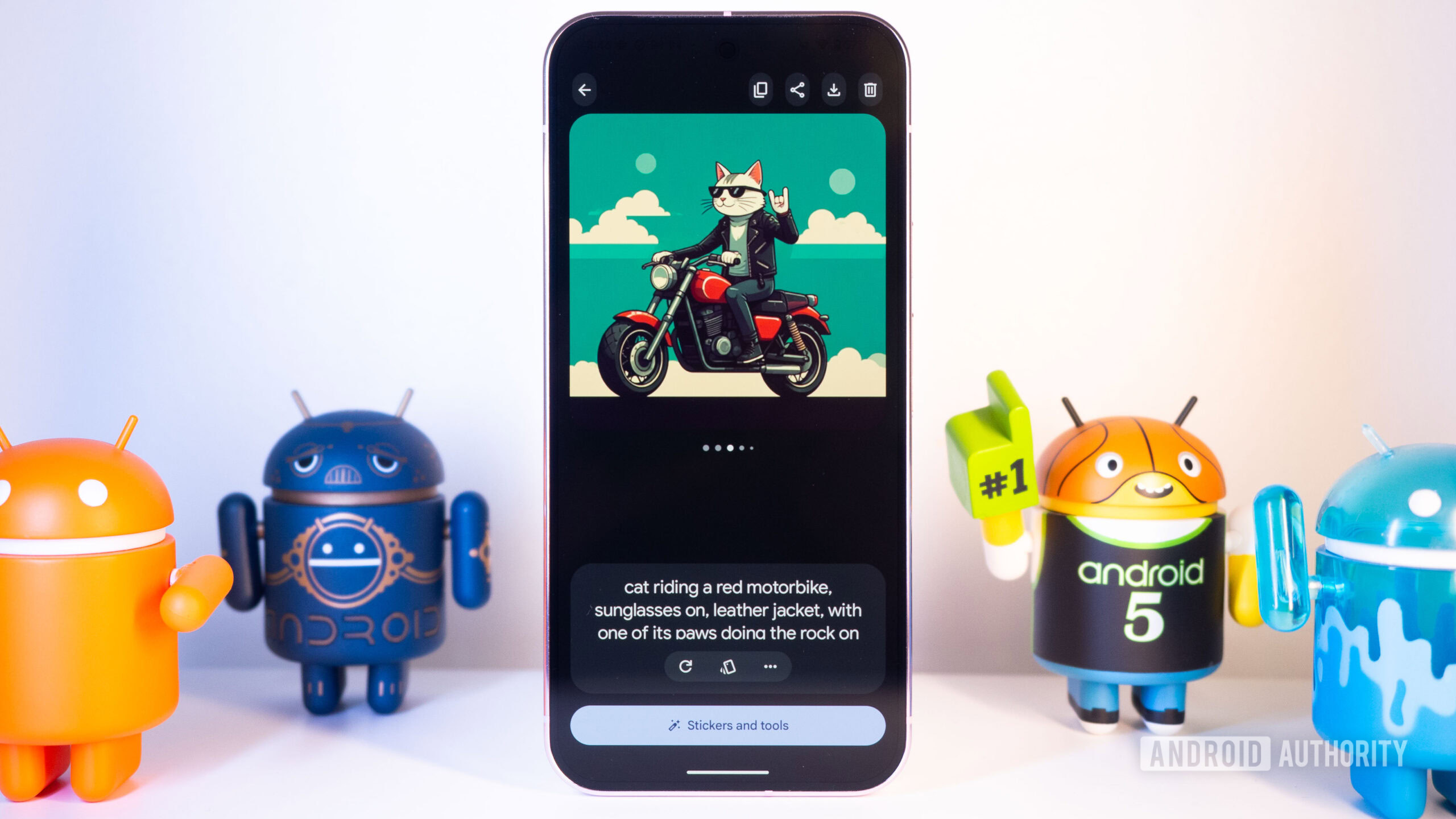
The most significant and impactful change in Pixel Studio's v2.3.001.911719150 update is the complete removal of its AI image and sticker generation capabilities. Users who open the app after this update will no longer find the familiar interface for creating new digital art. Instead, they are met with a clear text prompt: "To create images and animations, try Nano Banana in the Gemini app." This isn't a subtle deprecation; it's a direct and immediate redirection. All previously generated stickers and images remain accessible within Pixel Studio, which is a small comfort, but the ability to innovate or expand one's collection using the app itself is gone. This move was foreshadowed by a recent Gboard update, which quietly removed its Sticker Creation tab, hinting at a broader strategy to consolidate AI-powered sticker and image generation.
The New Home: Nano Banana in Gemini
Google's explicit directive is for users to transition their AI art creation to 'Nano Banana within the Gemini app.' This means that to continue generating AI images and stickers, users must have the Gemini app installed on their device. If Gemini isn't present, the redirection prompt will guide them to install it. For users already deeply integrated into the Gemini ecosystem, this might feel like a minor inconvenience or even a logical consolidation of AI features. However, for those who appreciated Pixel Studio as a dedicated, lightweight tool, or who prefer to keep their app ecosystem lean, this forces an adoption of a larger, more comprehensive AI assistant where image generation is just one of many functionalities. This centralizes Google's AI capabilities, potentially streamlining development and updates, but at the cost of the dedicated app experience.
Lingering Legacy: Screenshot Editing
Amidst the significant changes, one part of Pixel Studio stubbornly remains: its basic screenshot editing interface. Users can still access tools for cropping, annotating, or making minor adjustments to screenshots within the app. However, it's crucial to note that this functionality is decidedly unremarkable. The screenshot editing features offered by Pixel Studio are not unique or particularly advanced, providing nothing that cannot be achieved with countless other, often superior, third-party editing applications or even built-in system tools on many Android devices. This leaves the question of Pixel Studio's long-term fate on Pixel 9 and 10 series devices hanging in the air; it's unclear whether Google intends to maintain it solely for this basic utility or eventually phase it out entirely.
User Experience Impact: Mixed Signals
The impact on the user experience is a mixed bag. On the one hand, for power users of Google's AI ecosystem, the consolidation of image generation into Gemini might simplify access to various AI tools from a single platform. If Gemini is evolving into the central hub for all things AI from Google, then integrating this feature could be seen as a logical step. On the other hand, the removal of core functionality from a recently launched, exclusive app can be jarring and frustrating for users. Those who adopted Pixel Studio specifically for its AI features will now experience forced migration, potentially installing an additional app (Gemini) that they might not otherwise use. The loss of a dedicated, focused app experience for AI image generation, moving it into a larger, more general-purpose AI assistant, could also dilute the user's interaction with the feature. Furthermore, the uncertainty surrounding Pixel Studio's future — whether it will be fully removed or linger as a vestigial screenshot editor — adds a layer of confusion.
Pros and Cons of the Update
This update, while disruptive, presents both advantages and disadvantages:
Pros:
- Consolidation of AI Features: Centralizes image and sticker generation within the broader Gemini ecosystem, potentially leading to more consistent development and updates for Google's AI tools.
- Future-Proofing: Positions image generation within Google's primary AI platform (Gemini), which is likely to receive more attention and integration going forward.
Cons:
- Loss of Dedicated App: Pixel Studio loses its unique selling proposition and exclusive identity, becoming largely redundant.
- Forced Migration: Users are compelled to adopt Gemini to continue using AI image generation, even if they preferred a standalone app or didn't previously use Gemini.
- Uncertainty for Pixel Studio: The app's future is ambiguous, leaving users wondering if it will eventually be removed altogether, or remain a basic, feature-poor screenshot editor.
- Inconvenience: Requires users to adapt their workflow and potentially install a new app to access a feature that was previously available directly.
Recommendation
For current Pixel Studio users, the recommendation is clear and immediate: begin migrating your AI image and sticker generation workflow to Nano Banana within the Gemini app. Do not wait, as the functionality in Pixel Studio is no longer available for new creations. While your old creations are safe within Pixel Studio for now, the future of the app itself is highly doubtful beyond basic screenshot editing. Embrace Gemini as the new home for your on-device AI creativity. If you relied on Pixel Studio for its AI capabilities, consider it officially deprecated for that purpose.
FAQ
Q: Can I still create new AI images and stickers in Pixel Studio after this update?
A: No, the v2.3.001.911719150 update removes the ability to create new AI images and stickers within Pixel Studio. You will be redirected to use Nano Banana within the Gemini app for these functions.
Q: What happens to my old AI images and stickers that I created in Pixel Studio?
A: Your previously generated stickers and images will remain accessible within the Pixel Studio app. However, you cannot create any new ones using Pixel Studio itself.
Q: Do I need to install the Gemini app to continue generating AI images and stickers?
A: Yes, the update explicitly redirects users to Nano Banana within the Gemini app. If you don't already have Gemini installed, the prompt will guide you to download it from the Play Store to continue with AI image generation.
Related articles

Crystal Lake Series on Peacock: A Deep Dive into Horror's Past
Crystal Lake Series Review: A Deep Dive into Horror's Past Verdict: Is Crystal Lake Worth the Dive? The long-awaited Friday the 13th prequel, Crystal Lake, is finally arriving on Peacock, promising a fresh, in-depth
Google's AI Branding Fix: A Clearer Vision for Gemini
This article critiques Google's fragmented AI branding, proposing a unified 'Gemini Intelligence' system to simplify user experience and strengthen Gemini's identity.

Chuwi UniBox AI495 Pro Review: A Mini AI Powerhouse
Chuwi's UniBox AI495 Pro review: A powerful mini workstation with 192GB RAM and an AMD Ryzen AI chip for local LLM processing, packed into a compact, Mac Pro-esque design.

Apple AirPods 5 Now Available for Preorder
Apple's AirPods 5 are now available for preorder, with an official launch date of September 18th. The new standard $129 model features active noise cancellation, a premium feature previously exclusive to higher-end AirPods. An upgraded $149 model offers wireless charging, longer battery life, and touch controls.
Pixel Connectivity: Battery Drain, Not Data Speed, Is the Real
Google's Pixel series has consistently offered a compelling Android experience, often earning a spot on recommendation lists for its clean software and camera prowess. However, a recurring shadow has loomed over the

CNET's NYT Connections: Sports Edition Hints & Answers - Daily Puzzle
CNET's daily guide for NYT Connections: Sports Edition offers clear, spoiler-protected hints and answers, making it an efficient and reliable resource for sports puzzle enthusiasts.