
Navigating Pixel vs. Galaxy: Understanding Exclusive Features Before
When considering a switch between Google Pixel and Samsung Galaxy phones, it's easy to assume that all Android flagships offer similar core features. However, as many users discover after making the leap, this isn't
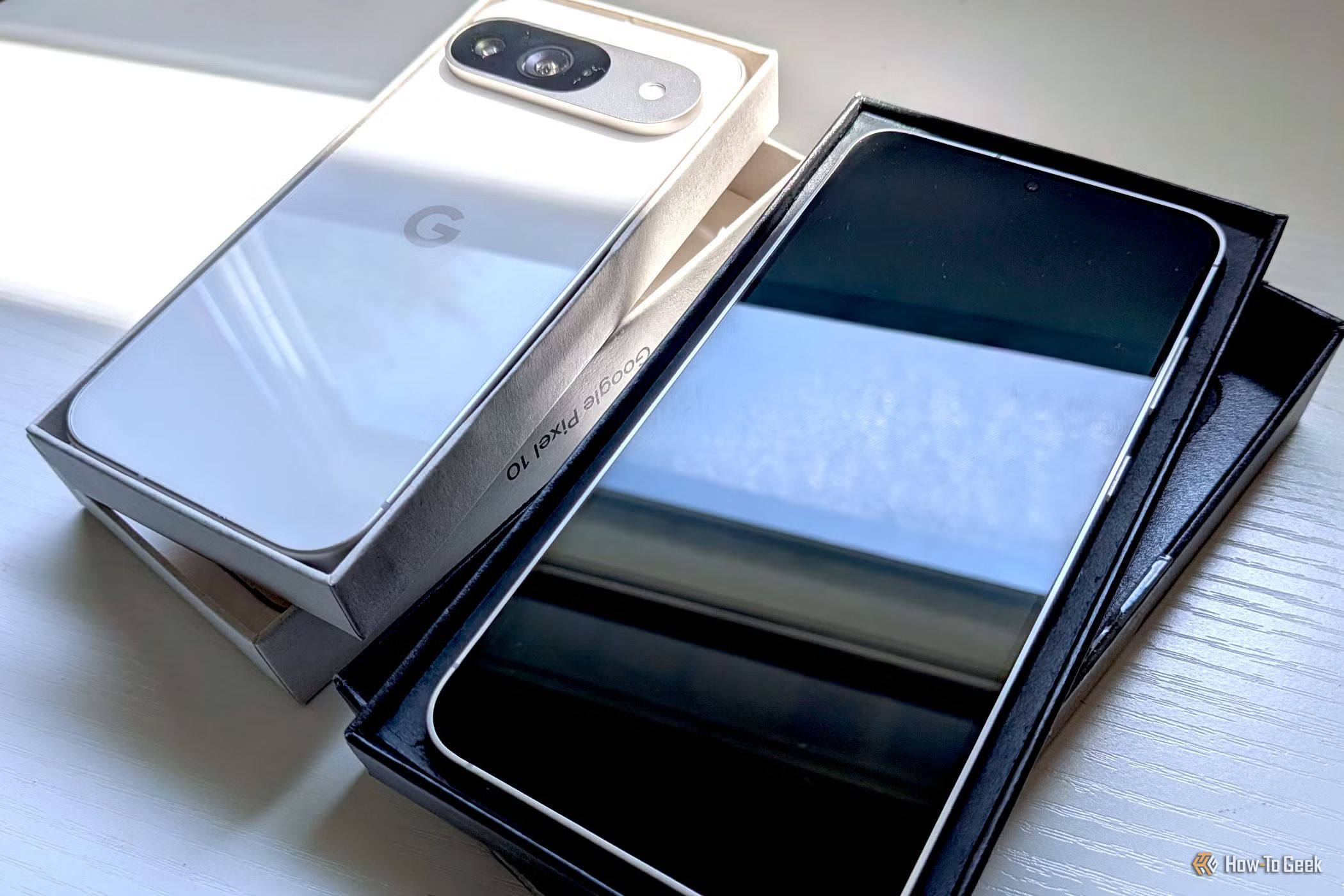
When considering a switch between Google Pixel and Samsung Galaxy phones, it's easy to assume that all Android flagships offer similar core features. However, as many users discover after making the leap, this isn't always the case. Both Pixel and Galaxy devices boast unique capabilities that can significantly impact your daily experience. This guide will walk you through the key Pixel-exclusive features you might miss, highlight the powerful additions Samsung brings, and help you understand the broader landscape of Android feature exclusivity. By the end, you'll be better prepared to make an informed decision or adjust your expectations after a switch.
What You'll Need
To effectively use this guide, you primarily need to be aware of your current phone usage habits and what features you rely on most. A willingness to research and compare specific functionalities is also beneficial before committing to a new device.
Step 1: Identify Must-Have Pixel-Exclusive Features
Many users, accustomed to Pixel's intuitive software, mistakenly believe some of its best features are standard Android offerings. Before moving to a Galaxy, understand these key Pixel differentiators:
Context-Aware Voice Typing
If you frequently use voice input for messages or notes, Pixel's Gboard offers a superior experience. It's not just about dictation; it's about voice editing. On a Pixel, you can use voice commands to intelligently edit text you've just dictated, such as saying "delete the last sentence" or "replace [word] with [another word]." This feature makes voice typing incredibly efficient and convenient. While Gboard is available on Galaxy phones, these advanced voice editing capabilities are absent. Furthermore, newer Pixel models (like the Pixel 11) feature "Rambler," which uses Gemini AI to refine spoken thoughts into polished text, further enhancing the voice typing experience.
AI-Powered Calling Features
Google has integrated powerful AI into its phone app on Pixel devices, making call management a breeze. These features are often hailed as significant quality-of-life improvements:
- Call Screen: This feature answers calls from unknown numbers on your behalf, transcribing the caller's message in real time. You can then decide whether to pick up based on their stated purpose.
- Hold for Me: If you're stuck on hold, Pixel's Hold for Me allows you to put the phone down. It alerts you when a person (not an automated system) returns to the line, saving you from tedious waiting.
- Direct My Call: For automated phone menus, Direct My Call transcribes the options presented verbally, letting you read and select choices quickly instead of listening to a slow narration.
- Scam Detection: This runs silently in the background, processing conversations locally and warning you if the discussion matches known scam patterns. While Google's Scam Detection has expanded to some Samsung phones (like the Galaxy S26 series in the US), it's not universally available on all Galaxy models, such as the S24, at the time of the source article.
It's important to note that aside from Samsung's similar Bixby Text Call (for Call Screen), the other AI call features listed above are typically Pixel-exclusive on earlier Galaxy models.
Step 2: Explore Samsung Galaxy's Unique Strengths
While Pixels excel in certain areas, Samsung Galaxy phones offer their own suite of powerful, exclusive features that appeal to users seeking deep customization and automation:
Modes and Routines
This is a standout system-wide automation feature on Galaxy devices. It allows your phone to adapt its settings, such as notification profiles, wallpaper, and widgets, based on various triggers like your location or the time of day. For instance, you can set your phone to automatically switch to vibrate mode and change your wallpaper to a motivational image when you arrive at work. Similarly, it can display a family photo and adjust notifications when you're at a family member's home, encouraging you to disconnect. This level of personalized automation is a significant advantage over Pixel's more limited offerings.
Good Lock
For those who love to fine-tune every aspect of their phone, Samsung's Good Lock app is a game-changer. It's a suite of modules that unlocks extensive customization options, allowing you to tweak elements of the user interface, gestures, lock screen, and more, far beyond what stock Android or Pixel phones permit.
Step 3: Understand the Landscape of Android Feature Exclusivity
The core takeaway from comparing Pixel and Galaxy features is that the Android ecosystem is diverse. Unlike Apple's iPhone, where software and hardware are tightly controlled by a single entity, Android allows manufacturers like Google and Samsung to implement their own custom software layers and exclusive features on top of the base Android operating system. This means:
- "Stock Android" is a Myth: The idea of a universal "stock Android experience" where all core features are identical across devices is largely outdated. Each manufacturer adds its own flavor, often for competitive advantage.
- Innovation Can Be Fragmented: While this fosters innovation, it also leads to fragmentation, where a beloved feature on one brand might be completely absent on another Android device.
- Manufacturer-Specific AI: Google often ties its advanced AI features deeply into its own Pixel hardware, making them difficult or impossible to port to other devices without significant integration.
Step 4: Strategize Your Switch or Adapt to Your New Device
Whether you're planning a switch or have already done so and are experiencing feature shock, here's how to navigate these differences:
Before Making the Switch
- List Your Non-Negotiable Features: Go through your daily phone usage. What features would genuinely disrupt your workflow or enjoyment if they were missing? Prioritize these.
- Research Thoroughly: Don't assume. Actively search for whether your essential features from your current phone are available on the model you're considering. Look for detailed comparisons and user reviews.
- Prioritize Your Ecosystem: Decide if Google's AI integration (Pixel) or Samsung's customization and hardware-focused features (Galaxy) align better with your overall tech ecosystem and preferences.
If You've Already Switched and Miss Features
- Acknowledge the Differences: Understand that direct replacements for highly integrated features might not exist on your new device.
- Explore Alternatives: Look for third-party apps that might offer some similar functionality, though they often won't be as seamlessly integrated as native features. For instance, while not as powerful as Pixel's voice editing, alternative keyboards might offer different dictation strengths.
- Embrace New Capabilities: Give yourself time to learn and appreciate the exclusive features of your new phone. Samsung's Modes and Routines or Good Lock, for example, might offer new ways to personalize and automate your device that you previously didn't have.
- Consider a Dual-Phone Setup: If critical features are truly irreplicable and you deeply miss them, a practical (though more costly) solution is to use two phones, as the author of the source article did. This allows you to leverage the strengths of both devices for different purposes, maintaining your preferred daily driver while still accessing specific features from the other.
Troubleshooting Tips
- Check for Software Updates: Sometimes, features are rolled out to older models or new series after release (e.g., Scam Detection coming to S26). Always keep your phone's software updated.
- Regional Availability: Be aware that some features or their availability might be region-specific.
- Explore Settings Deeply: Samsung's One UI is dense; ensure you've explored all settings and installed optional modules (like Good Lock) before concluding a feature is entirely absent.
Tips for a Smoother Transition
- Evaluate Your True Needs: Are you swayed by benchmark numbers, or do quality-of-life features matter more for your daily interaction with your phone? The best phone is the one that serves your needs, not necessarily the one with the highest specs.
- Don't Rush: Take your time researching. If possible, try out a demo unit of the phone you're considering to get a feel for its interface and key functionalities.
Next Steps
Now that you understand the fundamental differences, you can dive deeper into specific features. Explore detailed guides on Samsung's Good Lock modules or Google's AI photography capabilities. This knowledge will empower you to make an informed choice that aligns with your personal mobile experience goals.
FAQ
Q: Can I get Pixel's advanced voice typing features, like voice editing, on my Samsung Galaxy by installing Gboard?
A: No, while you can install Gboard on your Samsung Galaxy phone, the advanced context-aware voice editing commands (like deleting sentences or replacing words by voice) and AI features like Rambler are Pixel-exclusive. These functionalities are deeply integrated with Pixel's hardware and software, meaning they will not work on a Galaxy device, even with Gboard installed.
Q: Are Samsung's AI call features as robust and varied as Google's Pixel-exclusive ones?
A: Samsung offers Bixby Text Call, which provides a similar functionality to Google's Call Screen by transcribing calls from unknown numbers. However, other specific Pixel AI call features such as Hold for Me and Direct My Call are not available on Galaxy devices like the S24. While Google's Scam Detection feature is expanding to newer Samsung phones like the Galaxy S26 series in the US, it doesn't apply to all older Galaxy models.
Q: Is "stock Android" truly the same experience across all Android phones, meaning I shouldn't expect feature differences?
A: The idea of a consistent "stock Android" experience across all devices is a misconception. While Google Pixel phones offer a clean Android interface, manufacturers like Samsung heavily customize Android with their own user interfaces (like One UI) and integrate their own exclusive features. This means even basic functionalities and user experiences can differ significantly between Android devices from different brands, leading to the "feature exclusivity" discussed in this guide.
Related articles
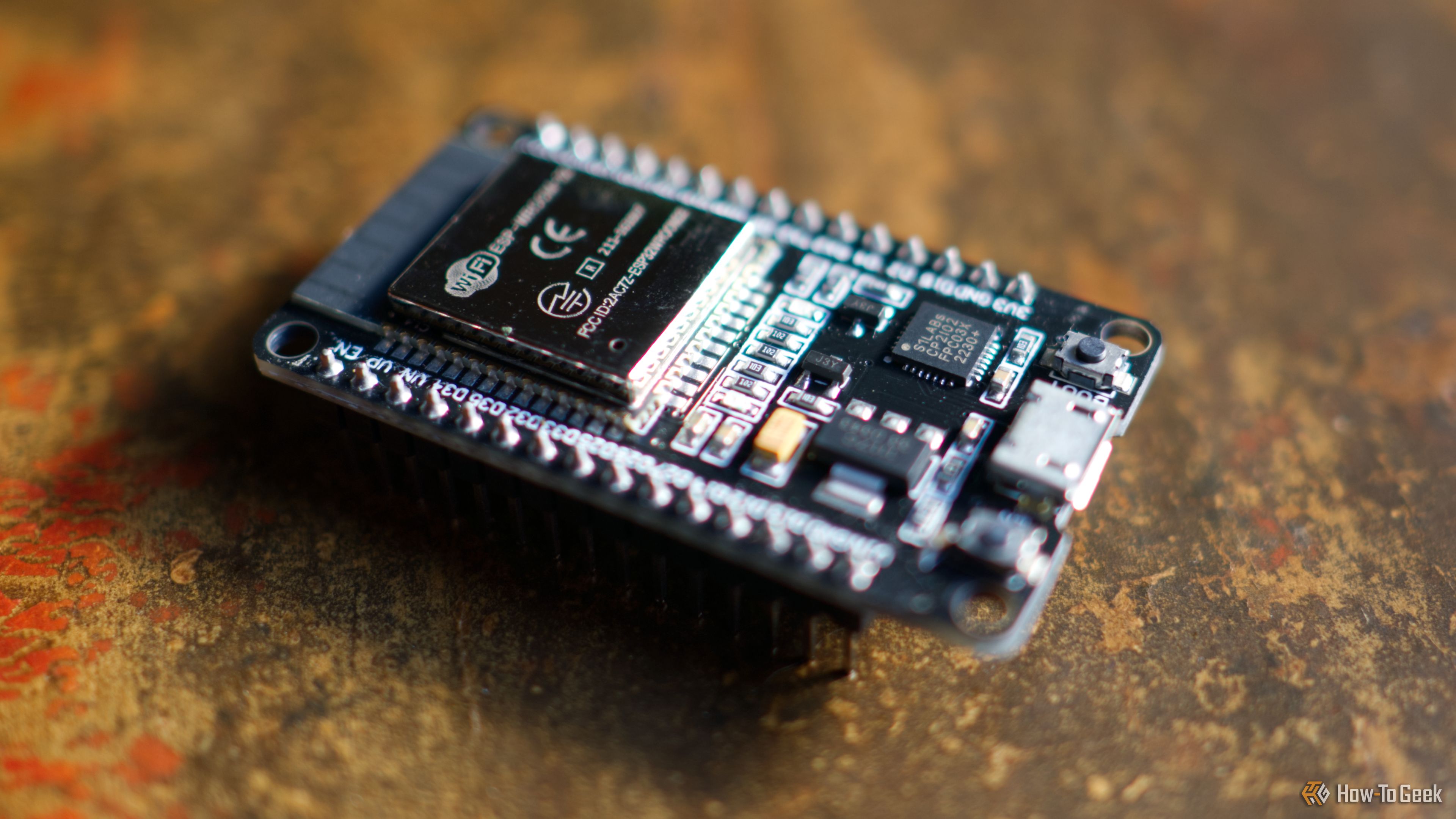
3 Clever Ways ESP32 Revitalizes Retro Computers
Discover three clever ways the versatile ESP32 microcontroller is revitalizing retro computers, from adding Wi-Fi and emulating disk drives to running full system emulators. Learn how this affordable board breathes new life into vintage tech.

Apple Unveils iPhone Duo: Pricey Foldable Sees Soaring Demand
Apple has officially entered the foldable smartphone arena with the long-anticipated launch of the iPhone Duo. Priced starting at a hefty $1,999, the device features a 5.4-inch outer display and a larger 7.6-inch inner
Android 17 QPR2 Beta 7.1: The Performance Relief You've Been Waiting
Android 17 QPR2 Beta 7.1: Finally Fixing the QPR1 Performance Woes Verdict: Android 17 QPR2 Beta 7.1 is a crucial and highly anticipated software update for Google Pixel users, specifically targeting and resolving the

MapQuest's ALPR Feature: Navigating Surveillance with Intelligence
Quick Verdict MapQuest's latest "Surveillance" feature is a compelling and timely addition, offering users the ability to identify automated license plate reader (ALPR) cameras in their vicinity. While its data sourcing

Elorian’s first AI model wants to reason with images, not just about
Elorian, a Palo Alto AI startup, has launched Glimpse, its inaugural AI model. It features a "visual scratch space" that allows it to actively reason *with* images by dynamically revisiting visual data during processing, rather than just inferring *about* them. Elorian claims Glimpse outperforms some frontier models and aims to evolve it for direct action and robotic control.

TCG Pocket Responds: A Much-Needed Pace Shift for Pokémon Fans
Pokémon TCG Pocket is rolling out a major update for its second anniversary, primarily addressing player concerns about overwhelming content releases by shifting to a six-week set schedule. This aims to curb player decline and improve overall engagement by giving trainers more time to collect and strategize. The update also adds new collection methods, improved deck-building features, and enhanced trading functionality.