
Navigating MV3: Building a Resilient Google Drive Sync Engine
Building a Google Drive sync engine for MV3 demands a resilient architecture due to ephemeral service workers. This article outlines key adaptations: disk-first state management, robust offline conflict resolution, and lightweight native networking for optimal performance.
Chrome's Manifest V3 (MV3) isn't merely a syntax update; it fundamentally alters how browser extensions are built. For applications that operate offline-first and constantly synchronize with cloud services like Google Drive, this shift is particularly disruptive. The move to Service Workers in MV3 necessitates a complete re-evaluation of established patterns for state management, handling network intermittency, and managing external dependencies. This article delves into the critical trade-offs and design decisions made to successfully implement a robust Google Drive sync engine under the strictures of an MV3 Service Worker.
Embracing a Disk-First Mentality: The End of In-Memory State
Previously, in Manifest V2, it was common practice to maintain application state, such as a sync queue, directly within background script variables. This approach is no longer viable with MV3. The browser now has the liberty to terminate Service Workers at any time to conserve memory. If a user action, like clipping a webpage, initiates an upload and the worker is killed before completion, that data is permanently lost.
To circumvent this, the paradigm must shift to a strict disk-first model. chrome.storage.local becomes the singular, reliable source of truth for all critical application state. Any user interaction—whether clipping content, writing a note, or using voice input—must immediately persist its data to local storage. Cloud synchronization then becomes a strictly background operation, an "afterthought." This design ensures that the Service Worker holds no transient state. The browser can activate it, the worker retrieves pending sync tasks from chrome.storage.local, dispatches the necessary uploads, and then safely terminates, guaranteeing data integrity.
Robust Offline Handling and Conflict Resolution
Network reliability is a constant concern, especially for a browser extension operating across varied user environments, from unstable Wi-Fi connections to laptops entering sleep mode. A robust sync engine must account for these interruptions.
When a user drops offline, the extension must immediately cease synchronization efforts and queue all pending state changes locally. The true challenge emerges upon reconnection: blindly pushing local updates to the cloud risks overwriting changes made by the user from another device. To prevent such data loss, a manual merging strategy is essential.
Upon detecting an online state, the system first retrieves the current JSON data from the appDataFolder in Google Drive. This remote data is then combined with the locally queued notes into a JavaScript Map. By designing note IDs as timestamps, sorting and naturally handling duplicates during the merge becomes straightforward. Once all local and remote changes are consolidated into a single array, this merged state is uploaded back to Google Drive. This meticulous merge process ensures that accidental overwrites are avoided, even if the Chrome browser unexpectedly shuts down the background script mid-sync.
Stripping Down for Speed: Native Fetch Over Heavy SDKs
One of the most impactful trade-offs for performance was the complete removal of the official Google API client SDK. While SDKs typically streamline development, their substantial size and complex dependency trees are detrimental in an MV3 Service Worker context. Injecting such a massive library significantly increases bundle size and slows down execution time, directly undermining MV3's performance objectives.
Instead, the solution involved directly utilizing the native fetch API to interact with the Google Drive v3 REST API. This approach yields an incredibly fast and lightweight extension. The primary technical challenge, however, lies in manually constructing multipart/related HTTP bodies. This is necessary when simultaneously uploading both metadata and file content within a single request.
Building these raw HTTP requests requires meticulous attention to detail, including manually wrangling string boundaries in vanilla JavaScript and ensuring precise carriage returns ( ).
javascript // building the raw multipart string const boundary = 'sync_boundary_' + Date.now(); const delimiter = " --" + boundary + " "; const close_delim = " --" + boundary + "--"; const bodyString = delimiter + 'Content-Type: application/json; charset=UTF-8 ' + JSON.stringify(metadata) + delimiter + 'Content-Type: application/json ' + JSON.stringify({ notes: localData }) + close_delim;
Writing raw HTTP requests manually can be tedious, especially when a single SDK call like drive.files.create() offers a simpler alternative. Yet, the significant reduction in dependency weight, which results in the extension loading and snapping instantly, makes this trade-off worthwhile and one that would be repeated.
Engineering for Constraints
Manifest V3 might initially feel like a restrictive framework, but these constraints effectively force developers into better design practices. By architecting an application to anticipate and gracefully handle the ephemeral nature of service worker state, implementing defensive checks for offline scenarios, and rigorously shedding heavy external libraries, it's entirely possible to build robust cloud integrations. These integrations can not only survive but also feel genuinely native and performant within the browser environment.
FAQ
Q: Why is in-memory state management problematic for MV3 Service Workers, and what is the recommended alternative?
A: MV3 Service Workers are designed to be ephemeral, meaning the browser can terminate them at any time to conserve memory. Relying on in-memory state risks losing data if the worker dies before operations complete. The recommended alternative is a strict disk-first model, using chrome.storage.local as the single, persistent source of truth for all application data.
Q: What is the primary concern when a browser extension comes back online after an offline period, and how is it addressed?
A: The primary concern is accidentally overwriting cloud data with outdated local changes if the user made updates from another device while offline. This is addressed by implementing a manual merge strategy: upon reconnecting, retrieve the current remote state from Google Drive, merge it with local changes (e.g., using timestamp-based IDs in a Map for conflict resolution), and then upload the consolidated data back to the cloud.
Q: Why is ditching the official Google API SDK for native fetch considered a good trade-off in MV3, despite the added complexity?
A: Official SDKs are often large, introducing significant bundle bloat and slowing down execution time within the MV3 Service Worker's constrained environment. Switching to the native fetch API keeps the extension lightweight and fast, aligning with MV3's performance goals. Although it requires manually constructing complex HTTP requests like multipart/related bodies, the performance gains and reduced resource consumption justify the increased development effort.
Related articles
Android 17 QPR2 Beta 7.1: The Performance Relief You've Been Waiting
Android 17 QPR2 Beta 7.1: Finally Fixing the QPR1 Performance Woes Verdict: Android 17 QPR2 Beta 7.1 is a crucial and highly anticipated software update for Google Pixel users, specifically targeting and resolving the

TCG Pocket Responds: A Much-Needed Pace Shift for Pokémon Fans
Pokémon TCG Pocket is rolling out a major update for its second anniversary, primarily addressing player concerns about overwhelming content releases by shifting to a six-week set schedule. This aims to curb player decline and improve overall engagement by giving trainers more time to collect and strategize. The update also adds new collection methods, improved deck-building features, and enhanced trading functionality.

AI's Confidence vs. Formal Methods' Rigor: Design Flaws & Verification
While AI accelerates code generation, formal methods remain critical for ensuring system correctness. Languages like TLA+ and tools like Quint enable developers to model and verify system designs before coding, catching subtle flaws. Quint makes formal methods more accessible with developer-friendly syntax and executability. This approach is vital for verifying AI-generated code through trace validation and model-based testing, ensuring reliability against real-world data.
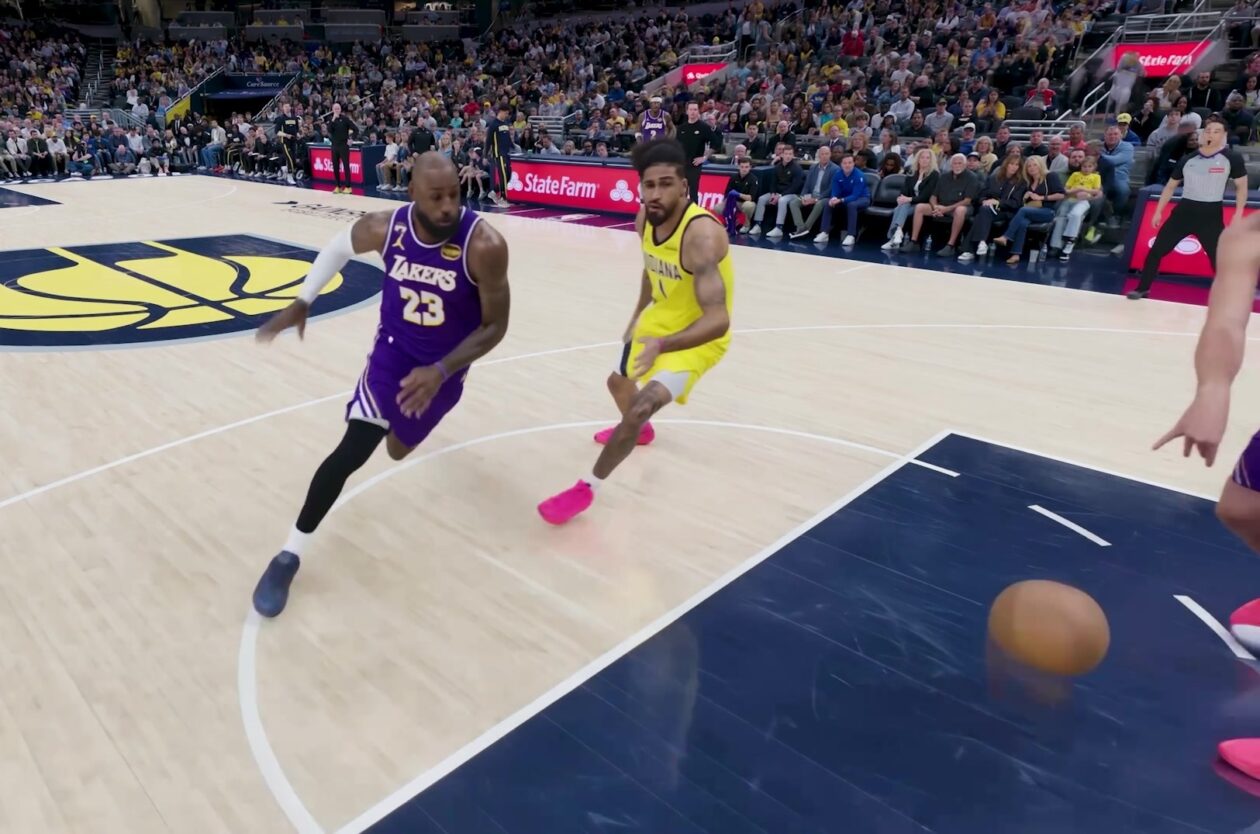
Amazon Prime Video Launches AI-Powered Prime 360 for NBA Coverage
Amazon Prime Video is elevating its NBA coverage with the introduction of Prime 360, an AI-powered replay system offering immersive, 'fly through' views of the action. Kicking off its second season, Prime Video also adds Yahoo fantasy integration and gains exclusive Eastern Conference Finals rights, expanding its tech-driven sports broadcast. The new features aim to deliver a unique and interactive viewing experience for basketball fans.

Ephemeral PR Preview Environments on GKE: A Deep Dive
Every development team eventually grapples with the limitations of shared staging environments. The familiar scenario: multiple features deployed simultaneously, database migrations clashing, and the phrase "it works on
Secure Internal API Access for AI Agents with MCP
AI agents accessing internal APIs directly pose significant risks, including identity loss, unrestricted queries, and security bypasses. The Model Context Protocol (MCP) offers a solution by defining explicit tools. A secure architecture involves an MCP server wrapping the API with strict input validation, coupled with a gateway that handles authentication, rate limiting, and audit logging, ensuring safe and accountable access.