
Mastering SCons for Modern Software Builds: A Developer's Guide
For developers who've navigated the intricate waters of Makefile syntax, grappled with elusive tab-versus-spaces bugs, or struggled to achieve consistent builds across diverse operating systems like Linux, macOS, and

For developers who've navigated the intricate waters of Makefile syntax, grappled with elusive tab-versus-spaces bugs, or struggled to achieve consistent builds across diverse operating systems like Linux, macOS, and Windows, SCons offers a refreshing alternative. This build system replaces traditional tools like Make, autoconf, and automake with a unified approach where every build file is a standard Python script. This eliminates a common source of frustration, allowing you to leverage the full power of Python for your build logic.
SCons stands out by fundamentally rethinking how dependencies are managed and how rebuilds are triggered. Instead of relying on file timestamps, SCons employs content-based change detection, using MD5 hashes to determine if a file's content has truly changed. This simple yet powerful distinction means you'll rarely need to resort to make clean out of uncertainty, as SCons's build state remains consistently accurate.
What is SCons and Why It Matters
SCons is an open-source, cross-platform software construction tool written entirely in Python. Created by Steven Knight in 2001, its design evolved from the Perl-based Cons tool, incorporating revolutionary ideas for the time: content-based change detection, automatic C/C++ header dependency scanning, and a single global dependency graph to circumvent issues inherent in recursive Make patterns. By reimplementing these concepts in Python, SCons gained robust configuration capabilities, enhanced cross-platform support, and significant extensibility through Python's object model.
At its core, SCons embraces the philosophy that build files should be written in a general-purpose programming language rather than a specialized, quirky DSL. An SConstruct file is simply a Python script, granting you access to standard Python constructs like loops, conditionals, functions, and any available Python library. This eliminates syntax quirks, tab-sensitivity problems, and the silent failures that often plague Makefile users. If you're proficient in Python, you're already equipped to write SCons build files.
SCons has been adopted by several notable projects, including the Godot game engine and PlatformIO, the embedded development ecosystem. MongoDB also utilized SCons for many years, showcasing its capability to manage builds for large-scale software with thousands of source files.
SCons in the Build Tool Landscape
Understanding SCons's position relative to other build tools is key to deciding when to use it:
-
SCons vs. Make: Make's DSL is notorious for its idiosyncrasies (tab sensitivity, complex variable expansion). It often requires manual dependency management for C/C++ headers and struggles with multi-directory projects due to recursive Make limitations. SCons overcomes these by providing Python-based scripting, automatic header scanning, a unified dependency graph, and content-based rebuilds. While SCons might incur a slight startup overhead on very large projects compared to Make, this is often negligible for small to medium-sized codebases.
-
SCons vs. CMake: CMake is a meta-build system; it generates native build files (e.g., Makefiles, Ninja files, Visual Studio projects) rather than building directly. SCons, conversely, is a direct build tool, eliminating the generation step. CMake boasts a larger ecosystem and superior IDE integration. SCons, however, offers greater simplicity and debuggability, as your build files are plain Python scripts, allowing for easy introspection,
print()statements, and debugger usage, contrasting with CMake's proprietary and often opaque language. -
SCons vs. Meson: Meson is a modern build tool that generates highly optimized Ninja files for rapid parallel builds. It uses a non-Turing-complete DSL, which, while restrictive, helps prevent certain classes of build configuration bugs. Meson often achieves faster builds on large projects due to Ninja's backend and has robust built-in cross-compilation support. SCons offers more flexibility through its Python foundation, making it suitable for projects requiring highly customized build logic or interaction with unusual toolchains.
In summary, choose SCons for maximum flexibility via Python, reliable content-based rebuild detection, existing SCons projects, or complex embedded development environments. Opt for CMake when IDE integration and ecosystem size are paramount, and Meson when raw build speed on large projects is the primary concern.
A Concrete Comparison: Make Versus SCons
Let's look at a simple C project (two .c files and a header) to highlight the differences:
Traditional Makefile: shell CC = gcc CFLAGS = -Wall -O2 OBJECTS = main.o utils.o
myapp: $(OBJECTS) $(CC) $(CFLAGS) -o $@ $^
main.o: main.c utils.h $(CC) $(CFLAGS) -c <
utils.o: utils.c utils.h $(CC) $(CFLAGS) -c <
clean: rm -f myapp $(OBJECTS)
This Makefile is 13 lines long, requires explicit header dependencies (utils.h), demands literal tab characters for recipes, and uses cryptic automatic variables ($@, $^, <).
Equivalent SConstruct file: python env = Environment(CCFLAGS=['-Wall', '-O2']) env.Program('myapp', ['main.c', 'utils.c'])
This SCons build file is just two lines. SCons automatically scans main.c and utils.c for #include directives, thereby detecting the dependency on utils.h without manual intervention. There's no clean target because scons -c handles artifact removal, and Python eliminates any tab-related issues.
Getting Started: Installation and Core Concepts
Installation
The simplest way to install SCons, being a pure Python package, is via pip:
shell pip install scons
Alternatively, you can use your system's package manager:
shell
Debian / Ubuntu
sudo apt install scons
macOS with Homebrew
brew install scons
Verify your installation:
shell scons --version
Essential SCons Concepts
Before writing your first SConstruct file, grasp these core SCons concepts:
- SConstruct Build File: The primary Python script, conventionally named
SConstruct, residing in your project's root. SCons executes this file when you run thesconscommand. - SConscript Build Files: Subsidiary Python scripts, typically placed in subdirectories (e.g.,
src/SConscript). The top-levelSConstructcallsSConscript()to incorporate these, defining build logic for specific modules or components. Paths within anSConscriptare relative to its own location, though the#prefix allows referencing paths relative to theSConstructdirectory (e.g.,#include). - Construction Environment: An
Environment()object that encapsulates all build configurations – compiler paths, flags, include directories, libraries. You can create multiple environments for different build flavors (e.g., debug vs. release) and modify them using methods likeenv.Append()orenv.Replace(). To isolate changes, useenv.Clone(). - Builder Methods: Functions attached to an
Environmentobject that know how to produce specific outputs. Common builders includeenv.Program()(for executables),env.StaticLibrary(),env.SharedLibrary(), andenv.Object(). Builders returnNodeobjects, representing the generated files. - Nodes: SCons's internal representation of files and directories. Working with
Nodeobjects (rather than raw strings) ensures platform portability and allows SCons to manage file extensions and path separators internally. You can also explicitly createFile(),Dir(), orEntry()Nodes.
Understanding SCons Environments: External, Construction, and Execution
A frequent source of confusion for new SCons users is the distinction between its three environment types:
- External Environment: This refers to your operating system's shell environment (e.g.,
os.environin Python), containing variables likePATH,HOME, etc. SCons deliberately does not automatically inherit these variables. This design choice enhances build reproducibility, preventing builds from mysteriously failing on different machines due to variations in developers' shell configurations. - Construction Environment: This is the
Environment()object you explicitly create in yourSConstructfile. It stores SCons's internal construction variables likeCC(C compiler),CXX(C++ compiler),CCFLAGS(compiler flags),CPPPATH(header search paths), andLIBS(libraries to link). SCons initializes these with sensible platform-specific defaults. - Execution Environment: This is a dictionary held within your construction environment, accessible as
env['ENV']. It's the environment that SCons passes to any external tools (compilers, linkers, custom scripts) it executes. By default,env['ENV']contains only a minimalPATH. If a tool invoked by SCons cannot be found, it's almost always because its path is missing fromenv['ENV']['PATH'], even if it's present in your shell's (External)PATH. The common fix is to explicitly propagate the shell'sPATH:env['ENV']['PATH'] = os.environ['PATH'].
Key Construction Variables for C/C++ Projects
Familiarity with these construction variables will accelerate your SCons adoption for C/C++ projects:
CC,CXX: Specify the C and C++ compilers, respectively. (e.g.,gcc,clang,cl).CCFLAGS: Compiler flags applied to both C and C++ source files (e.g.,['-Wall', '-O2']).CFLAGS: Flags specific to the C compiler (e.g.,['-std=c11']).CXXFLAGS: Flags specific to the C++ compiler (e.g.,['-std=c++17']).CPPPATH: A list of directories for header file searches. SCons translates these into-Iflags. The#prefix can be used for paths relative to the SConstruct file.CPPDEFINES: A list of preprocessor definitions (e.g.,['DEBUG', ('VERSION', '2')]). Using this is preferred over manually adding-Dflags toCCFLAGSas SCons tracks them as structured data.LIBS: A list of libraries to link against (e.g.,['pthread', 'm']).LIBPATH: A list of directories to search for libraries (e.g.,['#lib']).
Practical Takeaways
SCons is an excellent choice for developers seeking a robust, cross-platform build system that prioritizes simplicity and debuggability. Its Python foundation provides immense flexibility for complex build logic, while content-based change detection ensures reliable incremental builds. By understanding its core concepts and environment model, you can effectively leverage SCons to streamline your C/C++ development workflow and build projects with confidence.
FAQ
Q: Why does my build fail with "command not found" even though I can run it from my shell?
A: This is a common issue stemming from the distinction between SCons's Execution Environment and your shell's External Environment. SCons, by default, doesn't inherit your shell's PATH variable for child processes to ensure reproducibility. To resolve this, you must explicitly add your shell's PATH to the SCons execution environment within your SConstruct file: env['ENV']['PATH'] = os.environ['PATH'].
Q: Do I still need make clean with SCons?
A: In most cases, no. SCons uses content-based checksums (MD5 by default) for all source files, not just timestamps. If a file's content hasn't changed, SCons will not rebuild it, even if its timestamp indicates modification. This ensures a consistent build state, eliminating the need for manual clean operations out of uncertainty. You can, however, use scons -c if you wish to explicitly remove all built targets.
Q: How does SCons handle dependencies between C/C++ source files, such as header includes?
A: SCons automatically scans C/C++ source files for #include directives to build a comprehensive, global dependency graph. Unlike Make, where you often have to manually specify header dependencies or rely on external tools, SCons handles this out of the box. This automation significantly reduces the potential for missed dependencies and incorrect builds.
Related articles
Android 17 QPR2 Beta 7.1: The Performance Relief You've Been Waiting
Android 17 QPR2 Beta 7.1: Finally Fixing the QPR1 Performance Woes Verdict: Android 17 QPR2 Beta 7.1 is a crucial and highly anticipated software update for Google Pixel users, specifically targeting and resolving the

AI's Confidence vs. Formal Methods' Rigor: Design Flaws & Verification
While AI accelerates code generation, formal methods remain critical for ensuring system correctness. Languages like TLA+ and tools like Quint enable developers to model and verify system designs before coding, catching subtle flaws. Quint makes formal methods more accessible with developer-friendly syntax and executability. This approach is vital for verifying AI-generated code through trace validation and model-based testing, ensuring reliability against real-world data.

Ephemeral PR Preview Environments on GKE: A Deep Dive
Every development team eventually grapples with the limitations of shared staging environments. The familiar scenario: multiple features deployed simultaneously, database migrations clashing, and the phrase "it works on

Secure Internal API Access for AI Agents with MCP
AI agents accessing internal APIs directly pose significant risks, including identity loss, unrestricted queries, and security bypasses. The Model Context Protocol (MCP) offers a solution by defining explicit tools. A secure architecture involves an MCP server wrapping the API with strict input validation, coupled with a gateway that handles authentication, rate limiting, and audit logging, ensuring safe and accountable access.

Prototype Racing 2030: A Unified Future Driven by Software
Prototype racing is heading towards a unified, LMDh-based rule set by 2030, promising greater stability, cost-effectiveness, and a focus on software-driven innovation for OEMs, despite current economic challenges.
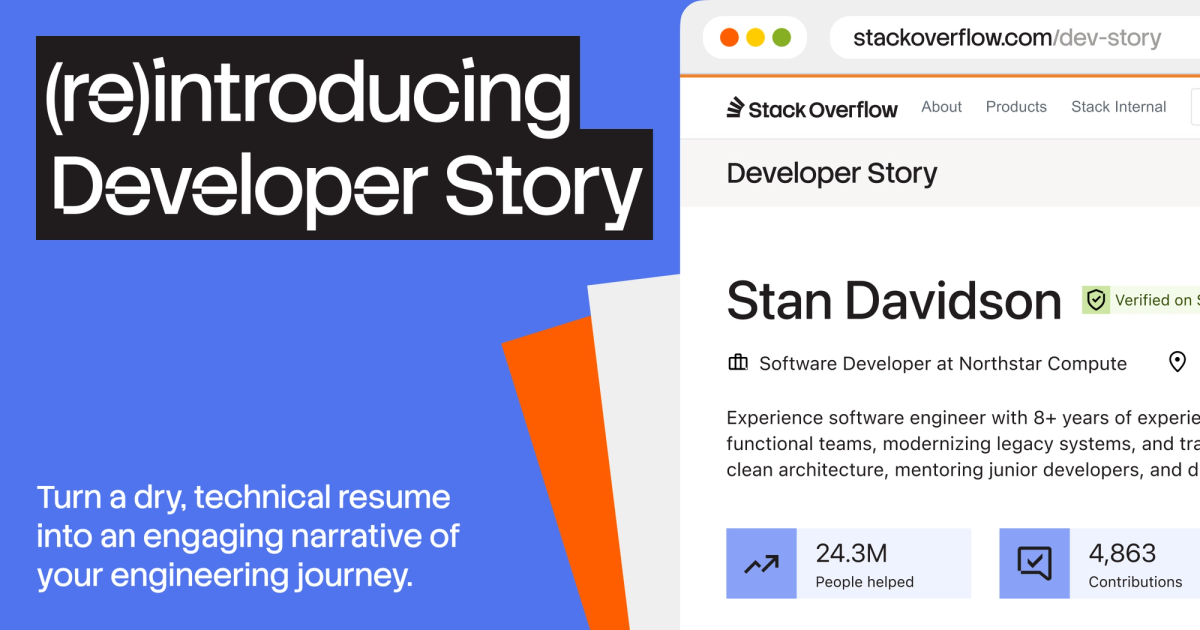
Beyond the Resume Noise: Developer Story Rethinks Tech Hiring
Stack Overflow is addressing the growing challenges in tech hiring, exacerbated by AI's influence leading to untrustworthy and generic resumes. Their solution, the re-introduced Developer Story, offers a platform for developers to authentically showcase their work, expertise, and impact through verifiable contributions and personal projects. This aims to provide hiring teams with more objective insights and help genuine talent stand out in a crowded market.