
Kagi Search Review: A Premium Alternative with a Catch
Kagi Search offers a refreshing, ad-free search experience reminiscent of early Google, excelling in specific areas like image and podcast search. However, its $10/month price and mobile app limitations may deter some users seeking a complete Google replacement.
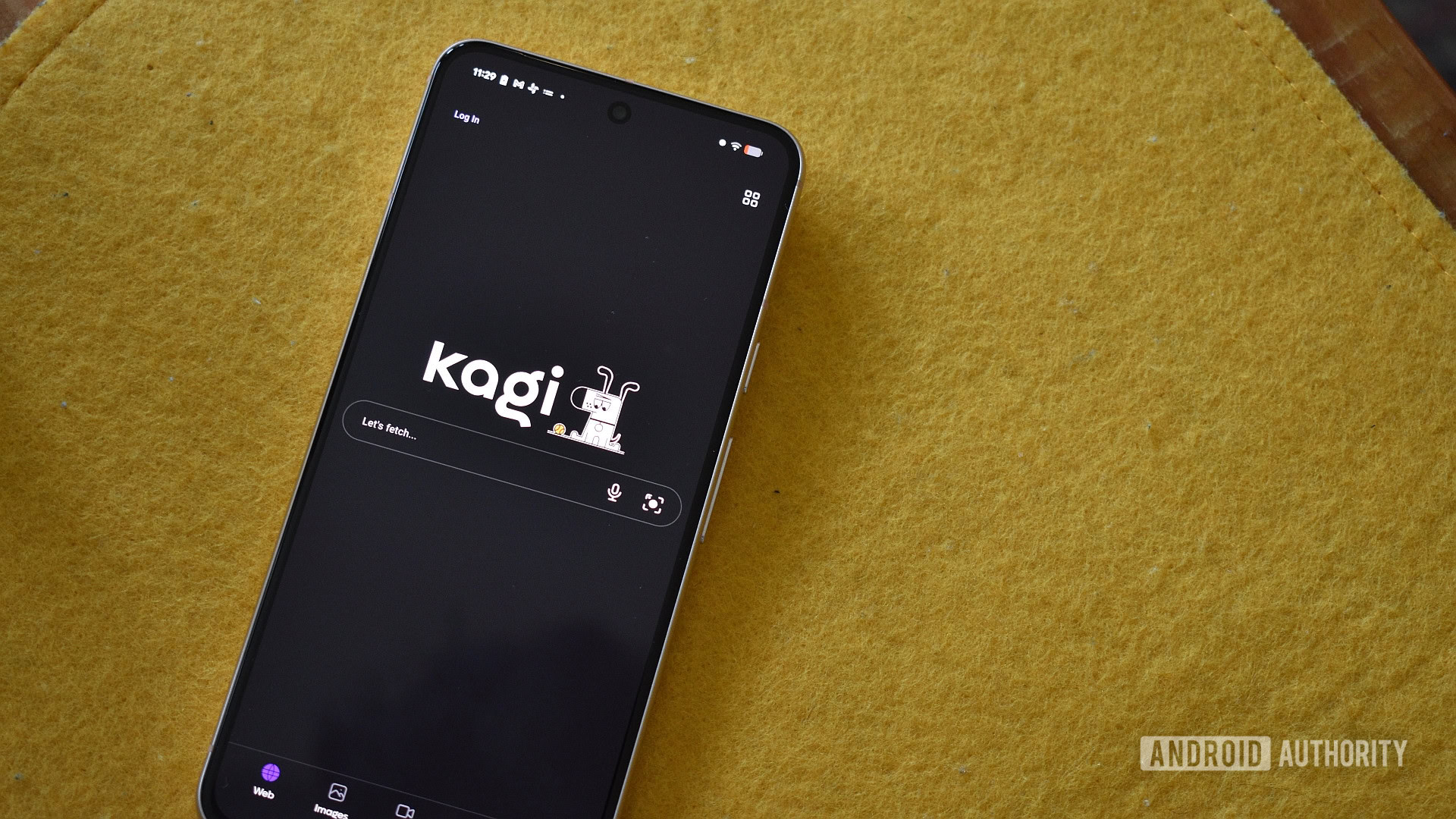
Google Search has long been the undisputed king of the internet, so ubiquitous it became a verb. For decades, it was the best way to find anything online. However, recent changes have pushed many to the brink of abandoning it entirely. The proliferation of AI Overviews, an excessive number of ads and sponsored content, and the inclusion of often irrelevant social media posts have made Google's search results pages feel cluttered and, at times, practically unusable. It no longer feels like the efficient, results-first tool it once was.
Driven by this decline, I recently spent a week with Kagi Search, a $10/month alternative that promises a return to a cleaner, more focused search experience. Kagi aims to show what Google Search could be if stripped of ads and intrusive AI. While it certainly delivers on many fronts, my time with it has also highlighted significant trade-offs, leading me to ultimately return to Google – at least for now.
What is Kagi Search?
Kagi Search presents itself as a premium search service that fundamentally rethinks the business model. Instead of relying on advertising and selling user data, Kagi charges a subscription fee. This allows it to boast a commitment to user privacy, claiming to use no "invasive" trackers and promising a search experience rich in answers rather than visual clutter. For those curious but hesitant to commit, Kagi offers a free trial of 50 searches, extended to 150 upon signing up. After that, unlimited searches come with a price tag of $10 per month. While this might seem restrictive compared to free alternatives, it proved ample for understanding Kagi's capabilities.
The Kagi Experience: Search Reimagined
At its core, Kagi delivers on its promise of a streamlined search experience. It’s remarkably reminiscent of early 2000s Google: a clutter-free, results-first interface where finding genuinely useful information takes precedence over wading through promotions. While Kagi does incorporate some AI elements, such as its "Quick Answer" chip, these are far less intrusive and obnoxious than Google’s AI Overviews, maintaining the focus on traditional search results.
One striking difference is the sheer number of results. Kagi typically offers significantly fewer results per query than Google. For example, a search for "red wine" might yield around 90 results on Kagi. While this might initially sound like a drawback, it's actually a strength. How often do you venture beyond the first page or two of Google results? By prioritizing the highest-quality options and shedding extraneous links, Kagi aims to provide a more efficient and effective search experience, ensuring the results presented are genuinely valuable.
Kagi also brings unique features to the table that enhance the discovery process. Its "Interesting Finds" list intelligently groups news, opinion pieces, or science-adjacent content relevant to a search, while "Listicles" specifically highlight results that offer structured, point-by-point breakdowns. These categories are distinct additions compared to Google's standard offerings.
Beyond basic links, Kagi offers a deeper level of insight into each result. Tapping a small shield icon next to a link reveals detailed information, including the website's index date, the trackers it contains, its page rank, website speed, and traffic ranking. This provides valuable context for users aiming to assess the credibility and quality of their sources, going far beyond what Google typically provides in its direct search interface.
Beyond Web Links: Images, Podcasts, and More
Kagi’s strengths extend beyond traditional web page results. Its image search feature is particularly robust, feeling like a callback to the extensive filtering options of Google Images from years past. Users can tweak a vast array of toggles and filters, covering everything from image type, age, quality, size, color, and even licensing. For anyone requiring precise image search capabilities, Kagi stands out.
Similarly, Kagi excels in searching for videos and news. However, its podcast search capability truly shines and quickly became my favorite aspect of the service. Many podcast apps suffer from limited search functionality, but Kagi remedies this. Whether you’re looking for discussions on "red wine," "giraffes," or specific historical events like the "Siege of Constantinople," Kagi offers an unparalleled way to discover new audio content across a wide range of topics. This feature alone provides significant value for podcast enthusiasts.
Where Kagi Stumbles: Maps and Mobile
While Kagi impresses in several areas, it's not without its weaknesses. The most prominent example is its Maps feature. It’s inherently challenging to compete with a product as refined and comprehensive as Google Maps, and Kagi Maps struggles here. While it attempts to provide useful insights into cities, listing cafes, parking, hotels, and parks, it notably fetches reviews from Google Maps itself. Crucially, it provides far less information than Google Maps, lacking details like busy times or menu items. Furthermore, its performance on mobile is a significant drawback, feeling "far too slow" and "tardy." Considering superior OpenStreetMap alternatives exist and Google Maps remains excellent, there’s little incentive to choose Kagi Maps, especially on a smartphone.
This performance issue extends to Kagi’s overall mobile experience. While integrating Kagi into a desktop browser is straightforward (by setting it as the default search engine), the mobile workflow is less seamless. It requires downloading and opening the dedicated Kagi app for optimal use. This means instead of initiating a search directly in your primary mobile browser, you launch the Kagi app, perform your search, and then tap a link to continue browsing in another window. For users who frequently jump between multiple search results, this adds a layer of tediousness that disrupts the flow of mobile browsing.
The Price of Privacy: Is Kagi Worth it?
Kagi's premium $10/month subscription is the elephant in the room. I appreciate the company's philosophy behind charging for its service, specifically its commitment to avoiding ads and data sales. However, the value proposition for individual users can be complex. For me personally, I'm not overly concerned about Google collecting anonymous data on my search habits, especially since I rarely search while logged into my Google account and employ privacy tools like uBlock Origin and NextDNS. These tools already largely obfuscate my identity during searches, making Kagi's promise of being a "ghost" less impactful for my specific use case. If my identity is already substantially protected, the financial incentive to pay $10 a month solely for privacy becomes difficult to justify.
Ultimately, while Google Search's quality has degraded, the question of whether Kagi's asking price is warranted, especially when compared to other free non-Google alternatives like DuckDuckGo, remains a personal one. Kagi certainly offers a glimpse into what a truly user-focused, ad-free search engine can be, but its premium cost and certain functional limitations mean it's not a clear-cut replacement for everyone.
Buying Recommendation
Kagi Search is an excellent alternative for desktop users who are fed up with Google's clutter, ads, and intrusive AI, and who prioritize a clean, results-first experience. Its advanced image search and unparalleled podcast search features are particularly compelling. However, its significant $10/month price tag, sluggish and under-featured Maps offering, and somewhat cumbersome mobile workflow prevent it from being a wholesale replacement for Google. If you primarily search on desktop, value specific advanced features, and are willing to pay for an ad-free, privacy-conscious environment, Kagi is worth exploring through its trial. But for those seeking a seamless, all-encompassing search experience across all devices without additional cost, or for whom existing privacy tools suffice, Kagi's premium price might be a barrier.
FAQ
Q: Who is Kagi Search best suited for?
A: Kagi is ideal for users who prioritize an ad-free, clutter-free desktop search experience, value detailed site information, and frequently use advanced image or podcast search. It also appeals to those who feel Google's AI and ads significantly degrade their search experience and are willing to pay for a premium alternative.
Q: Can Kagi Search fully replace Google Search?
A: While Kagi excels in core search functionality, image search, and podcast discovery, its Maps feature is inferior to Google Maps, and its mobile app workflow is less seamless. For a complete, integrated replacement, especially for mobile users or those heavily reliant on integrated mapping and services, Kagi falls short.
Q: Is the $10/month subscription justified?
A: The justification for the $10/month subscription depends heavily on individual priorities. If you place a high value on an ad-free, data-privacy-focused experience and frequently utilize Kagi's unique features, it might be a worthwhile investment. However, if you already employ other privacy tools or primarily conduct searches on mobile, the cost might be difficult to justify given Kagi's current limitations in those areas.
Related articles
Android 17 QPR2 Beta 7.1: The Performance Relief You've Been Waiting
Android 17 QPR2 Beta 7.1: Finally Fixing the QPR1 Performance Woes Verdict: Android 17 QPR2 Beta 7.1 is a crucial and highly anticipated software update for Google Pixel users, specifically targeting and resolving the

DJI Solo Video Setups: Smart Choices for Lone Creators
This review delves into DJI's recommended solo video setups, highlighting the Osmo Pocket 3 Creator Combo as a top pick for its integrated camera, gimbal, and mic. It also covers stabilizers like the Osmo Mobile 8 and RS 4, and the DJI Mic Mini series for enhanced audio, providing honest pros, cons, and clear buying advice.

Ars Technica's Rocket Report: Your Essential Space Industry Briefing
Quick Verdict Ars Technica's Rocket Report, presented by veteran space reporter Stephen Clark, offers an invaluable and meticulously organized weekly (or similar frequency, implied by "Edition 9.15") digest of the most

Apple iPhone Duo: A Daring Debut with Notable Compromises
Apple's highly anticipated iPhone Duo, priced at $2,000, has gone on pre-order. While hailed as "Apple's most exciting device in a decade" for its innovative foldable design and immersive display, it comes with significant drawbacks like the absence of FaceID and a premium camera.

AI's Confidence vs. Formal Methods' Rigor: Design Flaws & Verification
While AI accelerates code generation, formal methods remain critical for ensuring system correctness. Languages like TLA+ and tools like Quint enable developers to model and verify system designs before coding, catching subtle flaws. Quint makes formal methods more accessible with developer-friendly syntax and executability. This approach is vital for verifying AI-generated code through trace validation and model-based testing, ensuring reliability against real-world data.

KDE Plasma 6.8: A Future-Focused 30th Anniversary Update
Quick Verdict KDE Plasma 6.8, arriving as the "30th Anniversary Edition," is a pivotal release that decisively pushes the desktop environment into the future. With a definitive farewell to native X11 sessions and a