
in-depth: How to Run Ethernet Cables to Your Router and Keep Them
Learn to install and organize Ethernet cables for a faster, more stable home internet connection and a clutter-free environment.

Upgrade your home network with a faster, more stable connection by running Ethernet cables. Wired connections offer superior performance for tasks like optimizing router placement, setting up mesh backhaul, or connecting an EV charger. This guide will show you how to select the right cables, plan your route, and neatly conceal them for both efficiency and aesthetics.
Before You Start: Essentials and Speed Considerations
To begin, gather your tools and understand network basics. You'll need Ethernet cables (Cat 6a or Cat 7 for main runs are recommended), an Ethernet switch (optional, if more ports are needed), cable management items like ties, sleeves, and adhesive clips, and a measuring tape. For advanced hiding, consider fiberglass snake rods, brush wall plates, bulk cable, and termination tools (punch-down tool, keystone jacks, wall plates).
Remember, your internet speed is capped by your service provider. While faster internal network transfers are possible with higher-rated gear, ensure all components—router, cables, switches, and devices—match your desired speed. The slowest link in your setup will always dictate performance.
Choosing the Right Ethernet Cables
Select cables for optimal performance and durability:
- Category (Cat) Rating: Cat 5e/6 (up to 1 Gbps) are often sufficient. Cat 6a/7 (up to 10 Gbps) are recommended for main runs for future-proofing, with minimal cost difference. Cat 7a/8 (40 Gbps) are usually overkill and more expensive.
- Shielding: UTP (Unshielded Twisted Pair) is preferred for most homes; it's flexible and durable. STP/FTP (Shielded/Foiled Twisted Pair) is only needed near strong electrical interference, but is less flexible and more fragile.
- Cable Shape: Avoid flat cables due to their proneness to interference and damage. Stick to standard round cables.
- Manufacturer: Choose recognized brands.
Do You Need an Ethernet Switch?
If your router lacks sufficient Ethernet ports, an unmanaged plug-and-play Ethernet switch is an easy solution. It expands one port into many, requiring no complex setup. Choose a 5-port or 8-port switch with a few spare ports for future expansion. Bandwidth is shared among ports. A managed switch is only needed for advanced network configurations like traffic prioritization.
Planning Your Cable Runs & Best Practices
Careful planning ensures a tidy and functional setup. Always label both ends of each Ethernet cable, especially for multiple lines or concealed runs, to save troubleshooting time and aid identification.
- Map Route: Visualize the cable path from start to finish.
- Avoid Kinks: Sharp bends damage cables; use gentle curves.
- Bypass High-Traffic Areas: Place cables along walls, not under furniture or in doorways, to prevent damage.
- Minimize Interference: Keep cables away from strong electrical sources.
- Use Cable Management: Employ ties, sleeves, or organizers to group and secure cables.
How to Hide Ethernet Cables
Choose a method that fits your home:
- Along the Baseboard: Tuck cables into baseboard channels/recesses, securing with adhesive or nailed clips. For room-to-room, consider drilling a small wall hole.
- Under Carpet or Rug: Run cables beneath carpets, tight against baseboards. Use a dedicated floor cord protector if crossing doorways.
- Using Cable Raceways (Trunking): Attach paintable channels to walls that neatly enclose cables, blending for a professional look.
- Using Crown Molding: Incorporate cables into decorative crown molding (coving) for a concealed run. Plan discreet cable entry/exit points.
- Behind the Wall or Under the Floor (Most Advanced): The neatest finish but invasive, requiring tools and caution against electrical/water lines. Use fiberglass snake rods for guiding and brush wall plates for finished openings. For bulk cable, use a punch-down tool, keystone jacks, and wall plates. Pro Tip: Include a pull string with hidden cables for easier future changes.
Hiding Switches and Power Strips
Conceal networking hardware in media cabinets, behind TVs, or within cable management boxes to maintain a completely tidy setup.
Next Steps
If wired solutions aren't universally practical, explore wireless network improvements. Check guides on making Wi-Fi faster, fixing Wi-Fi issues, or finding the best mesh routers, Wi-Fi routers, or extenders.
FAQ
Q: Do I really need to upgrade from Cat 5e or Cat 6 cables? A: While Cat 5e or Cat 6 cables suffice for most home internet speeds up to 1 Gbps, upgrading to Cat 6a or Cat 7 for primary runs offers future-proofing for faster internet (up to 10 Gbps) or internal transfers, often with minimal extra cost.
Q: Are flat Ethernet cables a good option for hiding? A: The source advises against flat Ethernet cables. They are more prone to interference and can be less durable than standard round cables, potentially leading to connectivity problems.
Q: What if my router doesn't have enough Ethernet ports? A: Use an unmanaged plug-and-play Ethernet switch. Connect it to one of your router's ports to gain multiple new ports. It's recommended to choose a switch with a few spare ports for future expansion.
Related articles

in-depth: Best Bluetooth Speaker (2026): JBL, Sonos, Marshall, and
WIRED's 2026 guide names the JBL Flip 7 the top Bluetooth speaker, recognizing its balance of sound, durability, and affordability. The updated list highlights significant advancements across the portable audio market, with specialized picks from Sonos, Marshall, and KEF offering enhanced smart features, battery life, and sound quality for diverse user needs.

How to Pick and Play Top Roblox Games with Your Siblings This Weekend
Looking for the perfect way to connect and have fun with your siblings this weekend? Roblox offers a vast universe of experiences designed to entertain players across various age groups and preferences. Whether you have

How to Choose Your Next AirPods - Comparing 5, 4, and Pro 3
Navigating Apple's AirPods lineup can be tricky. With the new AirPods 5 potentially offering a better, cheaper option than the AirPods 4, and the AirPods Pro 3 still a premium contender, how do you decide which is right
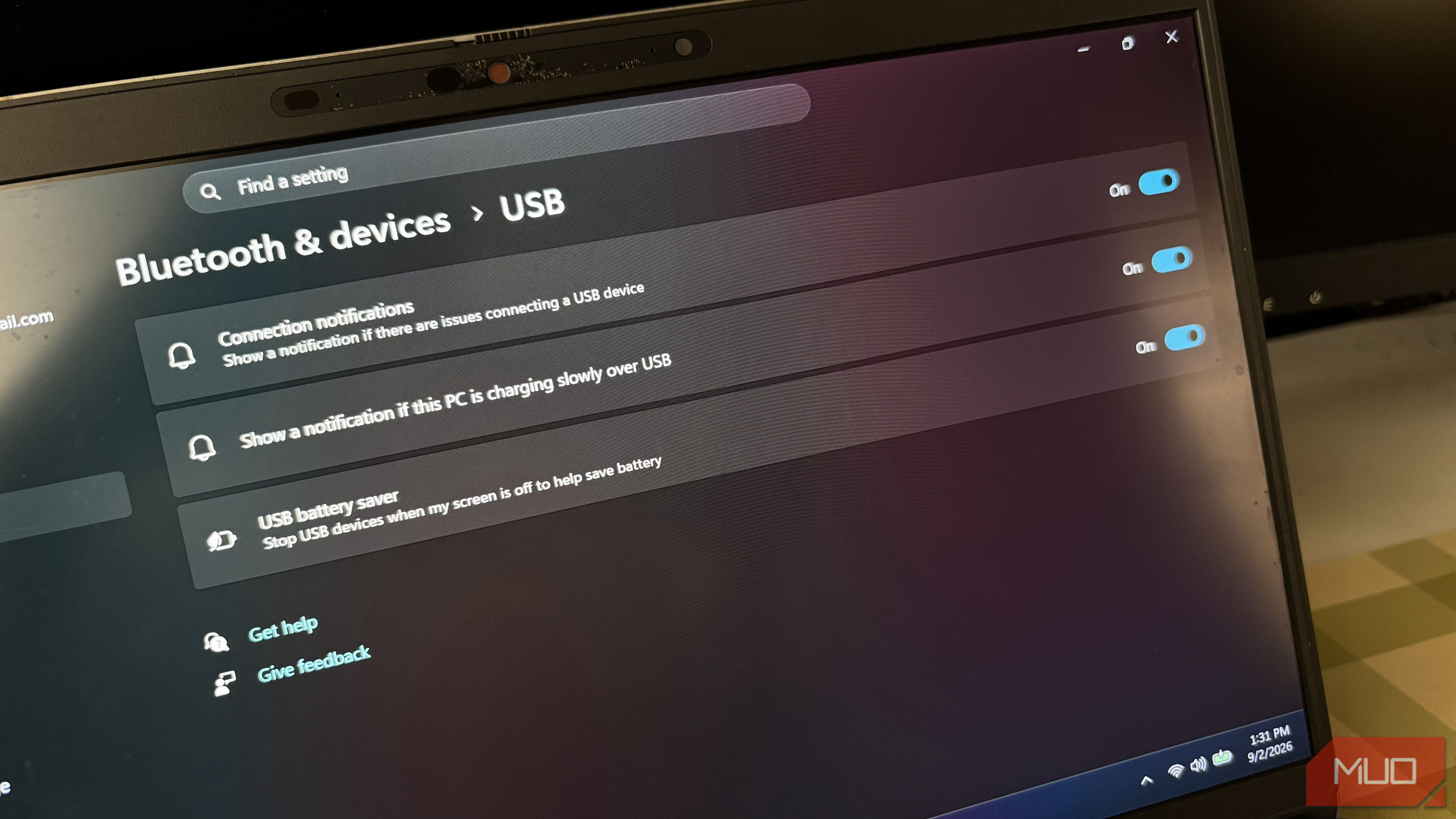
Stop Random USB Disconnections: Disable Windows Power Saving
Learn to fix random USB device disconnections by disabling Windows' power-saving features in Settings, Control Panel, and Device Manager.

in-depth: A Stealth Startup Thinks It Just Hacked the Memory
Kepler Computing has emerged from stealth with a new chip architecture using 3D stacking and proprietary materials to solve the global memory shortage, bypassing expensive EUV lithography. Backed by $468M and a US Commerce Department commitment, the startup aims to boost HBM and SRAM density, essential for the AI boom.

Master Podcasts in Android Auto with Pocket Casts for
Navigating podcast apps in Android Auto can often feel cumbersome, adding unnecessary complexity to your driving experience. Many apps force you to browse extensive libraries or fiddle with intricate menus while on the