
How to Unlock Advanced Features of Your Ultrahuman Ring Pro Charging
Learn to leverage the Ultrahuman Ring Pro charging case's advanced features, including data storage, troubleshooting, and alarm support, to enhance your smart ring experience in a few simple steps.

How to Unlock Advanced Features of Your Ultrahuman Ring Pro Charging Case: Elevate Your Smart Ring Experience
Welcome to the future of smart ring technology! The Ultrahuman Ring Pro isn't just a powerful health tracker on your finger; it's accompanied by an innovative charging case that redefines convenience and functionality. Far from being a simple power bank, this case is a device in its own right, packed with features designed to enhance your smart ring experience.
This guide will walk you through how to effectively utilize your Ultrahuman Ring Pro charging case, transforming it from a mere accessory into a central hub for data management, device diagnostics, and daily utilities. Get ready to unlock surprising capabilities that go well beyond basic charging!
What You'll Accomplish
By following this guide, you will learn to:
- Efficiently charge your Ultrahuman Ring Pro using various methods.
- Understand the visual cues provided by your charging case's LED indicators.
- Leverage the case for advanced functions like alarm support.
- Manage and store your valuable health data directly within the case.
- Utilize the case's diagnostic and troubleshooting capabilities.
- Appreciate the practical, size-agnostic design of the charging case.
Prerequisites
Before you begin, ensure you have the following:
- Your Ultrahuman Ring Pro.
- The Ultrahuman Ring Pro Charging Case.
- A compatible smartphone with the Ultrahuman app installed.
- A USB-C charging cable and power adapter (for wired charging) or a wireless charging pad.
Step 1: Get Started – Powering and Understanding Your Case's Basics
Your journey begins by powering up and familiarizing yourself with the core functionalities of your Ultrahuman Ring Pro charging case. This initial setup is crucial for seamless operation.
1.1 Charging Your Case and Ring:
The Ultrahuman Ring Pro charging case offers versatile charging options to keep your ring powered for its impressive 15-day battery life. The ring attaches securely to magnetic pins within the case.
- Wired Charging: Connect a USB-C cable to the case's dedicated USB-C port and plug it into a power source. This method provides a reliable charge for both the case and the ring.
- Wireless Charging: Simply place the Ultrahuman Ring Pro charging case on a compatible wireless charging pad. This convenient feature allows for effortless power replenishment without the need for cables.
1.2 Interpreting LED Indicators:
The charging case features LED indicators that provide quick visual feedback on its status. While specific patterns or colors aren't detailed in the source, these indicators are typically used to convey charging status, battery levels, or other operational states. Pay attention to these lights to ensure your case and ring are functioning as expected.
Step 2: Enhance Your Routine – Leverage Smart Conveniences
The Ultrahuman Ring Pro charging case goes beyond just charging, offering smart features that integrate into your daily life, making routines smoother and more convenient.
2.1 Utilizing Alarm Functionality:
While smart rings are often too compact to incorporate vibration or sound components without adding bulk or draining battery, the charging case fills this gap beautifully. Positioned on your nightstand, the charging case can effectively serve as an alarm clock. Although the Ultrahuman app has its own alarm feature (which may not always perform reliably with silent mode on iPhones), the case's design makes it an ideal platform for delivering timely notifications or alarms, complementing the ring's passive tracking.
Step 3: Safeguard Your Insights – Manage Data with Ease
Your health data is invaluable. The Ultrahuman Ring Pro charging case provides robust capabilities for storing and syncing this critical information, ensuring your insights are always accessible and secure.
3.1 Comprehensive Data Storage:
One of the most remarkable features of the charging case is its capacity to store an extensive amount of ring data. It can hold up to a full year's worth of your health metrics. This is a significant advantage, as it acts as a backup and a buffer, ensuring your data is not lost even if you can't sync immediately.
3.2 Seamless Data Syncing:
After storing data, the case can then sync this information to your smartphone. This process ensures that your health insights are consistently updated in the Ultrahuman app, allowing you to review trends, track progress, and gain a comprehensive understanding of your well-being. Regular syncing, facilitated by the case, keeps your app's data current and complete.
Step 4: Maintain and Troubleshoot – Ensure Seamless Operation
The charging case isn't just for daily use; it's also a vital tool for maintaining your Ultrahuman Ring Pro and addressing any potential issues. Its built-in diagnostic and troubleshooting features help ensure your ring remains in optimal working condition.
4.1 Hard Reset Capability:
Should your ring encounter a software glitch or become unresponsive, the charging case provides a solution. It includes a dedicated button for a hard reset. This feature can be incredibly useful for quickly resolving minor issues and restoring the ring's functionality without complex procedures.
4.2 Advanced Diagnostics:
Beyond just resetting, the case also offers features for diagnostics and troubleshooting. While the source content doesn't detail specific diagnostic outputs, this capability suggests the case can help identify problems with the ring or its connection, guiding you toward a resolution and ensuring the accuracy of your health data.
Step 5: Appreciate the Design – Practicality and Versatility
Even the physical design of the Ultrahuman Ring Pro charging case demonstrates thoughtful innovation, prioritizing user convenience and long-term usability.
5.1 Size-Agnostic Design:
Unlike many smart ring cases, the Ultrahuman Ring Pro charging case is not sized to a specific ring. The ring magnetically attaches to charging pins on a central post, allowing for universal compatibility. This means whether you have a large or small ring, the case accommodates it without requiring a specific size variant. This design choice is particularly convenient if you ever need to replace the case, as you won't have to search for one matching your ring's size.
Troubleshooting Tips
- Alarm Reliability: If you find the alarm feature, particularly when integrated with the Ultrahuman app on an iPhone in silent mode, to be unreliable, consider adjusting your phone's notification settings or using the case's alarm capability as a primary alert, leveraging its potential for direct notification.
- Ring Unresponsive: If your Ultrahuman Ring Pro is not responding, utilize the hard reset button located on the charging case. Follow the device's specific instructions for this procedure.
- Syncing Issues: Ensure your ring is securely placed in the charging case and that the case itself has power. Check your smartphone's Bluetooth connection and confirm the Ultrahuman app is open and updated.
Tips for Optimal Use
- Strategic Placement: Keep your charging case on your nightstand. This makes it readily available for daily charging, allows it to function as an alarm, and keeps it within easy reach for data syncing.
- Regular Syncing: Although the case stores a year of data, it's a good practice to sync your ring data to your phone regularly to keep your app updated with the latest insights.
- Leverage Wireless Convenience: Utilize the wireless charging feature whenever possible for a clutter-free and convenient charging experience.
Frequently Asked Questions
Q: Can the Ultrahuman Ring Pro charging case truly act as an alarm without the ring being worn?
A: Yes, the innovative design of the charging case makes it well-suited to function as an alarm clock. While the Ultrahuman app manages the alarm settings, the physical presence and capabilities of the case itself allow it to deliver alarms more effectively than a ring alone, especially since it's likely placed on your nightstand.
Q: How much data can the charging case store?
A: The Ultrahuman Ring Pro charging case is designed to store a significant amount of your health data—up to a full year's worth of information from your ring. This ensures your data is backed up and available for syncing to your smartphone at your convenience.
Q: Is the charging case specific to the size of my Ultrahuman Ring Pro?
A: No, one of the brilliant design aspects of the Ultrahuman Ring Pro charging case is that it is not size-specific. The ring attaches magnetically to universal pins inside the case, accommodating all ring sizes (from 5 to 14) without the need for different case versions.
Next Steps
- Explore the Ultrahuman App: Dive deeper into the Ultrahuman app to customize your notifications, set detailed alarms, and analyze the comprehensive health data synced from your ring and case.
- Monitor Diagnostics: Should any issues arise, consult the Ultrahuman support resources to understand how to interpret diagnostic information from your case and ring.
- Stay Updated: Keep an eye out for potential firmware updates for your ring and case, as Ultrahuman may introduce new features or improvements over time.
By fully engaging with the advanced features of your Ultrahuman Ring Pro charging case, you're not just powering your device; you're unlocking a whole new level of convenience and insight for your health journey. Enjoy the smart capabilities at your fingertips!
Related articles
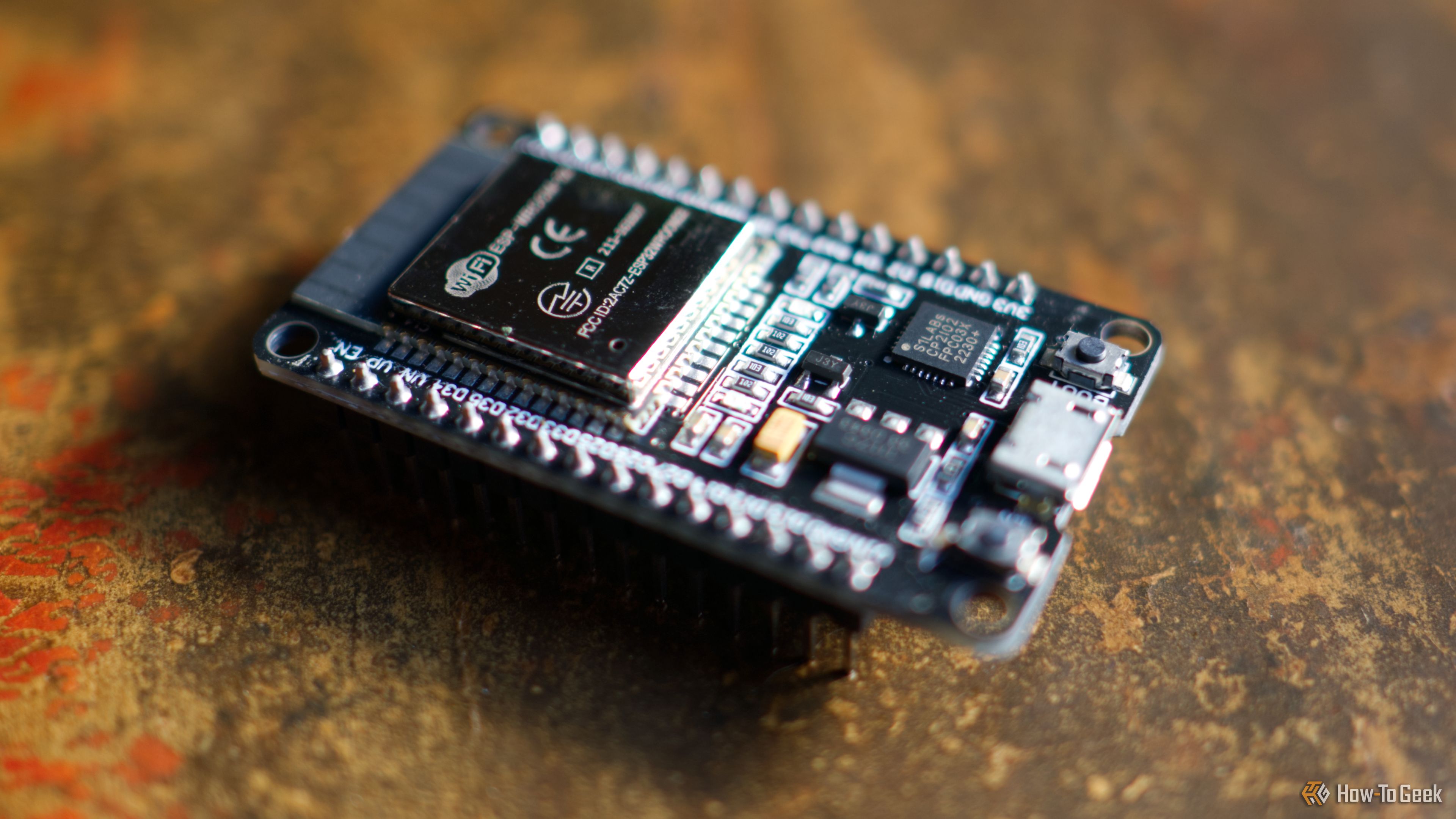
3 Clever Ways ESP32 Revitalizes Retro Computers
Discover three clever ways the versatile ESP32 microcontroller is revitalizing retro computers, from adding Wi-Fi and emulating disk drives to running full system emulators. Learn how this affordable board breathes new life into vintage tech.

Apple Unveils iPhone Duo: Pricey Foldable Sees Soaring Demand
Apple has officially entered the foldable smartphone arena with the long-anticipated launch of the iPhone Duo. Priced starting at a hefty $1,999, the device features a 5.4-inch outer display and a larger 7.6-inch inner

MapQuest's ALPR Feature: Navigating Surveillance with Intelligence
Quick Verdict MapQuest's latest "Surveillance" feature is a compelling and timely addition, offering users the ability to identify automated license plate reader (ALPR) cameras in their vicinity. While its data sourcing

Elorian’s first AI model wants to reason with images, not just about
Elorian, a Palo Alto AI startup, has launched Glimpse, its inaugural AI model. It features a "visual scratch space" that allows it to actively reason *with* images by dynamically revisiting visual data during processing, rather than just inferring *about* them. Elorian claims Glimpse outperforms some frontier models and aims to evolve it for direct action and robotic control.

TCG Pocket Responds: A Much-Needed Pace Shift for Pokémon Fans
Pokémon TCG Pocket is rolling out a major update for its second anniversary, primarily addressing player concerns about overwhelming content releases by shifting to a six-week set schedule. This aims to curb player decline and improve overall engagement by giving trainers more time to collect and strategize. The update also adds new collection methods, improved deck-building features, and enhanced trading functionality.

Ditch Merge & Center: The Better Way to Align Text in Excel
Learn to use Excel's "Center Across Selection" to align text across cells without merging, avoiding common data manipulation issues. This guide provides steps to utilize this newly accessible feature and add it to your Quick Access Toolbar.