
How to Reimagine the World with Nano Banana 2 in Google Earth
Learn to use Nano Banana 2 AI in Google Earth on the web to generate historical scenes, futuristic landscapes, or personal design visualizations with text prompts.

Google Earth is transforming, allowing you to blend real-world locations with imaginative AI-generated visuals. Thanks to the integration of Nano Banana 2, the advanced AI image generation technology first seen in Google Gemini, you can now use Google Earth on the web to create stunning historical scenes or envision futuristic landscapes. This guide will walk you through how to harness these powerful new capabilities to explore the world with unprecedented creativity, whether you're a student, a planner, or just curious.
Prerequisites for Getting Started
Before you begin your creative journey with Nano Banana 2 in Google Earth, make sure you have the following:
- Google Earth on the Web: The Nano Banana 2 features are currently rolling out for all users of Google Earth on the web. Ensure you're accessing it through your web browser.
- A Google Account: You'll need to be logged into your Google account to use Google Earth's features.
- Internet Connection: A stable internet connection is necessary for accessing Google Earth's vast imagery and for the AI to process your requests.
How to Generate AI Images in Google Earth
The core of using Nano Banana 2 in Google Earth involves using text prompts to direct the AI. While the specific user interface elements might vary slightly as the feature rolls out, the fundamental process is about telling the AI what you want to see in a chosen location.
- Access Google Earth: Open your web browser and navigate to Google Earth (earth.google.com).
- Navigate to Your Desired Location: Use the search bar or pan and zoom controls to find the area you wish to reimagine. The AI will use the aerial, satellite, and 3D imagery of this location as its basis.
- Initiate AI Image Generation: Once the Nano Banana 2 integration is fully available in your account, you will find an option to activate the AI image generation feature. This will likely involve a specific button or input field labeled for 'Nano Banana 2' or 'AI Imagine,' allowing you to input your creative ideas.
- Enter Your Text Prompt: In the designated prompt area, describe what you want the AI to generate. Be as clear and descriptive as possible to guide the AI towards your vision. For instance, if you want a historical reconstruction, you might write, "render a hyper-realistic view of what these Pompeii ruins looked like in 78 AD." For a futuristic vision, try "reimagine this empty lot in Tokyo as a vibrant shopping and retail district with open spaces." The AI will then combine your text prompt with the existing landscape data.
- Review the Generated Image: After entering your prompt, the AI will process your request and display the new, imagined scene overlaid on the Google Earth view. Take time to examine the details and observe how your prompt was interpreted by the system.
Exploring Creative Possibilities with Nano Banana 2
Nano Banana 2 unlocks a range of creative and educational applications within Google Earth. Here are some ways you can put these new AI capabilities to use:
-
Learn While Exploring: Transform real-world locations into interactive learning tools. You could prompt the AI to create an infographic directly on a landmark, such as the Statue of Liberty, incorporating key historical facts and visuals. This allows for a more immersive and dynamic way to absorb information about places around the globe.
- Prompt Example: "Build an infographic on the Statue of Liberty with key historical facts about its construction and symbolism."
-
Urban Planning and Development Visualization: For those interested in urban development or architecture, this feature allows you to visualize potential changes to existing areas. Take an empty lot or a less-developed region and see it transformed into a bustling commercial hub or a green space. This can be invaluable for conceptualizing new projects or simply exploring different urban possibilities.
- Prompt Example: "Reimagine this empty lot in Tokyo as a vibrant shopping and retail district with open spaces and modern architecture."
-
Personal Design Projects: Dream of a new home or an extension to your current property? Nano Banana 2 can help you visualize it. By combining the existing landscape of your chosen location with your design ideas, you can generate an image that brings your personal projects to life. This serves as an excellent starting point for planning and brainstorming.
- Prompt Example: "Design a modern, minimalist lakeside home integrated into this natural landscape, with large windows overlooking the water."
-
Futuristic Visions: Let your imagination soar by envisioning how places might evolve over time. Google suggests thinking about how a location might look a hundred years from now. You can guide the AI to create a utopian future or explore other imaginative scenarios, offering a unique perspective on urban evolution and environmental changes.
- Prompt Example: "Show this city park in a hundred years, flourishing with advanced eco-friendly structures and integrated public transport."
-
Historical Reconstructions: Step back in time and witness historical sites in their former glory. This feature is particularly powerful for educational purposes, allowing users to see ruins transformed into active, vibrant scenes from their original era. Imagine turning the ruins of Pompeii into a bustling Roman street scene.
- Prompt Example: "Render a hyper-realistic view of what these Pompeii ruins looked like in 78 AD, showing daily life." The AI combines historical information and traces over existing structures to create these detailed reconstructions.
Important Considerations and Limitations
While Nano Banana 2 brings impressive capabilities to Google Earth, it's crucial to remember that the generated images are AI interpretations, not always perfect replicas or structurally sound designs.
- Accuracy vs. Artistic Interpretation: Nano Banana 2 draws on a vast knowledge base of text and images, including real-world information and details from its training data. For historical scenes like Pompeii, it can incorporate details about raised sidewalks and period clothing styles. However, the AI's rendering is an artistic interpretation, and historical authenticity might not be 100% precise.
- Structural Integrity: When visualizing personal projects, such as a dream home or an extension, the AI might not generate images that are entirely structurally sound or compliant with real-world building codes. Use these visualizations for conceptual inspiration rather than definitive architectural plans.
- Bias and Limitations: Like all AI models, Nano Banana 2 may exhibit biases present in its training data or have limitations in understanding nuanced prompts. Always approach the generated images with a critical eye, understanding they are AI-created outputs.
Next Steps and Further Exploration
As Nano Banana 2 continues to roll out globally for Google Earth on the web, continue experimenting with different locations and prompt styles. The more specific and creative your prompts, the more unique and engaging your results are likely to be. You can also further explore the core Nano Banana 2 model within the main Google Gemini app to quiz it on the accuracy of its imagined scenes, gaining deeper insights into how the AI processes information and combines various data points to create its visualizations. Enjoy transforming your view of the world!
FAQ
Q: What is Nano Banana 2 and how does it relate to Google Earth?
A: Nano Banana 2 is the codename for recent AI image generation updates added to Google Gemini. These advanced AI capabilities are now being integrated into Google Earth on the web, allowing users to use text prompts to generate images that reimagine real-world locations in historical or futuristic ways, or to visualize personal projects on top of existing Google Earth imagery.
Q: Is this feature available on all versions of Google Earth?
A: No, the Nano Banana 2 upgrade is specifically rolling out now for all Google Earth users on the web. It is not mentioned as being available for desktop applications or mobile apps at this time, so ensure you are using Google Earth in your web browser for access to these new features.
Q: How accurate are the historical reconstructions or futuristic visions created by Nano Banana 2?
A: Nano Banana 2 draws on a significant real-world knowledge base, including text and graphics from the web and its extensive image training data. For historical reconstructions like Pompeii, it can use details about existing ruins and historical information to create hyper-realistic scenes. However, it's important to remember that these are AI-generated interpretations and may not be entirely authentic or structurally sound. They are best used for conceptualization, learning, and imaginative exploration, rather than as definitive historical or architectural blueprints.
Related articles
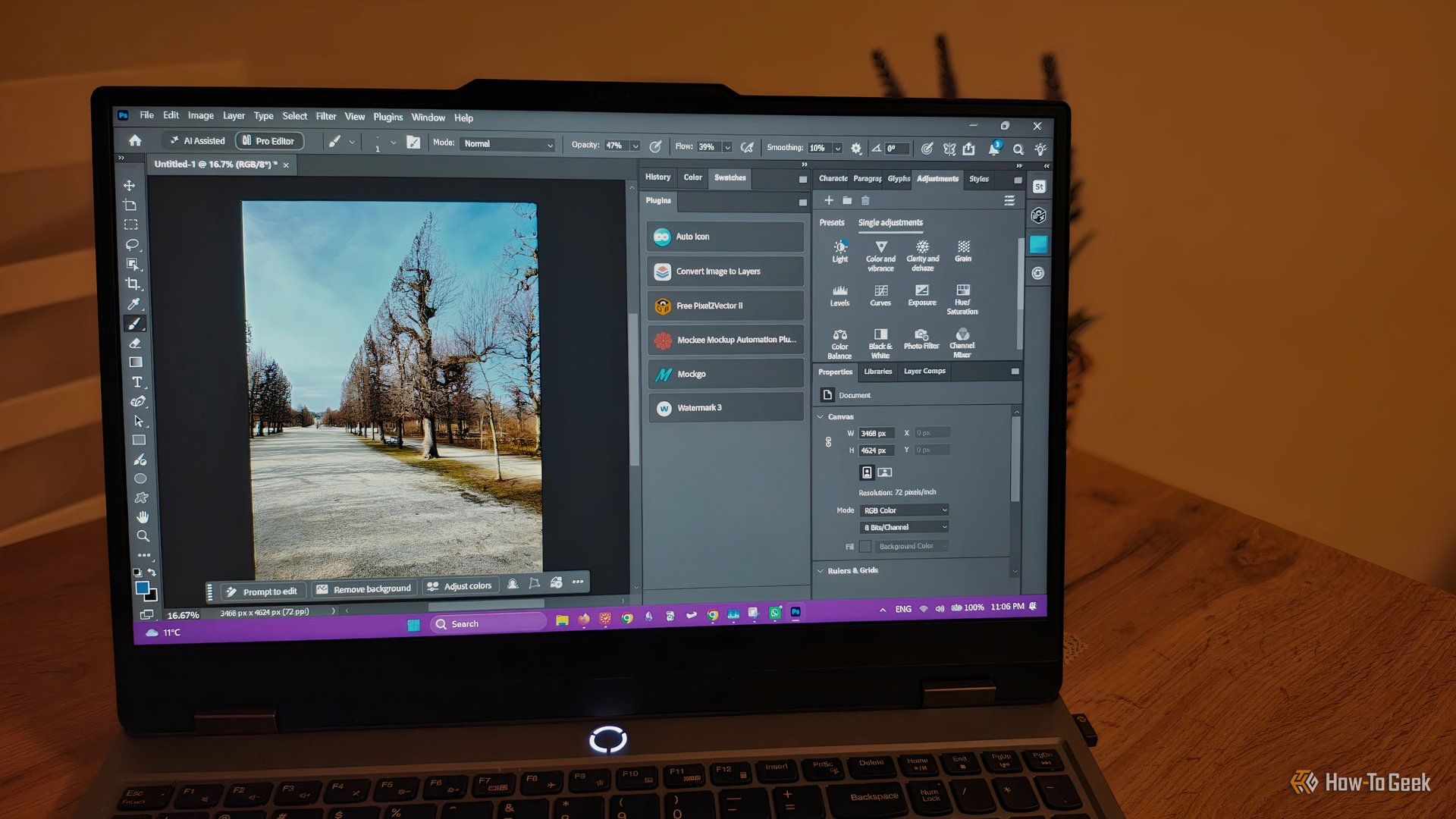
howto: 4 Photoshop plugins so essential they should be built-in
Discover four essential Photoshop plugins that streamline your workflow, save time, and unlock new creative possibilities, making you wonder why they aren't built-in features.

Xreal Unveils Aura Wired Smart Glasses Running Android XR
At the Android Dev Summit on Wednesday, Xreal, Google's smart glasses collaborator, officially introduced its new Xreal Aura wired smart glasses. The device, which had been teased earlier in the year at Google's I/O

Nothing CMF Clip Pro Review: Open-Ear Awareness at a Steal
The Nothing CMF Clip Pro offers a unique open-ear listening experience, designed for situational awareness and comfort. Now $30 off at $69, it's an appealing option for those seeking spacious sound without sealing off the world.
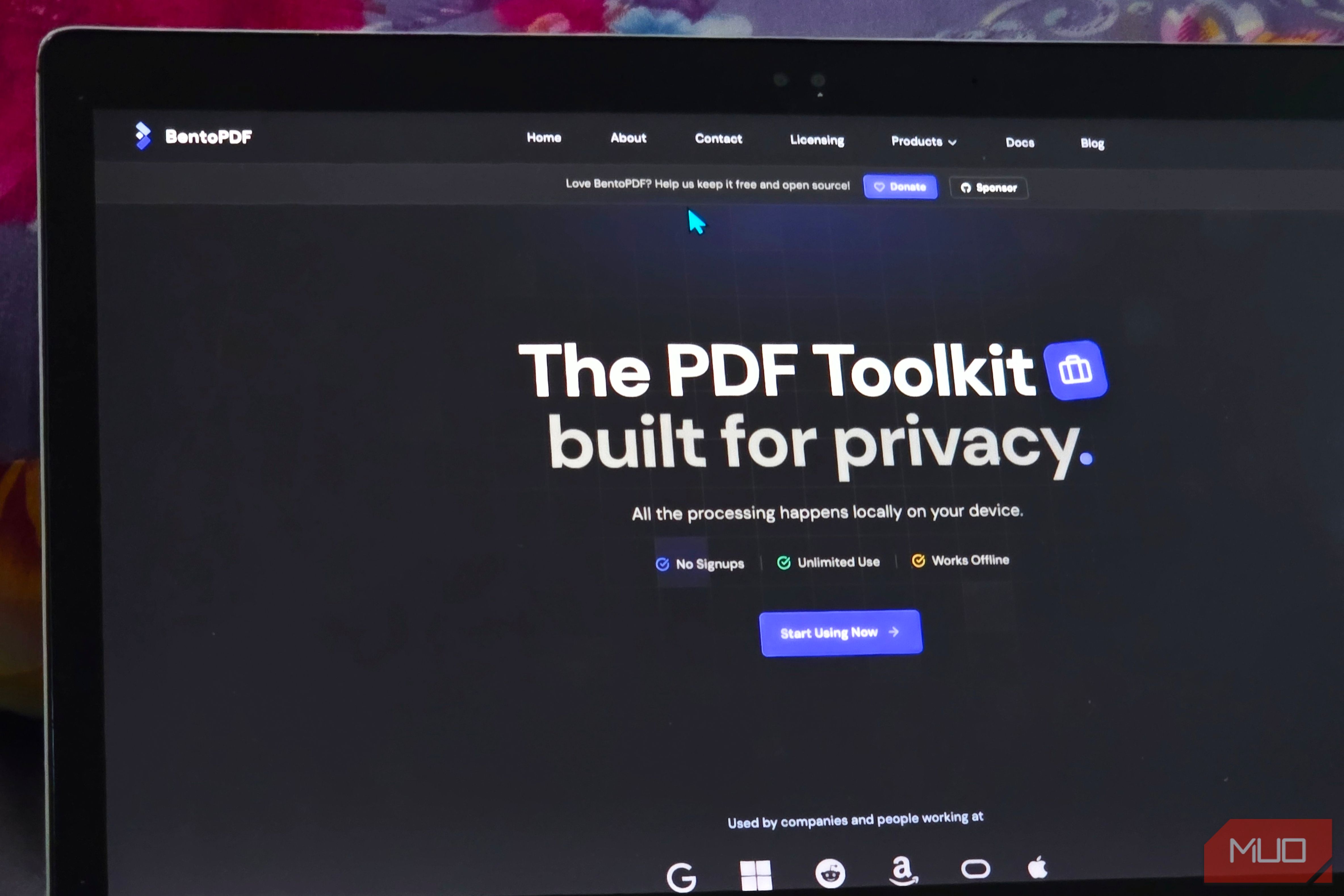
Solve Annoying PDF Problems Locally in Your Browser with BentoPDF
Dealing with PDFs can often feel like a never-ending series of small, annoying tasks. You might need to combine several documents, reduce the size of a bulky file, or even make an image-only scan searchable. Typically,

Your Guide to LG's 115-inch QNED evo TV: Features, Gaming & Price
Welcome to an exciting exploration of LG's latest innovation in home entertainment: the colossal 115-inch QNED evo AI Mini LED TV. This guide is designed to walk you through everything you need to know about this
Love Island Australia S8 Guide: Navigating the Stream, Mostly Free
Love Island Australia Season 8 Streaming Guide: Navigating the Digital Waters Verdict: TechRadar's guide to watching Love Island Australia Season 8 is a generally useful, if somewhat navigationally challenged, resource