
How to Get a Steam Deck Without Breaking the Bank
Introduction: Your Affordable Path to Handheld PC Gaming Dreaming of diving into your Steam library on the go but put off by the rising costs of new handheld gaming PCs? You're not alone! With global component shortages
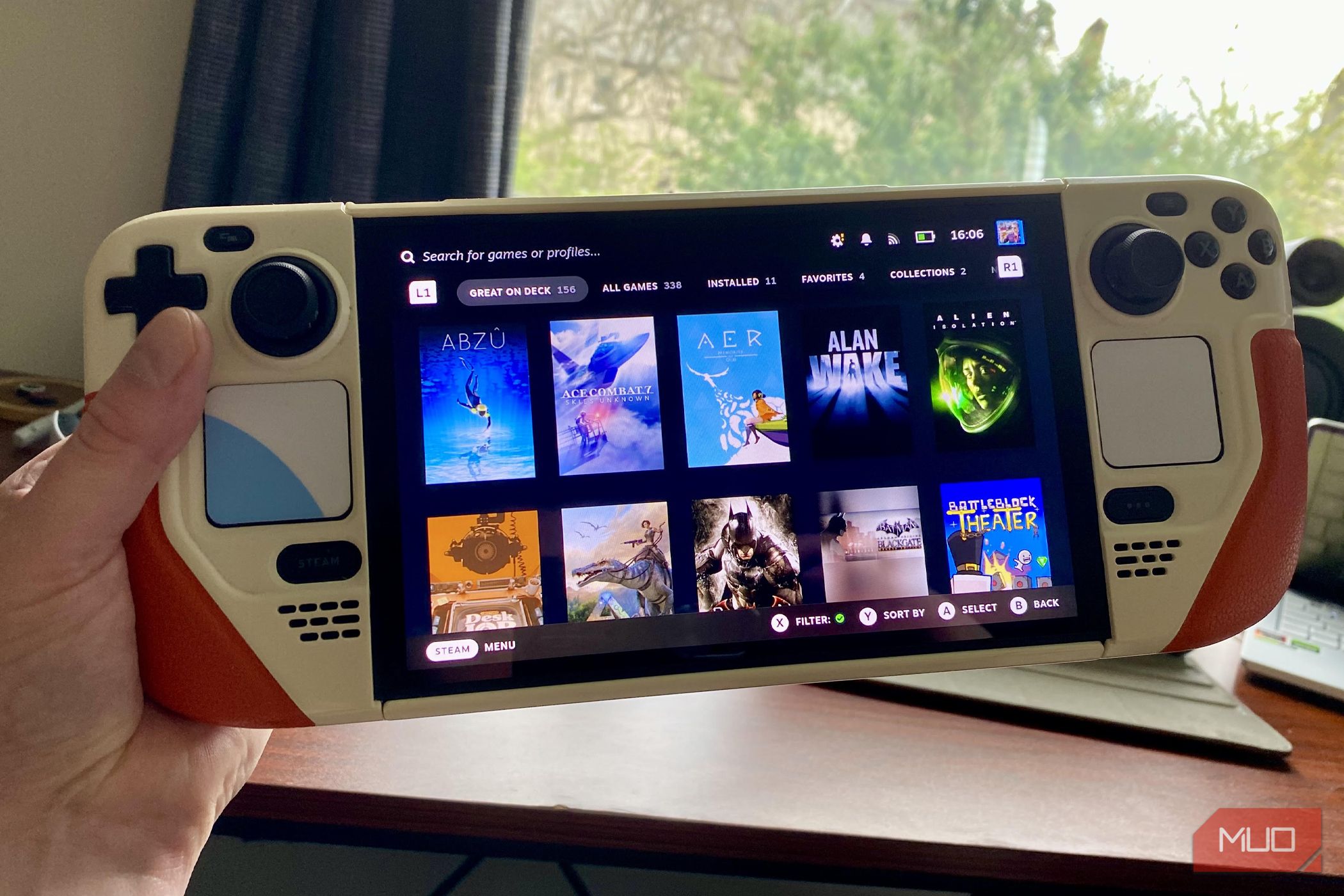
Introduction: Your Affordable Path to Handheld PC Gaming
Dreaming of diving into your Steam library on the go but put off by the rising costs of new handheld gaming PCs? You're not alone! With global component shortages driving prices up, especially for devices like the Steam Deck, securing one can feel like a daunting financial leap. However, there's a savvy strategy that can put a Steam Deck in your hands for hundreds less than buying new. This guide will walk you through the exact steps to acquire a Steam Deck without spending a fortune, focusing on smart shopping and potential upgrades.
By following this guide, you'll learn how to identify the best value options, navigate the competitive market for deals, and set yourself up for an enjoyable handheld gaming experience without the hefty price tag.
Prerequisites and What You'll Need
Before you embark on your quest for an affordable Steam Deck, here's what you'll need:
- Patience: Finding the best deals on refurbished units often requires checking stock regularly.
- Internet Access: To browse and purchase from Valve's official refurbished store or other retailers.
- Budget Flexibility: While we're aiming for affordable, understand the different price tiers for various refurbished models.
- Optional: Basic DIY Skills: If you plan to upgrade internal storage yourself, a small toolkit and comfort with following online guides will be beneficial (though not strictly necessary if you opt for microSD).
- A Clear Strategy: We'll outline this for you, so just be ready to stick to it!
The Current State of Steam Deck Prices
It's important to understand why new Steam Decks are currently so expensive. The global RAM shortage has led to a significant increase in component pricing, which impacts the cost of handhelds across the board. The Steam Deck, specifically the OLED model, has seen substantial price hikes. For instance, the 512GB Steam Deck OLED now retails for $789 (up from $549), and the 1TB model is $949 (up from $649). These are significant jumps, making new models compete with newer, higher-tier handhelds, despite the Steam Deck OLED being several years old.
Valve has also indicated that a true Steam Deck 2 is in development. This means buying a current-generation Steam Deck at inflated prices might leave you feeling like you missed out when a successor eventually arrives. This market context makes finding a more affordable option not just a preference, but a strategic move.
Step 1: Prioritize Certified Refurbished Steam Deck LCD Models
The absolute best way to get a Steam Deck without overspending is to target certified refurbished Steam Deck LCD models directly from Valve. These models are no longer sold new, making certified refurbished your only official avenue to acquire them. They offer substantial savings compared to the newer OLED variants.
- Unbeatable Value: Certified refurbished LCD models start at just $279 for the 64GB version. The 256GB model is $319, and the 512GB model is $359. These prices are a fraction of the Steam Deck OLED's current retail price, often saving you hundreds of dollars.
- Valve's Quality Assurance: When you buy certified refurbished directly from Valve, you receive a product that is practically as good as new. This includes a one-year warranty, a refurbished battery (ensuring good battery life), and a free carrying case – all the perks of buying a new unit, but at a much lower cost.
Step 2: Master the Waiting Game for Stock
Because certified refurbished Steam Decks are such a good deal, they sell out quickly. You're not the first person to realize this strategy, so competition for stock is high. Think of it as a waiting game that requires vigilance and speed.
- Check Valve's Official Store Regularly: Make it a habit to visit Valve's certified refurbished Steam Deck store often. Inventory is restocked periodically, but it disappears fast. There's no set schedule, so consistent checking is key.
- Be Ready to Act: Once you see a model you want in stock, don't hesitate. Add it to your cart and complete the purchase swiftly. These units can be gone within minutes.
Step 3: Embrace the 64GB Model and Plan for Storage Upgrades
To maximize your savings, consider starting with the 64GB Steam Deck LCD model. This is the cheapest entry point at $279. The initial storage might seem small for modern games, but it's easily expandable.
- MicroSD Card Expansion: The easiest and most common way to expand storage is by using a high-capacity microSD card. The Steam Deck has a dedicated slot, and modern microSD cards offer excellent read/write speeds, making them perfectly viable for game storage. This requires no tools or technical expertise.
- Internal SSD Swap: If you're comfortable with a bit of DIY, you can swap out the internal 64GB eMMC storage for a larger NVMe SSD. This is a more involved process but can provide even faster storage and more seamless integration. Many online guides and videos can walk you through this process step-by-step.
The author of the source content, for example, bought a 64GB LCD model and upgraded the storage himself, saving money compared to buying a higher-capacity model directly from Valve.
Step 4: Consider Alternative Refurbishers with Caution
While Valve's certified refurbished program is highly recommended for its warranty and included perks, you might find refurbished Steam Decks from other retailers like GameStop or Amazon.
- Exercise Caution: If you opt for third-party refurbishers, thoroughly research their return policies, warranty offerings, and customer reviews. The level of protection and refurbishment quality may vary significantly compared to buying directly from Valve. Valve's direct refurbishing ensures a consistent experience, including a fresh battery and carrying case, which might not be guaranteed elsewhere.
Troubleshooting: What If I Can't Find Stock?
It can be frustrating when desired models are out of stock. Here are some tips:
- Patience is Key: As mentioned, stock refreshes are unpredictable. Don't get discouraged if you don't find what you're looking for immediately. Keep checking back regularly.
- Expand Your Search (Carefully): While Valve is preferred, if you're truly desperate, look at reputable third-party sellers on platforms like eBay or local marketplaces, but be extremely cautious about scams and verify seller ratings and product conditions rigorously.
Next Steps After Your Purchase
Congratulations on snagging your affordable Steam Deck! Here’s what to do next:
- Set Up SteamOS: Get familiar with Valve's Linux-based operating system, designed for handheld gaming.
- Plan Your Storage Upgrade: Whether it’s ordering a high-speed microSD card or a new internal SSD, think about how you’ll expand your game library capacity.
- Start Gaming! Download your favorite titles from your Steam library and enjoy portable PC gaming.
FAQ
Q: Is it worth buying an OLED model now that the prices have increased?
A: Given the significant price hikes (up to $300 more) and the fact that a true Steam Deck 2 is expected, buying a new Steam Deck OLED at its current cost (starting at $789) is generally not recommended if your goal is affordability. The refurbished LCD models offer far better value, allowing you to save money while still getting a great gaming experience.
Q: Why should I choose a refurbished Steam Deck LCD over other new, cheaper handhelds?
A: The Steam Deck LCD, even in refurbished condition, provides a robust PC gaming experience, running your full Steam library. Valve's certified refurbished program ensures quality, a warranty, and a new battery, essentially giving you a like-new device for a significantly lower cost than even some new entry-level competitors. It's a proven platform with strong software support.
Q: What's the best way to upgrade storage on a 64GB Steam Deck?
A: For most users, adding a high-capacity microSD card (e.g., 512GB or 1TB) is the easiest and most recommended method. It requires no tools and allows for flexible game management. For those comfortable with opening their device, swapping the internal eMMC drive for a larger NVMe SSD offers the best performance and integrated storage experience.
Related articles
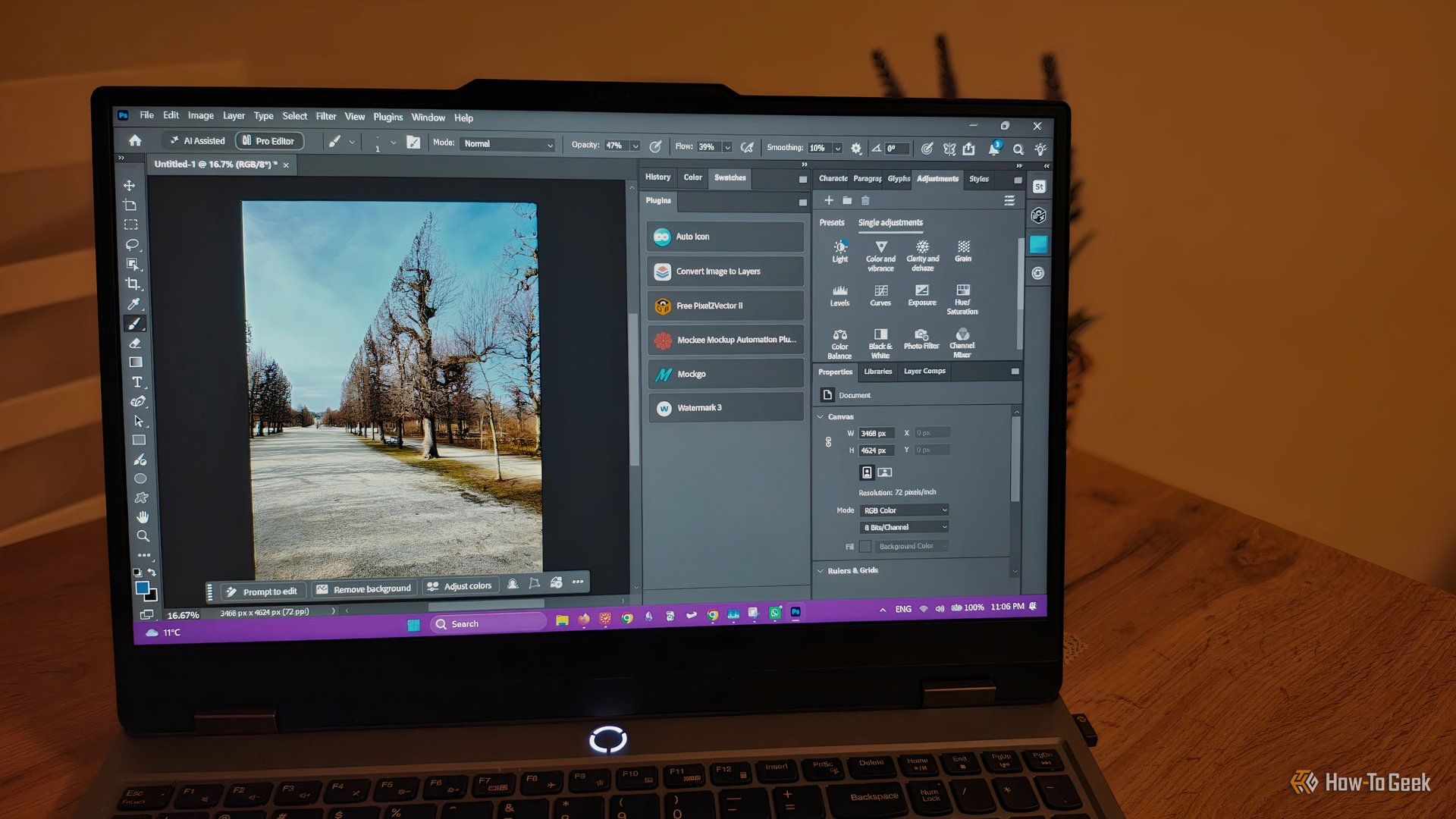
howto: 4 Photoshop plugins so essential they should be built-in
Discover four essential Photoshop plugins that streamline your workflow, save time, and unlock new creative possibilities, making you wonder why they aren't built-in features.

Nothing CMF Clip Pro Review: Open-Ear Awareness at a Steal
The Nothing CMF Clip Pro offers a unique open-ear listening experience, designed for situational awareness and comfort. Now $30 off at $69, it's an appealing option for those seeking spacious sound without sealing off the world.
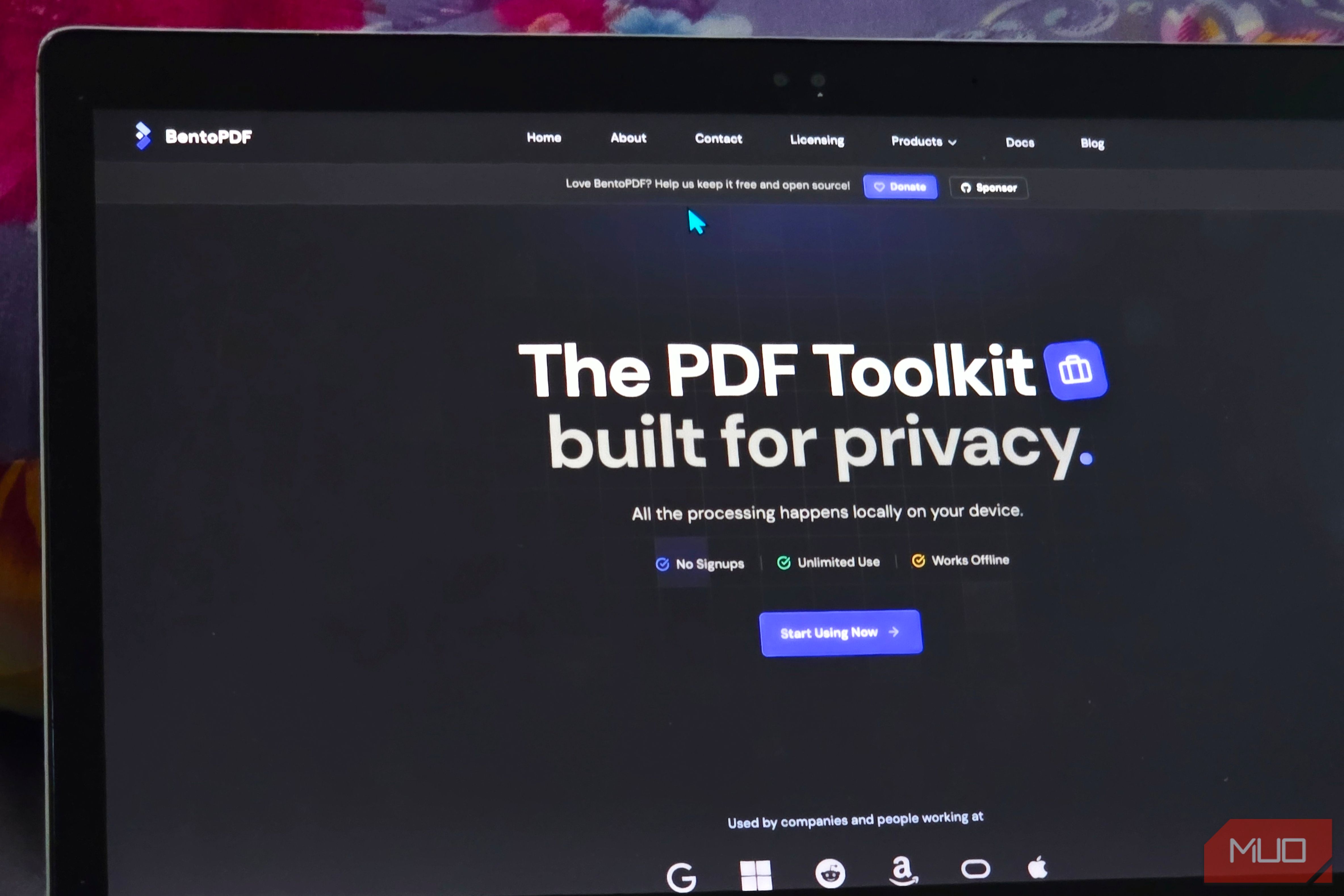
Solve Annoying PDF Problems Locally in Your Browser with BentoPDF
Dealing with PDFs can often feel like a never-ending series of small, annoying tasks. You might need to combine several documents, reduce the size of a bulky file, or even make an image-only scan searchable. Typically,

Your Guide to LG's 115-inch QNED evo TV: Features, Gaming & Price
Welcome to an exciting exploration of LG's latest innovation in home entertainment: the colossal 115-inch QNED evo AI Mini LED TV. This guide is designed to walk you through everything you need to know about this

Love Island Australia S8 Guide: Navigating the Stream, Mostly Free
Love Island Australia Season 8 Streaming Guide: Navigating the Digital Waters Verdict: TechRadar's guide to watching Love Island Australia Season 8 is a generally useful, if somewhat navigationally challenged, resource

How to Stop Google Using Your Gmail & Drive Data for Ads
Google's "Personal Intelligence" feature, designed to offer more tailored AI responses, may inadvertently lead to your personal data from apps like Gmail, Google Drive, and Google Photos being used for targeted