
Don't Delete Passwords Yet: Secure Your Passkey Account Recovery First
Learn to secure your online accounts by building a robust passkey recovery plan before deleting old passwords. Diversify recovery methods and avoid single points of failure in 8 actionable steps.
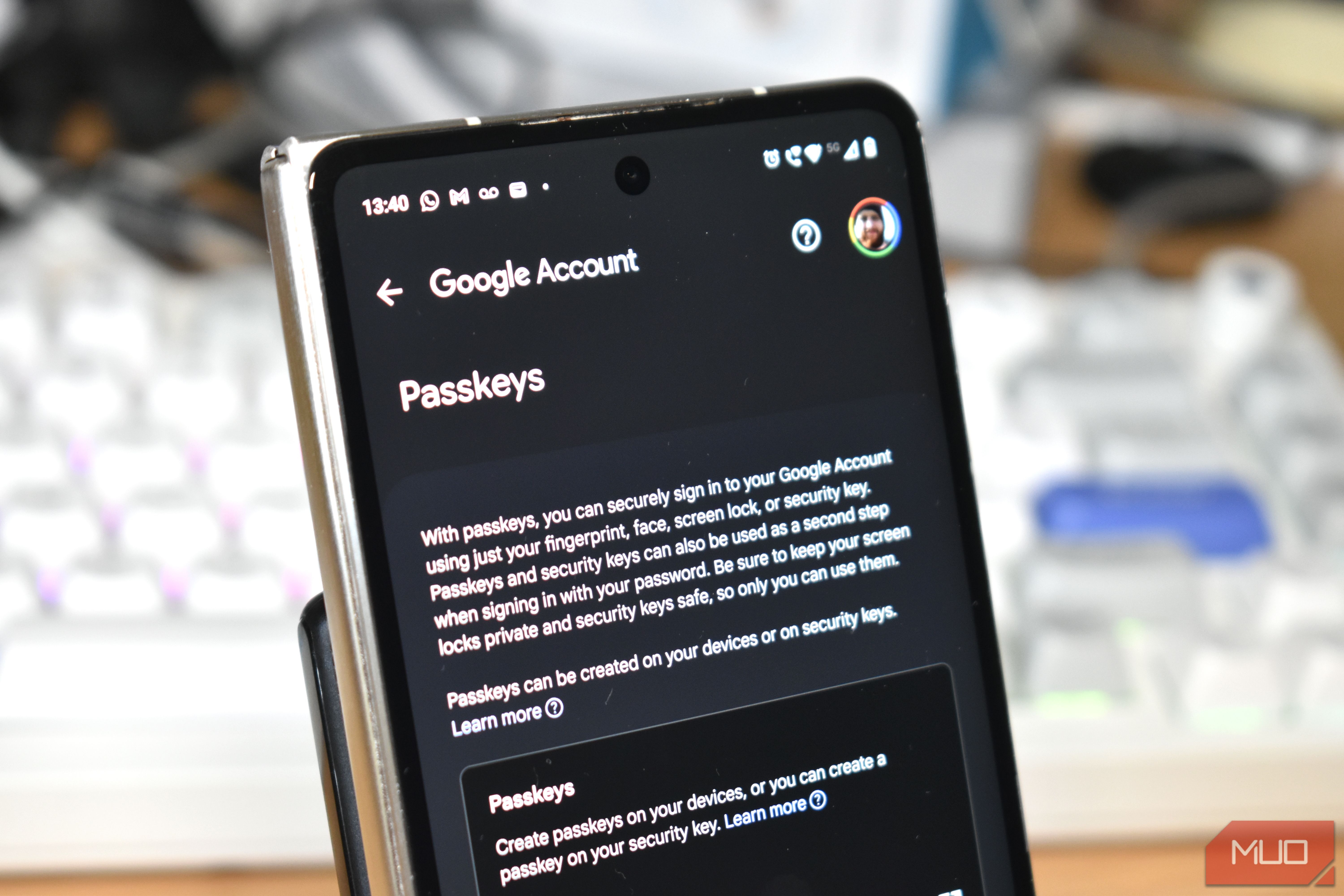
The Passkey Promise: Enhanced Security and Convenience
Passkeys are rapidly emerging as the future of online authentication, promising a more secure and convenient way to sign in than traditional passwords. Tech giants like Google, Apple, and Microsoft are actively encouraging their adoption, and for good reason: passkeys significantly reduce vulnerabilities to phishing, eliminate the risk of reusable secrets in data breaches, and free you from the burden of remembering complex passwords.
While creating a passkey offers a stronger login method, it's a distinct decision from deleting your existing passwords. The latter removes a crucial fallback that you might still need, especially when your primary devices aren't accessible. This guide will walk you through the essential steps to establish a robust account recovery plan before you go completely passwordless, ensuring you're never locked out of your vital online accounts.
What You'll Accomplish:
By following this guide, you will understand the critical aspects of passkey account recovery and implement diversified, independent recovery methods, allowing you to confidently transition to a passwordless future.
Prerequisites and Requirements
Before diving into setting up your recovery plan, ensure you have:
- Access to your primary online accounts: Google, Apple, Microsoft, and any third-party password managers where you manage credentials.
- Your existing devices: Phones, tablets, and computers that currently hold your passkeys or are linked to your accounts.
- An understanding of your current account recovery settings for key services (e.g., recovery email, phone numbers, backup codes).
Understanding Passkeys and Their Advantage
Traditional passwords operate on a "shared secret" model: you know it, and the website has a way to verify it. This model is susceptible to phishing, credential stuffing, and data breaches. Passkeys, however, utilize public-key cryptography. When you create a passkey, your device generates a unique pair of cryptographic keys: a public key stored by the website and a private key securely held on your device or in a credential manager. During login, your device cryptographically proves it possesses the private key without ever transmitting the key itself. This design inherently resists phishing, as the passkey is bound to the legitimate website's domain.
Many passkey implementations also offer synchronization across your devices through services like iCloud Keychain, Google Password Manager, or third-party password managers. This means if you lose one device, your passkeys can often be restored on a new device once you regain access to your primary credential provider.
The Critical Account Recovery Blind Spot
The convenience of synced passkeys is powerful, but it introduces a new challenge: account recovery becomes complicated when multiple, seemingly separate recovery paths all depend on the same core account or device.
Imagine a scenario: your passkeys are stored on your smartphone, your two-factor authentication (2FA) codes are sent via SMS to the SIM card in that same phone, and your recovery email is most easily accessed from the email app on that very device. You might believe you have several recovery methods, but the loss or compromise of that single phone could simultaneously wipe out most of your access points. Two recovery methods offer little redundancy if losing one device compromises both.
Device-bound passkeys, stored exclusively on a particular laptop or hardware security key, present an even clearer example. If that specific hardware is lost, damaged, or wiped, the passkey stored on it is gone. While account recovery can still work if you registered another credential or the service offers alternative identity verification, it highlights the need for careful planning.
Each online service (your bank, email provider, social media, etc.) independently defines its account recovery procedures. The passkey standards handle authentication, but how you regain access after losing all usable credentials is up to the service provider. This is the crucial recovery information you need to understand before you delete your passwords.
Before You Delete Your Passwords: Building Your Recovery Fortress
The easiest way to prepare for a passwordless future is to anticipate that one of your devices will eventually fail, be lost, or be stolen at the worst possible moment. For every account you value, you need at least one recovery path that can survive such an event. Here’s how to build that resilient recovery plan:
Step 1: Diversify Your Passkey Storage Across Multiple Devices
Don't rely on a single device to hold all your passkeys. Register passkeys on at least two devices you control and regularly use, such as your smartphone and your primary computer. This creates immediate redundancy, so if one device is lost, you still have access through another.
Step 2: Understand and Activate Your Account Provider's Recovery Options
Your primary account provider (Google, Apple, Microsoft, or a third-party password manager) plays a central role in your passkey ecosystem. Investigate and actively set up their recovery mechanisms:
- Google Accounts: Google offers robust recovery options including backup codes (print these and store them securely offline), security keys, other devices you've signed into, and a recovery email/phone number. Make sure these are up to date and diversified.
- Apple Accounts: Leverage iCloud Keychain for synced passkeys and ensure you understand Apple's account recovery process, which can involve trusted devices or contacts.
- Microsoft Accounts: Passwordless Microsoft accounts can rely on Windows Hello, the Microsoft Authenticator app, physical security keys, and email codes. Set up multiple options.
- Third-Party Password Managers (e.g., 1Password, Bitwarden): Each has its own recovery mechanisms, often involving emergency kits or master password hints. Review their specific guidelines carefully.
Step 3: Ensure Independence of Recovery Paths
This is the most critical step. Avoid the pitfall where multiple recovery options are all dependent on a single point of failure. Here’s how to ensure true independence:
- Separate Recovery Email: Set up and maintain a dedicated recovery email address that is not your primary email and is accessible from a different device or service. For example, if your Google account is your primary, use a Yahoo or Outlook account as the recovery email, accessed via a different browser or device.
- Offline Backup Codes: Generate and print backup codes for critical accounts (like Google). Store these physical codes securely in a safe place, like a fireproof safe, completely separate from your devices.
- Hardware Security Keys: Invest in one or more hardware security keys (e.g., YubiKey). Use them for your most critical accounts, especially your primary credential manager. Importantly, keep a spare hardware security key in a physically separate, secure location. This ensures you have a backup if your primary key is lost or damaged.
- Trusted Recovery Contacts: Some services allow you to designate trusted contacts who can help verify your identity during recovery. Choose these individuals carefully and ensure they understand their role.
Step 4: Check Passkey Portability
While not strictly a recovery method for a lost device, understanding passkey portability is crucial for long-term control. Portability has greatly improved, with Apple, Google, and password manager developers working on FIDO's credential-exchange standards. This allows you to move passkeys between different password managers. Before fully committing to one ecosystem, verify if your specific setup (device, OS, password manager) supports exporting and importing passkeys to ensure you're not locked in later.
Tips for a Smooth Transition
- Temporary Password Retention: During your transition to passkeys and while setting up your diversified recovery methods, it's wise to keep your long, unique passwords stored in a secure password manager. This provides an additional fallback while you test and gain confidence in your new passkey recovery system. However, remember that an active password remains a potential attack vector, so this should only be a temporary measure.
- Regular Review: Periodically (e.g., annually) review your recovery options to ensure they are still accurate, accessible, and independent. New devices, changed phone numbers, or updated email addresses can quickly render a recovery plan obsolete.
- Practice (Carefully): If possible and safe, gently test parts of your recovery process without actually locking yourself out. For instance, ensure you can access your recovery email from an alternative device.
Conclusion: Passwordless is the Future, but a Thoughtful Transition is Key
Passkeys offer a significant leap forward in online security and convenience. Embracing them fully means moving beyond just setting them up to proactively building a resilient account recovery strategy. By diversifying your passkey storage, activating multiple independent recovery options, and understanding your service providers' recovery processes, you can enjoy the benefits of a passwordless experience with peace of mind. Don't delete those passwords until you're absolutely confident in your lifeboats.
FAQ
Q: Can I really move my passkeys between different password managers?
A: Yes, passkey portability has been significantly improving. Many platforms and password managers now support exporting and importing passkeys, thanks to ongoing efforts by FIDO and major tech companies. However, support can still vary by specific platform, operating system, and password manager, so it's always best to verify what your current setup allows before making assumptions.
Q: How often should I review my recovery options?
A: It's a good practice to review your account recovery options at least once a year, or whenever you make significant changes to your devices, phone number, or primary email address. This ensures that all recovery methods are current, accessible, and remain independent.
Q: What's the biggest mistake people make when adopting passkeys?
A: The biggest mistake is deleting existing passwords without first establishing a comprehensive and diversified account recovery plan. Many users inadvertently create a single point of failure by having all their passkeys and recovery methods tied to one device or account, making them vulnerable to being locked out if that device or account is compromised or lost.
Related articles

Mastering Claude for Web Design: Essential Plugins for Polished
Discover the top 3 essential Claude plugins—Frontend Design, Playwright, and Impeccable—to eliminate generic AI outputs and streamline your web design workflow from generation to testing and polish. Learn to install and use them for better results in Claude Code.
Build a Functional Android App with AI in Under 30 Minutes – No
Learn to build a functional Android app in under 30 minutes using AI code assistants like Claude Code, Codex, or Antigravity, without writing any code. This guide provides step-by-step instructions, essential prerequisites, and tips for prompt engineering to bring your app ideas to life quickly.
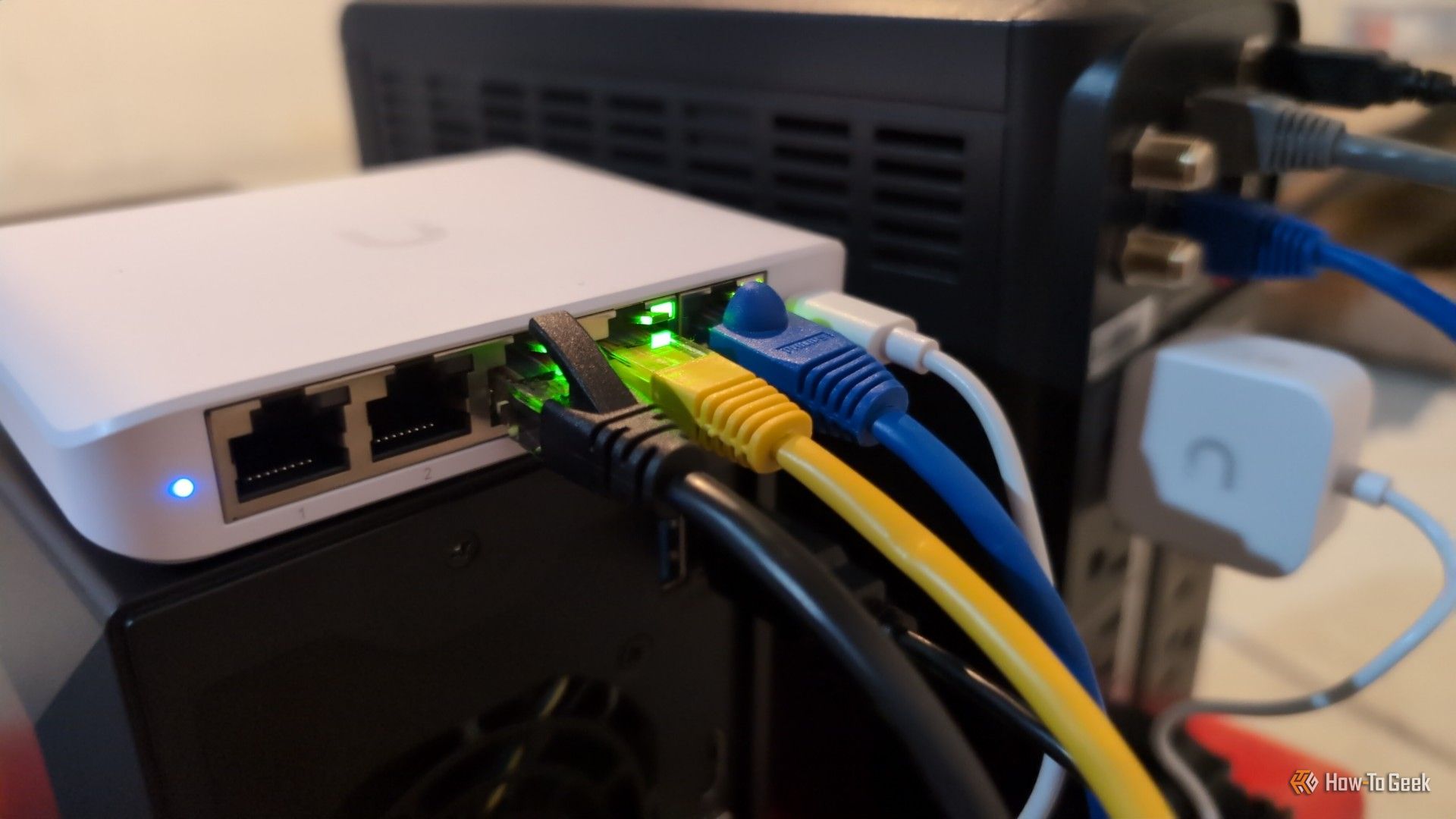
Proper Ethernet Cable Routing: Prevent Connector Failure & Boost
Learn to properly route Ethernet cables by understanding bend radius and connector limitations, preventing common failures, and boosting network reliability.

Apple Bolsters macOS Full Disk Access Amid AI Agent Security Concerns
Apple is enhancing macOS Full Disk Access controls following concerns about AI agents accessing sensitive user data. This move comes after reports involving Meta's Muse app and a ChatGPT security flaw, aiming to ensure users explicitly understand the risks before granting broad system access.

OpenAI's Dot Agent: Enterprise AI That Can Also Order Your Dinner
OpenAI has launched Dots, a new AI agent platform aimed at enterprise users, accessible via a $100/month Pro account. While it struggled with some personal tasks due to security checks, Dot excelled in complex operations like website redesign and video editing when given direct computer access. This paid model positions Dot as a professional tool for the future of work, contrasting with free, consumer-focused competitors.
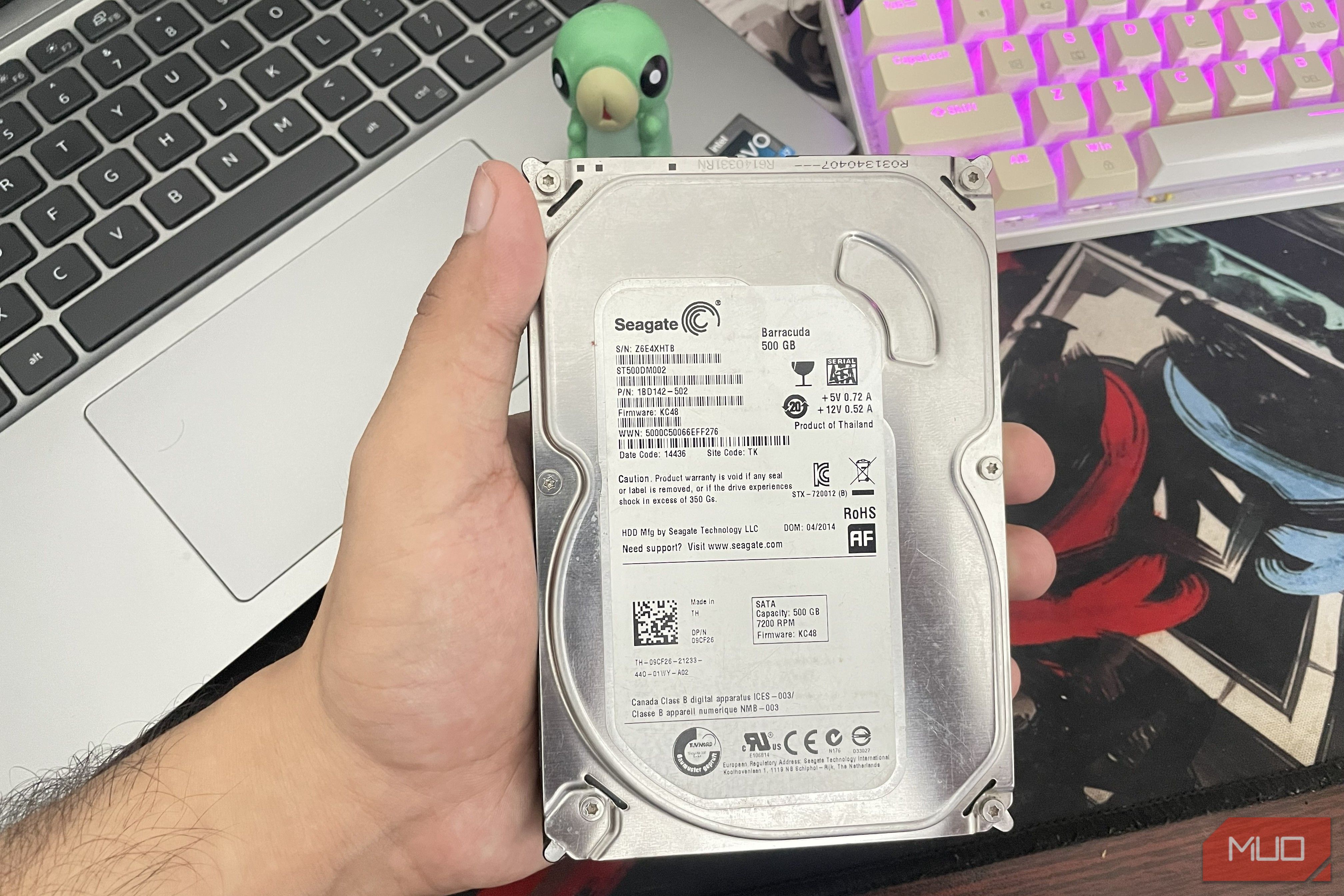
Boost Your Old HDD's Life: What 400k Drives Reveal About Reliability
Discover how HDD reliability varies by brand, backed by a study of over 400,000 drives. Learn which manufacturers offer the most robust drives, understand age-related failure patterns, and get actionable tips to optimize drive temperature and safeguard your data for maximum longevity.