
Boost PC Stability: 5 Immutable Linux Distros Windows Users Need to
For many Windows users, the operating system they use is simply “the computer.” They might not realize that some common frustrations—like unexpected system crashes after updates, software conflicts, or security
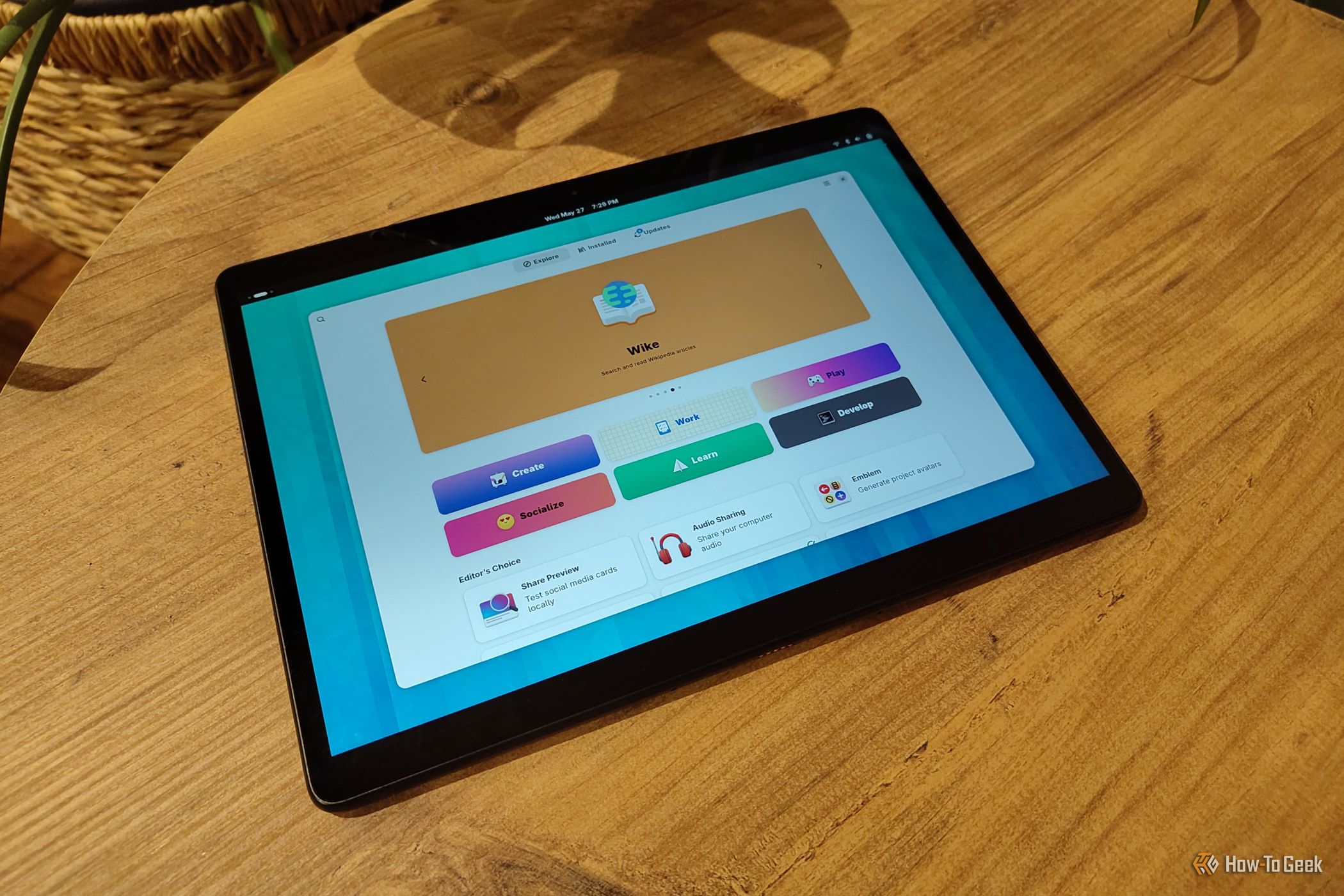
For many Windows users, the operating system they use is simply “the computer.” They might not realize that some common frustrations—like unexpected system crashes after updates, software conflicts, or security vulnerabilities—aren't inherent to computing itself. These issues often stem from the traditional way operating systems manage files and applications, a way that immutable Linux distributions are revolutionizing.
An "immutable" operating system fundamentally locks down its core components, making them read-only. Think of it as having a rock-solid foundation that can't be accidentally (or maliciously) altered. While this might sound restrictive, it brings significant advantages in terms of security, stability, and reliability. Applications are typically run in isolated containers, preventing them from interfering with the base system or each other. This approach can free you from common pitfalls like "dependency hell" and those dreaded irreversible mistakes that leave your system in an unbootable state.
If you're considering a move from Windows to Linux, or simply curious about a more robust computing experience, these immutable distros offer a minimal learning curve for substantial benefits. They're designed to smooth your journey into a more stable and secure digital environment.
What You'll Accomplish
By exploring this guide, you will understand the core concept of immutable Linux distributions, grasp the key benefits they offer over traditional operating systems (including Windows), and discover five leading options with their unique features and target audiences. This knowledge will empower you to make an informed decision about trying an immutable OS for enhanced PC stability and security.
Prerequisites
To get the most out of this guide, you primarily need an open mind and a willingness to explore new computing paradigms. No prior Linux experience is strictly required, though a basic familiarity with operating systems and application installation concepts will be helpful. If you plan to try these distros, consider using a virtual machine first for a safe testing environment.
Exploring the World of Immutable Linux Distros
1. NixOS: The Pioneering System
NixOS stands out as a trailblazer in the immutable Linux space, having evolved from its Nix package manager roots in 2003 into a complete operating system. Its unique approach revolves around defining your entire system configuration—including software properties, dependencies, and compilation flags—in one or more plain text files written in the Nix language. This allows for a completely reproducible system that can be rebuilt from these configuration files, ensuring consistency and making system changes traceable.
Despite its innovative underpinnings, installing NixOS is a familiar process. You'll typically use bootable media with a graphical installer that guides you through the setup steps, similar to many other modern distributions. NixOS offers a deep dive into system configuration that provides unparalleled control and reliability for those willing to learn its unique language.
2. Fedora Atomic: A Mature and Popular Choice
Fedora Atomic originated with a focus on servers and container orchestration but has since expanded to power the popular Fedora Atomic Desktops for personal computers. This project offers various specialized editions, each tailored to a specific desktop environment. For instance, you can choose Silverblue for GNOME, Kinoite for KDE Plasma, or variants for Sway, Budgie, and COSMIC desktops.
Fedora Atomic employs rpm-ostree, a hybrid system that combines atomic image-based updates with the flexibility of layering standard RPM packages. This means your base operating system updates as a single, consistent image, while most GUI applications are installed as Flatpaks. Flatpaks are highly recommended for their sandboxing capabilities, which enhance security and prevent dependency conflicts between applications. A significant advantage of Fedora Atomic is its built-in rollback feature, allowing you to easily revert to a previous stable system version if an update introduces problems. Updates require a restart to load the new system image, ensuring a clean and consistent state.
3. Universal Blue: Optimized for Specific Needs, Including Gaming
Universal Blue builds directly on the robust foundation of Fedora Atomic, extending its capabilities with tailored variants. While Aurora (KDE Plasma) and Bluefin (GNOME) serve general desktop users, Bazzite is a particularly exciting offering, especially for gamers. Available in both KDE and GNOME versions, Bazzite is positioned as a powerful alternative to Valve's SteamOS.
Unlike traditional PCs that must cater to an immense variety of hardware, an immutable OS like Bazzite can maintain a more controlled and predictable environment. This control helps isolate conflicting software or drivers, contributing to a smoother gaming experience. Bazzite leverages rollbacks, keeping official images available for ninety days, giving users ample time to assess updates. It also boasts excellent support for Steam games, utilizing Valve's Proton compatibility layer to run Windows titles seamlessly on Linux. This makes it an attractive option for those looking for a stable, gaming-focused system.
4. Endless OS: Simplified and Accessible
Endless OS distinguishes itself with a mission-driven approach: to deliver accessible and secure computing worldwide. It presents itself as a low-cost, straightforward, and secure alternative to traditional PCs, drawing parallels to the intuitive experience of using a smartphone. This focus on approachability makes it an excellent choice for newcomers to Linux or those seeking a highly simplified desktop.
At its core, Endless OS features a solid immutable foundation that relies on OSTree for managing system updates and Flatpak for application installation. This combination ensures that system updates are robust and less likely to cause breakage. The design also prioritizes efficiency, with Endless OS highlighting its lack of an unnecessary recovery partition, which helps conserve disk space. It's particularly well-suited for environments where internet connectivity might be unreliable, emphasizing offline functionality.
5. openSUSE MicroOS: The Veteran Adopting New Technology
OpenSUSE, a venerable name in the Linux world since 1994, has embraced the immutable paradigm with its MicroOS distribution. MicroOS offers desktop variants known as Aeon (with GNOME) and Kalpa (with KDE Plasma). These versions are praised for their small base system, which provides only essential components, and their strong focus on security and minimizing system bloat.
MicroOS facilitates application installation primarily through Flathub, the popular Flatpak app store. A key feature is its use of Btrfs, a modern file system that employs copy-on-write technology. This allows all configuration files in the /etc directory to be stored as snapshots, enabling "transactional updates." This means updates are applied as a single, atomic operation, and if anything goes wrong, you can easily reboot to an earlier, stable snapshot, providing robust rollback capabilities.
Best Practices and Tips
- Embrace Flatpaks: For most graphical applications, Flatpaks are the preferred installation method on these immutable systems. They offer sandboxing for security and prevent dependency conflicts, making app management much smoother than traditional package managers for many users.
- Leverage Rollbacks: Don't fear updates! A major strength of immutable distros is the ability to easily revert to a previous system state if an update causes issues. This safety net reduces the stress often associated with system maintenance.
- Experiment with Desktop Environments: Many of these distros offer multiple desktop environments (GNOME, KDE Plasma, etc.). Take the time to try different ones to find what best suits your workflow and aesthetic preferences.
- Start with a Virtual Machine: Before committing to a full installation, use virtualization software (like VirtualBox or VMware) to test these distros. This allows you to explore their features and interfaces without altering your current system.
Next Steps
Now that you're familiar with the concept and some leading options, consider downloading an ISO for one of these distros and trying it out in a virtual machine. Engage with their communities for support, and experience firsthand the stability and security that an immutable Linux system can offer. You might just discover a more reliable way to compute.
FAQ
Q: What is the main benefit of an immutable Linux distro over a traditional one (or Windows)?
A: The primary benefits are significantly enhanced system stability, improved security through a read-only base and application isolation, and reliable rollback capabilities. This means fewer unexpected breakages, better protection against malware, and easy recovery from problematic updates or configuration changes.
Q: Can I install regular Linux software on these immutable distros?
A: Yes, absolutely. For most graphical applications, the recommended method is using Flatpaks, which provide a consistent and isolated environment. For system-level tools or specific packages, distros like Fedora Atomic and openSUSE MicroOS allow for layering packages on top of the immutable base, or you can use containerization technologies for more complex setups.
Q: Are immutable distros difficult for Windows users to learn?
A: While the underlying technical approach is different from Windows, many immutable distros, especially those with desktop variants, strive for user-friendliness. The installation processes are often guided by wizards, and daily application management via Flatpaks can be very intuitive. The stability benefits can actually make the overall user experience simpler by reducing troubleshooting.
Related articles

Ditch Merge & Center: The Better Way to Align Text in Excel
Learn to use Excel's "Center Across Selection" to align text across cells without merging, avoiding common data manipulation issues. This guide provides steps to utilize this newly accessible feature and add it to your Quick Access Toolbar.

Prototype Racing 2030: A Unified Future Driven by Software
Prototype racing is heading towards a unified, LMDh-based rule set by 2030, promising greater stability, cost-effectiveness, and a focus on software-driven innovation for OEMs, despite current economic challenges.

Stop Android Auto Battery Drain: Essential Features to Disable and
Android Auto offers unparalleled convenience, bringing your phone's most useful features directly to your car's display. From navigation and calls to messages and music, it keeps you connected without distracting you

Windows October Update: A Must-Have Security Overhaul
Microsoft's October 2026 Windows update delivers a critical security overhaul, patching over 1,400 vulnerabilities including two zero-days, one already exploited. It's essential for all users, especially with several Windows 11 versions reaching end of support.

Turn Your Android Phone into a Powerful Desktop Replacement
Learn how to transform your Android phone into a full-fledged desktop computer using external displays and accessories, providing a cost-effective and integrated alternative to new Googlebooks.

howto: Four Ways the Fitbit Edge Is Better Than the Charge 6, and Two
Learn the key differences between the Fitbit Edge and Charge 6, including four advantages of the Edge and two areas where it falls short, to help you choose the best fitness tracker for your needs.