
Windows 11 September Update: A Welcome Return to User Control
The Windows 11 September update brings back highly requested features like a movable taskbar and resizable Start menu, alongside crucial search improvements. It's a significant step toward enhanced user customization and system stability, making it a compelling upgrade despite phased rollouts.
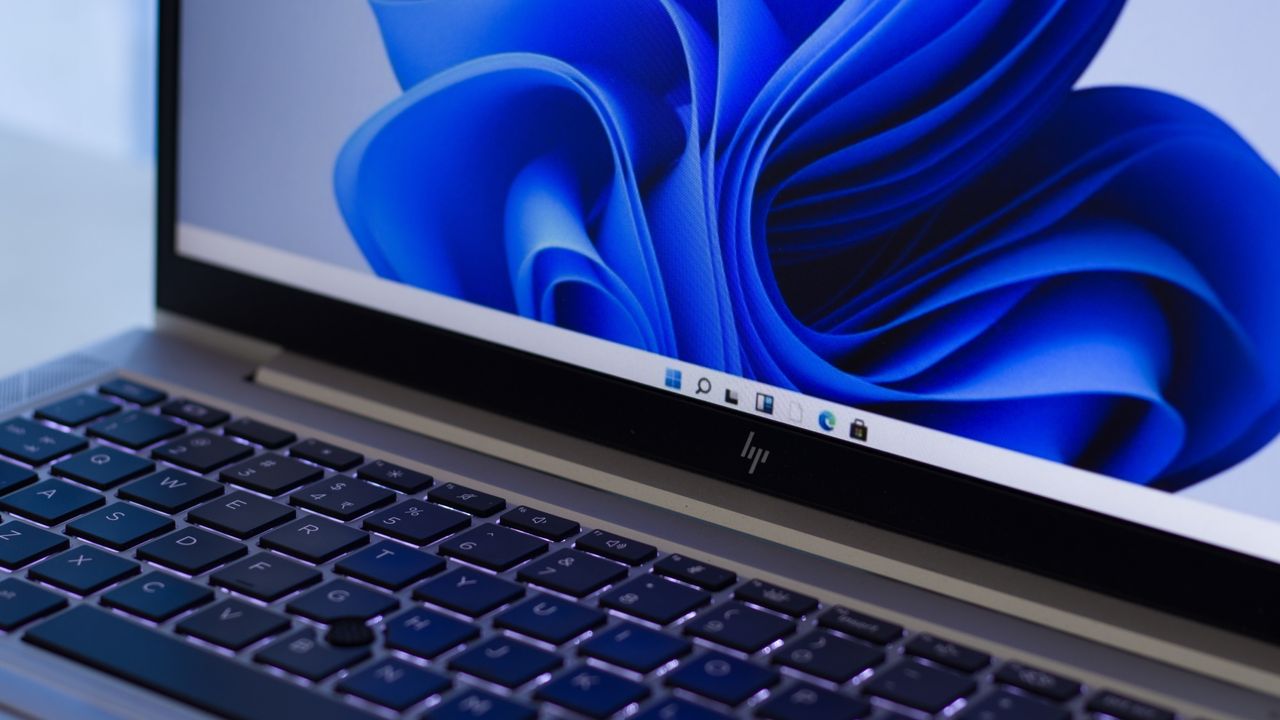
The latest iteration of Windows 11 has landed, bringing with it a suite of enhancements packaged in the anticipated September update. While Windows 11 has been evolving since its launch, this particular release focuses heavily on user experience, addressing some long-standing grievances and introducing welcome refinements. Microsoft is pitching this as a "must-install" upgrade, and after digging into the details, it's clear why. This update signals a renewed commitment to user control and system fluidity, albeit with the familiar caveat of a staggered rollout.
The Return of Taskbar Freedom
One of the most keenly awaited features making its comeback is the ability to relocate the Windows 11 taskbar. For users accustomed to Windows 10, the fixed bottom position of the taskbar in Windows 11 felt like a step backward. This update rectifies that, allowing you to move the taskbar to the top or even the sides of your screen. This flexibility is particularly beneficial for those sporting ultra-wide monitors, where a side-mounted taskbar can significantly optimize screen real estate and workflow. Microsoft previously cited technical challenges in porting this functionality, making its return a testament to persistent user feedback. Beyond repositioning, there's also a new option to make the taskbar smaller, a thoughtful addition for devices with more compact displays where every pixel counts.
Tailoring Your Start Menu
The Start menu, the central hub of Windows, also receives a significant customization boost. Users can now actively choose between a "standard" (large) or a "small" Start menu from the Settings app, moving away from Windows 11’s sometimes-unpredictable automatic sizing. This is a game-changer, especially for laptop users who might find the default large menu consuming too much of their screen. Coupling this with existing options to remove specific sections, you can now truly pare down the Start menu to a minimalist interface, making it more efficient and less intrusive. This level of granular control over a fundamental interface element is a notable step forward in personalizing the Windows 11 experience.
A Sharper Search Experience
Windows 11's search functionality has long been a point of contention for many, often cluttered with extraneous web results and Microsoft Store suggestions when all you wanted was a local file. The September update finally introduces the much-desired option to disable these web results, which typically open in Edge and route through Bing. Furthermore, you can also turn off Microsoft Store suggestions, streamlining your search queries to deliver more relevant local findings. This decluttering is frankly long overdue and promises a more focused, efficient, and less distracting search experience for daily tasks, significantly improving productivity for those who rely heavily on Windows Search.
Beyond the Big Three: Performance & Reliability
Beyond these headline features, the September update also delivers several under-the-hood improvements that contribute to a more polished operating system. File Explorer's Home page now reportedly loads faster, and switching between virtual desktops feels snappier, enhancing overall system responsiveness. Microsoft has also ironed out some reliability wrinkles, ensuring that app history information in Task Manager is accurate and that interacting with the Display panel in Settings is more stable. Visually, you'll notice updated progress indicators across Windows, providing a more consistent and modern aesthetic during startup, sign-in, restart, shutdown, and update installations. Crucially, a bothersome mouse bug that surfaced in the preview version of this update has been officially squashed, demonstrating Microsoft's commitment to fixing issues promptly.
Pros and Cons
Pros:
- Enhanced Customization: The return of the movable taskbar and resizable Start menu gives users significantly more control over their desktop interface.
- Streamlined Search: The ability to disable web and Microsoft Store results in search dramatically improves focus and efficiency.
- Performance Improvements: Faster File Explorer loading and snappier virtual desktop switching contribute to a smoother user experience.
- Increased Stability: Reliability tweaks for Task Manager and Settings, along with consistent design elements, enhance the overall polish.
- Bug Fixes: The resolution of the annoying mouse cursor bug from the previous update is a welcome relief.
Cons:
- Phased Rollout: Key features might not be immediately available upon installing the update, leading to potential frustration and varied user experiences.
- Late Arrival of Basic Features: The movable taskbar, a staple in previous Windows versions, took a considerable amount of time to be reimplemented in Windows 11, highlighting a slow pace for some fundamental UX improvements.
- "Long Overdue" Changes: The decluttering of search, while welcome, is noted as something that should have been addressed earlier in Windows 11's lifecycle.
The Verdict: Is It a Must-Install?
Microsoft labels the September update as a 'must-install,' and for the most part, we agree. The reintroduction of user-requested customization options for the taskbar and Start menu alone makes a strong case for upgrading. These aren't just minor tweaks; they fundamentally improve how many users interact with Windows 11 daily, especially those who prioritize desktop organization or work across multiple monitors. The search improvements are equally impactful, cutting through digital clutter to make finding local files a far less frustrating experience. While the phased rollout means some patience may be required for certain features to appear on your system, the cumulative effect of these changes—combined with performance boosts and crucial bug fixes—transforms Windows 11 into a more refined and user-friendly operating system. If you're running Windows 11, installing this update is highly recommended to unlock a more efficient and personalized computing experience.
FAQ
Q: Will all the new features be available immediately after installing the September update? A: Not necessarily. Microsoft rolls out some features in a phased manner. While you should receive the core update, certain functionalities, like the movable taskbar, might take a little longer to appear on your system. Patience may be required.
Q: Can I really turn off web results from Windows 11 search now? A: Yes, this update introduces the highly anticipated option to disable web results (which typically open in Edge and search Bing) and Microsoft Store suggestions from your Windows 11 search results. This allows for a much cleaner and more focused search for local files.
Q: Is this update just about new features, or does it fix existing problems? A: It's a combination of both. Alongside significant new features like the movable taskbar and resizable Start menu, the update also brings performance boosts to areas like File Explorer, improves system reliability, ensures more stable interactions with Settings, and resolves a previously reported mouse cursor bug. It aims to deliver a more polished and stable overall experience.
Related articles

Nothing CMF Clip Pro Review: Open-Ear Awareness at a Steal
The Nothing CMF Clip Pro offers a unique open-ear listening experience, designed for situational awareness and comfort. Now $30 off at $69, it's an appealing option for those seeking spacious sound without sealing off the world.

Your Guide to LG's 115-inch QNED evo TV: Features, Gaming & Price
Welcome to an exciting exploration of LG's latest innovation in home entertainment: the colossal 115-inch QNED evo AI Mini LED TV. This guide is designed to walk you through everything you need to know about this

Apple's Touchscreen MacBook Pro: A Long-Awaited Touch
The Verdict Apple's rumored touchscreen MacBook Pro represents a long-overdue evolution, promising to blend the convenience of direct screen interaction with the powerful macOS laptop experience. While not an essential

Building Passkey Authentication with WebAuthn, Next.js, and NestJS
Password-based authentication has long been the default for digital identity, yet it presents a myriad of challenges for both users and developers. Users grapple with remembering complex passwords, often resorting to

The Super Mouse puts a touchscreen macro pad under your hand: Tech
Arctic Fox Technologies has launched the Super Mouse, an innovative peripheral featuring a 3.1-inch touchscreen for dynamic app controls, macros, and enhanced productivity. Available on Kickstarter for $199, this wired mouse aims to consolidate multiple desktop devices into one intuitive command center. Its contextual display and advanced features redefine user interaction.

CMF Watch 3 Pro: Affordable Style Meets Solid Performance
CMF Watch 3 Pro: Affordable Style Meets Solid Performance In the crowded market of smartwatches, finding a device that balances features, design, and affordability can be a challenge. Enter the CMF Watch 3 Pro, a