
Why PowerToys Isn't Part of Windows: Unpacking Microsoft's Strategy
Learn why Microsoft keeps PowerToys separate from Windows by default, focusing on its role as an innovation lab, a safeguard for standard users, and a driver for rapid feature development.
Many Windows users wonder why PowerToys, a collection of useful utilities, isn't included directly with the operating system. While it might seem like an oversight, Microsoft's decision to keep PowerToys separate is a deliberate and strategic move. This guide will walk you through the key reasons behind this approach, revealing how it benefits both Microsoft's development process and the broader Windows user base.
What You'll Learn
By the end of this guide, you will understand:
- How PowerToys serves as Microsoft's innovative testing ground.
- Why separating PowerToys from Windows protects general users and system stability.
- How this separation allows for faster development and feature iteration.
- The overall strategic advantages of PowerToys as a standalone project.
Prerequisites
To fully appreciate the context of this discussion, it's helpful to have a basic understanding of Windows and its update cycles. While not strictly required for reading this guide, users interested in experiencing PowerToys will need:
- A PC running Windows 10 or Windows 11.
- An internet connection to download PowerToys (available via GitHub or the Microsoft Store).
- Administrative privileges to install software on your system.
Understanding Microsoft's Strategy: Why PowerToys Remains Separate
1. PowerToys as Microsoft's Experimental Lab
PowerToys isn't a new concept; it originated with Windows 95 as an unofficial collection of tools for enthusiasts. After disappearing for a while, Microsoft revived it in 2019 as an open-source project on GitHub. This revival established PowerToys as a crucial 'side lab' for Microsoft. It allows engineers and external developers to experiment with new ideas and features without the inherent risks of integrating them directly into the core Windows operating system.
This separation is fundamental to its purpose. It provides a safe environment where Microsoft can test innovative concepts, observe user feedback, and refine tools long before considering them for broader Windows integration. For instance, the window management capabilities of FancyZones inspired Windows 11's built-in Snap Layouts. Similarly, PowerToys Run offers an enhanced launcher for apps, commands, and calculations. The modular design means each tool runs in its own process, preventing a crash in one tool from affecting the entire PowerToys suite.
2. Protecting the Standard User Experience and System Stability
One of Microsoft's primary goals for Windows is to maintain a simple, accessible experience for the vast majority of users. Integrating a comprehensive suite of advanced tools like PowerToys directly into the operating system would introduce unnecessary complexity, potentially overwhelming users who prefer a straightforward computing experience.
Beyond complexity, security and system stability are significant concerns. Historically, even simpler tools like Tweak UI in Windows 98 led to users accidentally misconfiguring their systems. Many PowerToys features, while powerful, carry inherent risks if universally enabled or used without proper understanding. For example, 'Awake' can prevent a computer from sleeping, which might be useful for specific tasks but could lead to security vulnerabilities if an unlocked work PC is left unattended. The 'Hosts File Editor' allows network changes that are usually restricted by IT policies, and 'Mouse Without Borders' facilitates multi-PC control but could potentially create data leakage risks. By keeping these tools optional, Microsoft ensures that regular users are not exposed to these complexities or potential security hazards by default, while still making them available for those who choose to use them.
3. Fostering Agile Development and Rapid Innovation
Some critics suggest that Microsoft uses "system stability" as an excuse to avoid modernizing Windows with features found in competing operating systems. However, this perspective overlooks a critical advantage of PowerToys' separation: agile development and rapid innovation. The core Windows operating system adheres to strict API stability rules and undergoes extensive, slow-paced testing cycles to ensure compatibility for a massive global user base, including enterprise customers. This rigorous process, while essential for stability, significantly slows down the introduction of new features and changes.
PowerToys, by contrast, operates on a rolling release schedule with preview builds, free from the heavy regulatory burden of the main Windows codebase. This allows Microsoft to introduce, iterate on, or even remove experimental features quickly without fear of breaking existing Windows installations or violating long-standing compatibility promises. This fast-paced environment is where new tools are refined in real-time. Integrating PowerToys into Windows would subject it to the same bureaucratic and cautious testing, stifling the very innovation that makes PowerToys so valuable.
Tips for PowerToys Users
To make the most of PowerToys, consider these best practices:
- Install and Explore: Download PowerToys from the Microsoft Store or GitHub. Dive into its settings and explore each utility to understand its function and how it can enhance your workflow.
- Stay Updated: PowerToys receives regular updates. Keep it updated to benefit from new features, improvements, and bug fixes.
- Be Mindful of Impact: While powerful, some tools like 'Awake' or 'Hosts File Editor' can significantly alter system behavior or security. Understand their implications before enabling them.
Troubleshooting & Considerations
While PowerToys is a robust suite, understanding these points can help manage expectations and potential issues:
- Feature Evolution: Be aware that successful PowerToys features may influence or even be integrated into future Windows versions, but this is a gradual process and not guaranteed for every tool.
- Isolate Issues: If you experience unexpected system behavior after enabling a PowerToys utility, first try disabling or uninstalling that specific tool within PowerToys to see if the issue resolves.
- Seek Community Support: For persistent problems or questions, leverage the active PowerToys community on GitHub. It's an excellent resource for solutions and insights.
Next Steps
If you're now convinced that PowerToys is for you, you can easily download it from the Microsoft Store or its official GitHub page. Once installed, delve into its various utilities, starting with popular ones like FancyZones for window management or PowerRename for batch file renaming. Stay curious and customize your Windows experience to your heart's content.
FAQ
Q: Will PowerToys ever be integrated into Windows by default? A: While specific features from PowerToys might inspire or eventually be integrated into Windows (like Snap Layouts was inspired by FancyZones), it is unlikely that the entire PowerToys suite will be included by default. Its role as an experimental, fast-moving lab is precisely why it remains separate.
Q: Is PowerToys safe to install? A: Yes, PowerToys is developed and maintained by Microsoft and is an open-source project, making it generally safe. However, because it contains advanced tools that modify system behavior, users should understand what each utility does before enabling it, especially those affecting security or network settings.
Q: How does PowerToys benefit Microsoft if it's not a core Windows feature? A: PowerToys provides Microsoft with a crucial testing ground for new ideas and features, allowing them to gather feedback and refine concepts rapidly without risking the stability of the main Windows operating system. It acts as an innovation pipeline, where successful experiments can influence future Windows development.
Related articles

in-depth: Chicago-Area Cops Helped HSI Spy on Minnesota Anti-ICE
Chicago-area law enforcement, including local police and HSI agents, conducted undercover surveillance on Minnesota anti-ICE activists at an April 2, 2022, talk in Chicago. This operation was part of a federal conspiracy probe into 15 Minnesota activists facing felony charges related to immigration enforcement resistance. Civil liberties advocates have condemned the surveillance as a troubling intrusion into protected political activity.

Ditch Merge & Center: The Better Way to Align Text in Excel
Learn to use Excel's "Center Across Selection" to align text across cells without merging, avoiding common data manipulation issues. This guide provides steps to utilize this newly accessible feature and add it to your Quick Access Toolbar.
regional: A two-person Seattle startup lands $1M to reinvent
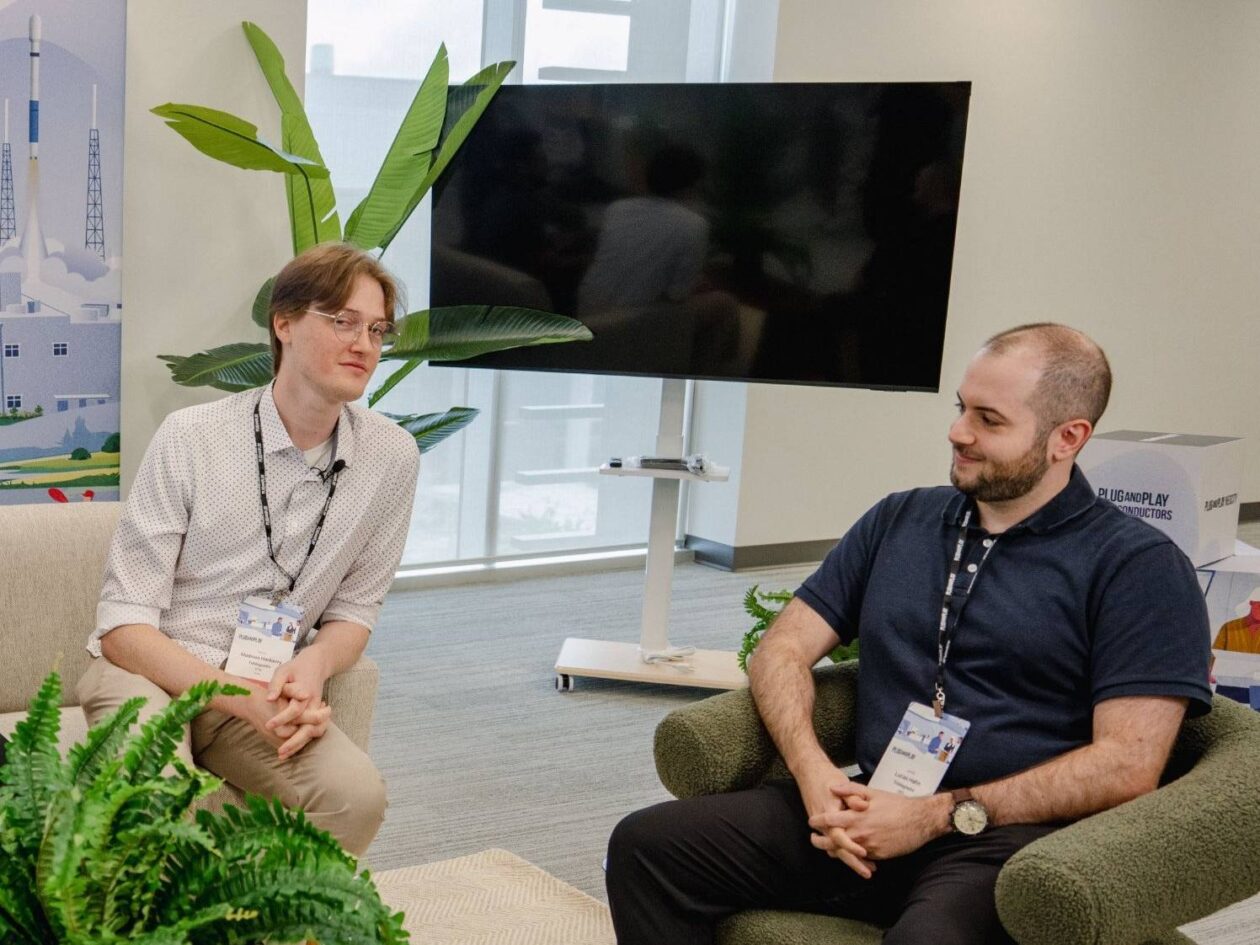
Seattle startup TriMagnetix has secured $1 million to develop semiconductor chips that consume 800 times less energy and are radiation-resistant. The two-person company, leveraging nanomagnetic technology, is targeting space applications and data centers. With new funding and key partnerships, TriMagnetix aims for commercial sales within a year.
Ubisoft Proposes German Studio Workforce Reduction Amidst
Ubisoft is planning a voluntary departure program for about 100 employees across its Düsseldorf, Berlin, and Mainz studios in Germany. This move is part of a larger, ongoing cost-reduction and restructuring effort by the publisher, aiming to better position its studios for future projects.
regional: ‘What is fusion?’ Helion Energy harnesses the power of
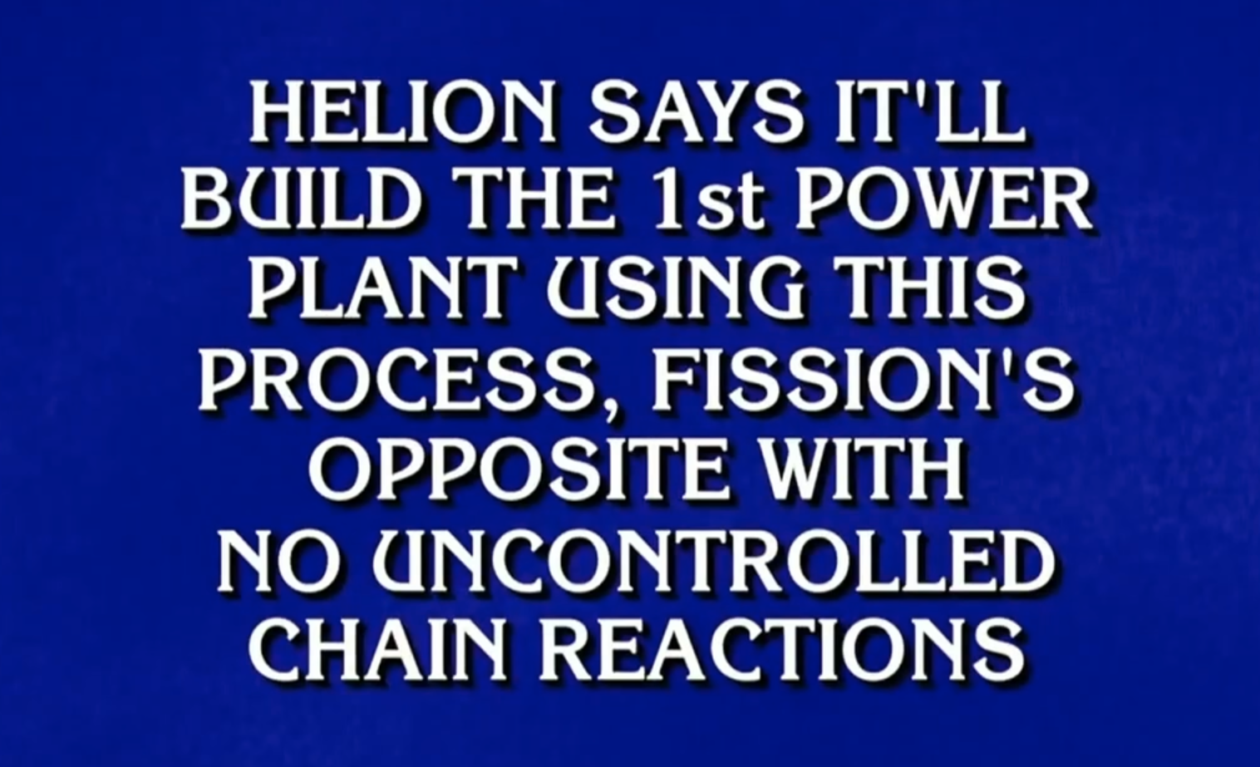
Helion Energy, the Everett-based fusion startup, gained mainstream attention this week after being featured as a clue on the popular game show "Jeopardy!". The $800 clue, part of a "Y Combinator" category, highlighted Helion's mission to build the first fusion power plant, bringing the concept of clean energy to a wider audience. CEO David Kirtley celebrated the "surreal" moment as a sign that reliable clean power is becoming more accessible.

Stop Android Auto Battery Drain: Essential Features to Disable and
Android Auto offers unparalleled convenience, bringing your phone's most useful features directly to your car's display. From navigation and calls to messages and music, it keeps you connected without distracting you