
Streamline Your Linux Files: Find Anything Faster with a Search-First
Learn to simplify your Linux file organization by flattening your folder structure and adopting a search-first mindset in 5 practical steps.
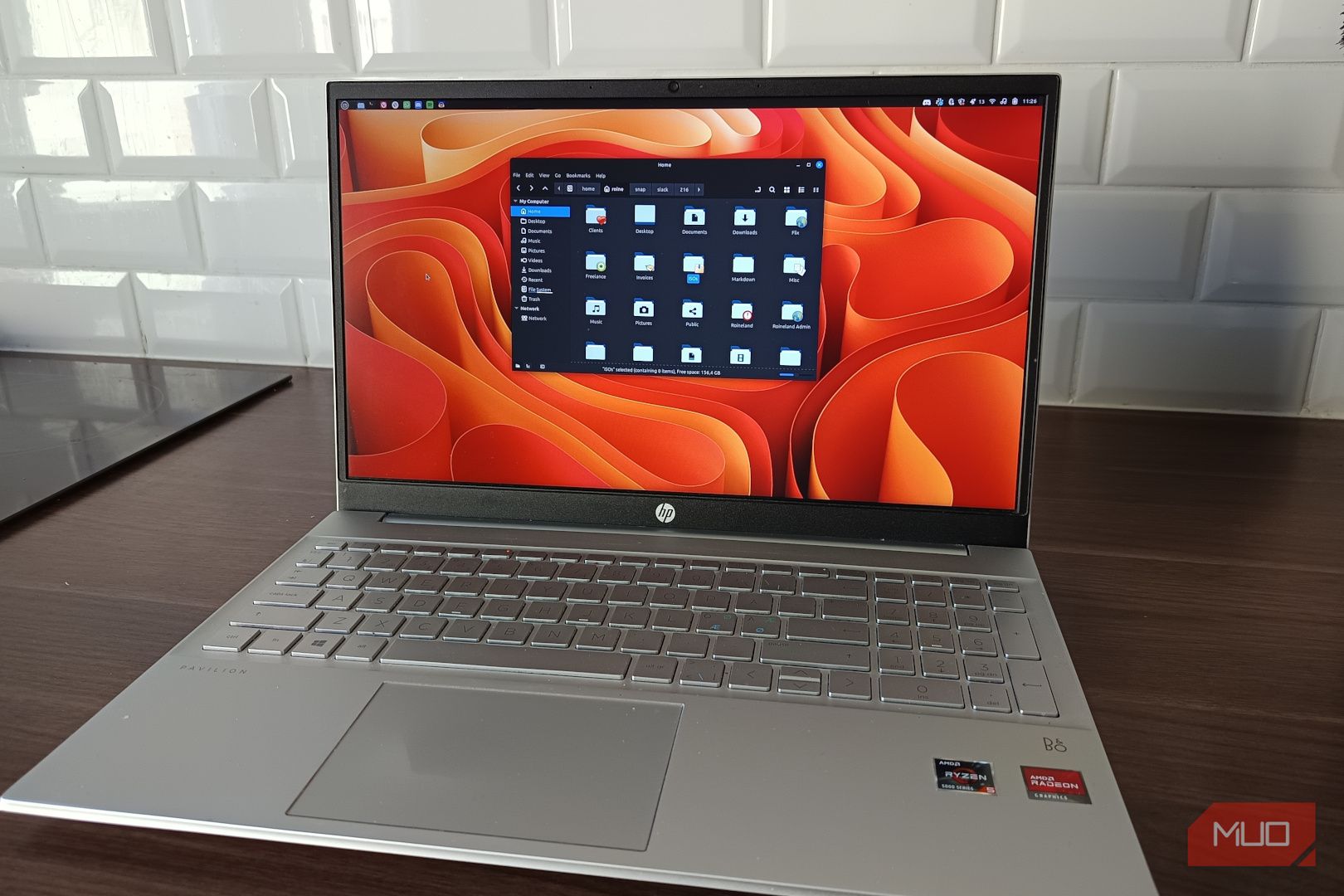
For years, many of us have meticulously organized our digital lives, creating intricate folder structures that promise order but often deliver frustration. You know the drill: nested directories for projects, documents, drafts, and archives, all designed to make perfect sense. Yet, when you need a file, you still find yourself digging through layers of folders, thinking, "I know it's here somewhere!"
What if there was a simpler way? A method that lets go of rigid categorization and leans into the powerful search capabilities already built into Linux? This guide will show you how to streamline your file management, reduce mental clutter, and find your files faster by adopting a search-first mindset. You'll learn to flatten your folder hierarchy, use descriptive file names, and leverage your system's search tools, leading to a smoother, more efficient workflow.
Why Traditional Folder Structures Often Fail
Our desire for perfectly organized files stems from a good place – a wish for control and efficiency. On paper, a deep, logical folder system looks ideal. You have dedicated directories for clients, projects, assets, and multiple versions of documents. It's the kind of setup that whispers, "I have my life together."
However, this ambition often collapses under real-world usage. The core assumption of such a system is that you will precisely remember where you put things. Was that document under "Work," "Clients," or "Freelance"? Did it end up in "Drafts" or "Final"? The more layers you create, the more decisions you have to make upfront, and the more ways you can be wrong later. What began as an attempt to organize your files often turns into accidentally hiding them from yourself with extra steps.
This constant friction – the five minutes spent clicking through folders that made sense at the time but none now – is a silent productivity killer. It's not a technical problem; it's a psychological one, creating hesitation and slowing down your natural workflow.
Prerequisites
To follow this guide, you'll need:
- A Linux operating system (e.g., Ubuntu, Fedora, Pop!_OS, etc.).
- Basic familiarity with your chosen Linux distribution and its file manager (e.g., Nautilus for GNOME, Dolphin for KDE, Thunar for XFCE).
Get Started: Adopt a Search-First File Management System
This shift isn't about abandoning organization entirely, but about letting the system do the heavy lifting instead of your memory. Here are the steps to transition to a search-first approach.
Step 1: Embrace a Search-First Mindset
The most crucial change is internal: stop asking "Where should this go?" and start trusting "I'll find it later." Linux file managers are designed for this; they index, remember, and surface results quickly. Make searching a constant habit, not a last resort.
- Rethink your save process: Instead of pausing to decide the "correct" folder, save the file to a logical, but not overly specific, broad category. The goal is to reduce hesitation and keep your flow uninterrupted.
- Utilize "Recent Files": Your file manager likely has a "Recent Files" or "Recently Used" view. This is incredibly powerful because, most of the time, the file you're looking for is something you've interacted with recently. Make this a primary tool for quick access.
Step 2: Drastically Flatten Your Folder Structure
This doesn't mean dumping every file into a single directory. Instead, aim for an aggressively shallow hierarchy. Replace five or more layers of nesting with a handful of broad, top-level categories.
- Create broad categories: Think "Work," "Personal," "Temporary," "Downloads." If a folder needs a lengthy explanation, it's probably too complicated. The simpler, the better.
- Avoid deep nesting: Resist the urge to create sub-sub-subfolders. If something can live one or two layers deep, keep it there. The idea is to make sure you can visually scan and understand your entire file system in a glance.
Step 3: Craft Searchable File Names
With a flattened structure, your file names become paramount. They need to do the heavy lifting of providing context that folders once did.
-
Be descriptive: Include keywords that you would naturally search for. Think about what a future-you, who has forgotten all context, might type into a search bar.
-
Embrace redundancy: While generally discouraged in some contexts, redundancy in file names is excellent for search. If a file relates to "Client X" and a "March 2026 invoice," include both.
- Instead of:
final_v2_document_updated_REAL_final_THIS_ONE.docx - Try:
client-name_invoice_march_2026.docx
The second example isn't clever, but it's effective because it contains clear, unambiguous keywords that search loves.
- Instead of:
Step 4: Master Your File Manager's Search
Your Linux file manager is a powerful tool. Learn to use its search function habitually.
- Use the search bar: Most file managers have an integrated search bar. Open your file manager, type a keyword, hit Enter. This should be your first instinct, not your last.
- Leverage "Recent Files": As mentioned in Step 1, regularly check your "Recent Files" view. It’s often the fastest path to what you need.
Step 5: Harness Linux Indexing Tools
Linux comes with, or has access to, excellent indexing tools that make search nearly instant.
- Tracker (for GNOME-based systems): If you're using a GNOME desktop environment (like Ubuntu, Fedora Workstation), Tracker is likely already working in the background. It indexes your files so that file manager searches are fast and responsive.
- Recoll (for advanced users): For more control and deeper indexing capabilities, consider installing Recoll. It provides full-text search, allowing you to find keywords within documents, not just in their names. It can be incredibly precise, even if your file naming isn't perfect.
- Resist over-optimization: The goal is to use these tools, not to become obsessed with them. Don't fall into the trap of endlessly tweaking settings or benchmarking performance. The default settings for Tracker are often more than enough, and a basic Recoll setup will offer significant advantages without demanding hours of your time. The point is to stop wasting time navigating, not to build the perfect search system.
Navigating the Shift: Tips for Success
Making this change will feel strange at first. Years of muscle memory won't disappear overnight.
- Expect initial discomfort: It might feel messy or even irresponsible, like you're heading for digital anarchy. This is normal. The psychological friction is real, as your brain still wants to categorize and "put things somewhere safe."
- Be patient with yourself: Let go of the instinct to perfectly categorize everything. Over time, you'll notice you're spending less mental energy on file organization and more on actual work.
- Consistency is key: While the structure is flatter, consistent file naming will greatly enhance your search experience.
The real payoff of this approach isn't a dramatic benchmark or fireworks. It's a subtle, consistent improvement in how your daily work feels. Less friction when saving, less hesitation when retrieving, and fewer moments of existential crisis wondering where that crucial document is. You stop fighting your natural work habits and lean into them, finding a surprising amount of control through simplicity and speed.
FAQ
Q: Will I lose files or make my system messy by flattening my folder structure?
A: No, you won't lose files, and the goal isn't chaos. The idea is to reduce deep nesting and keep files in broad, manageable categories. By relying on powerful search tools and descriptive file names, you gain retrieval speed without sacrificing order. It simply shifts the responsibility of finding files from your memory to the system.
Q: What if I have specific project requirements that necessitate detailed folder structures?
A: For projects with strict organizational needs, you can still maintain a project-specific folder. The key is to keep its internal structure as flat as possible and ensure files within it have descriptive names. The overall goal is to reduce the default level of deep organization across your entire system, not to eliminate all folders. Adapt the approach to fit your specific needs, focusing on making files searchable within their context.
Q: How do I get started with Recoll?
A: To use Recoll, first install it from your distribution's package manager (e.g., sudo apt install recoll on Debian/Ubuntu). Once installed, launch Recoll, and it will typically guide you through the initial indexing process. You can select which directories to index and configure various options, though the default settings are often a great starting point for full-text search without extensive tweaking.
Next Steps
- Practice: Make searching your primary method for finding files for a week and see how it feels.
- Refine Naming: Continually improve your file naming conventions to be even more descriptive and searchable.
- Explore Search Features: Dive deeper into your file manager's search capabilities and any advanced options offered by tools like Recoll.
Embrace the freedom of a simpler, faster file management system that works with you, not against you.
Related articles

Ditch Merge & Center: The Better Way to Align Text in Excel
Learn to use Excel's "Center Across Selection" to align text across cells without merging, avoiding common data manipulation issues. This guide provides steps to utilize this newly accessible feature and add it to your Quick Access Toolbar.

Ars Technica's Rocket Report: Your Essential Space Industry Briefing
Quick Verdict Ars Technica's Rocket Report, presented by veteran space reporter Stephen Clark, offers an invaluable and meticulously organized weekly (or similar frequency, implied by "Edition 9.15") digest of the most

Stop Android Auto Battery Drain: Essential Features to Disable and
Android Auto offers unparalleled convenience, bringing your phone's most useful features directly to your car's display. From navigation and calls to messages and music, it keeps you connected without distracting you
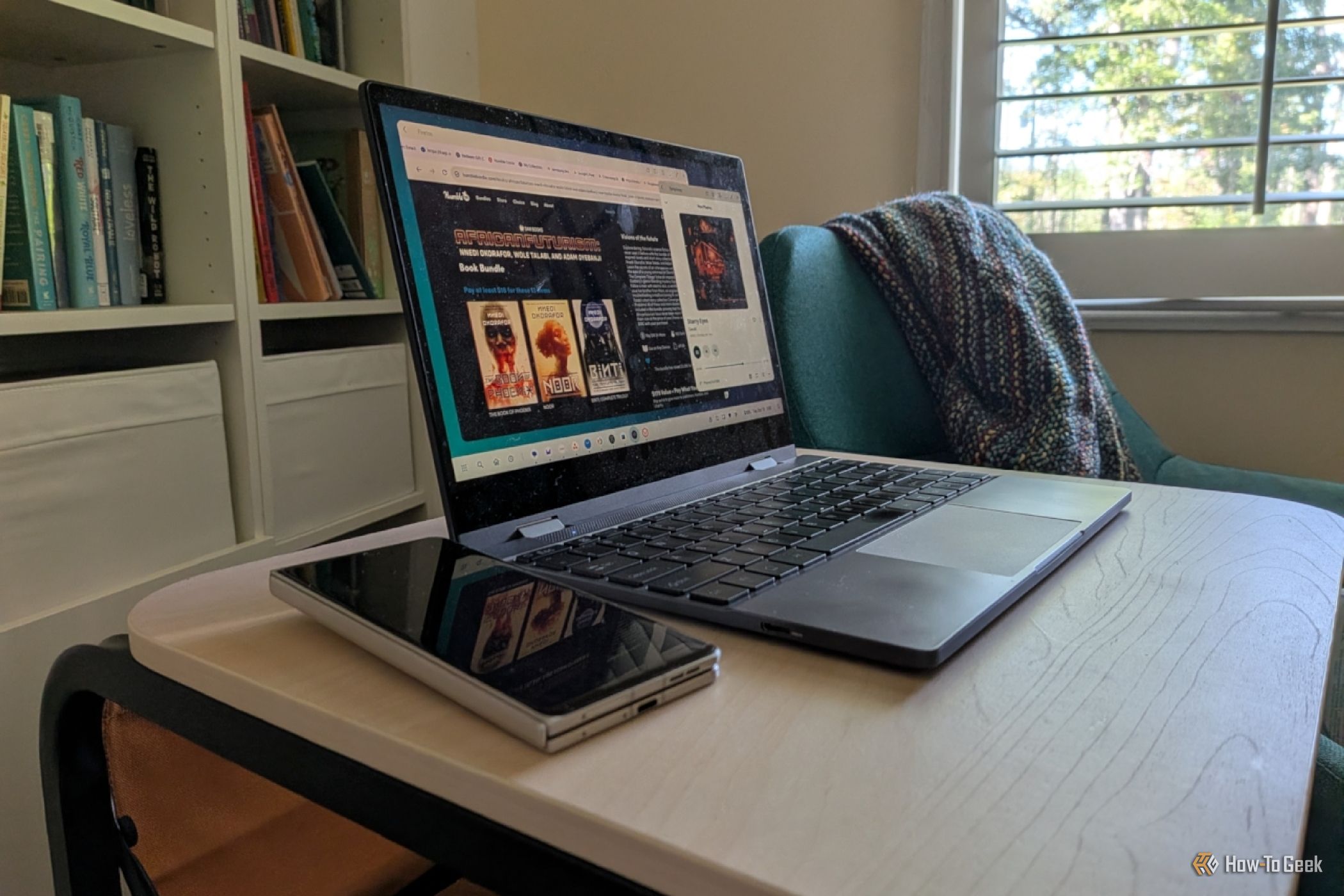
Turn Your Android Phone into a Powerful Desktop Replacement
Learn how to transform your Android phone into a full-fledged desktop computer using external displays and accessories, providing a cost-effective and integrated alternative to new Googlebooks.

howto: Four Ways the Fitbit Edge Is Better Than the Charge 6, and Two
Learn the key differences between the Fitbit Edge and Charge 6, including four advantages of the Edge and two areas where it falls short, to help you choose the best fitness tracker for your needs.
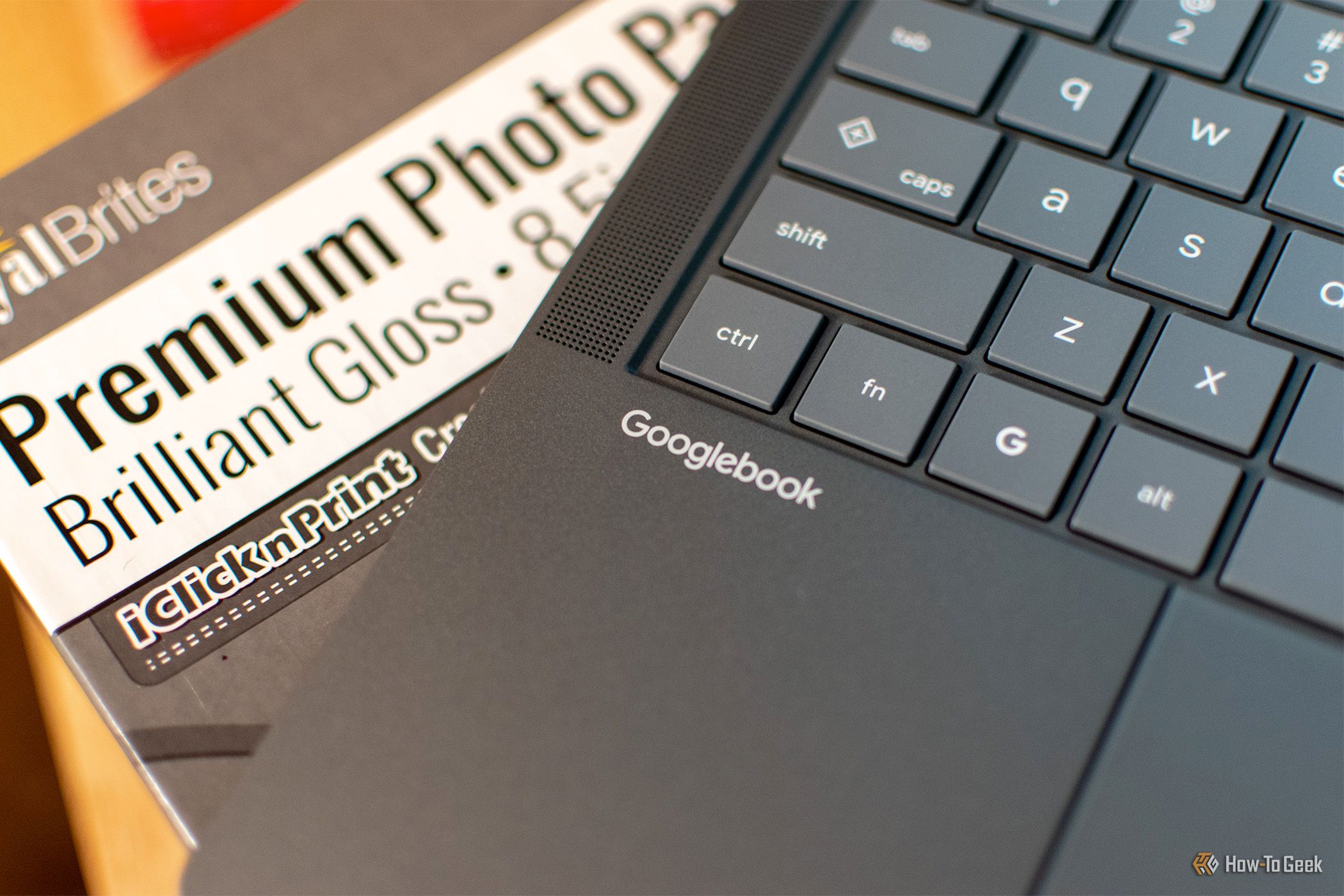
How to Connect Your Googlebook to a Printer - Print Documents with
Learn to quickly connect your Googlebook to a printer via Wi-Fi, USB, or Bluetooth and print documents in minutes. This guide covers direct printing, app-specific connections, troubleshooting, and even printing screenshots as a workaround.