
How to Maximize Smart Home Devices Without Subscriptions
Learn how to build a subscription-free smart home by choosing devices with local control and leveraging platforms like Home Assistant for security cameras, video doorbells, garage openers, and home security systems.
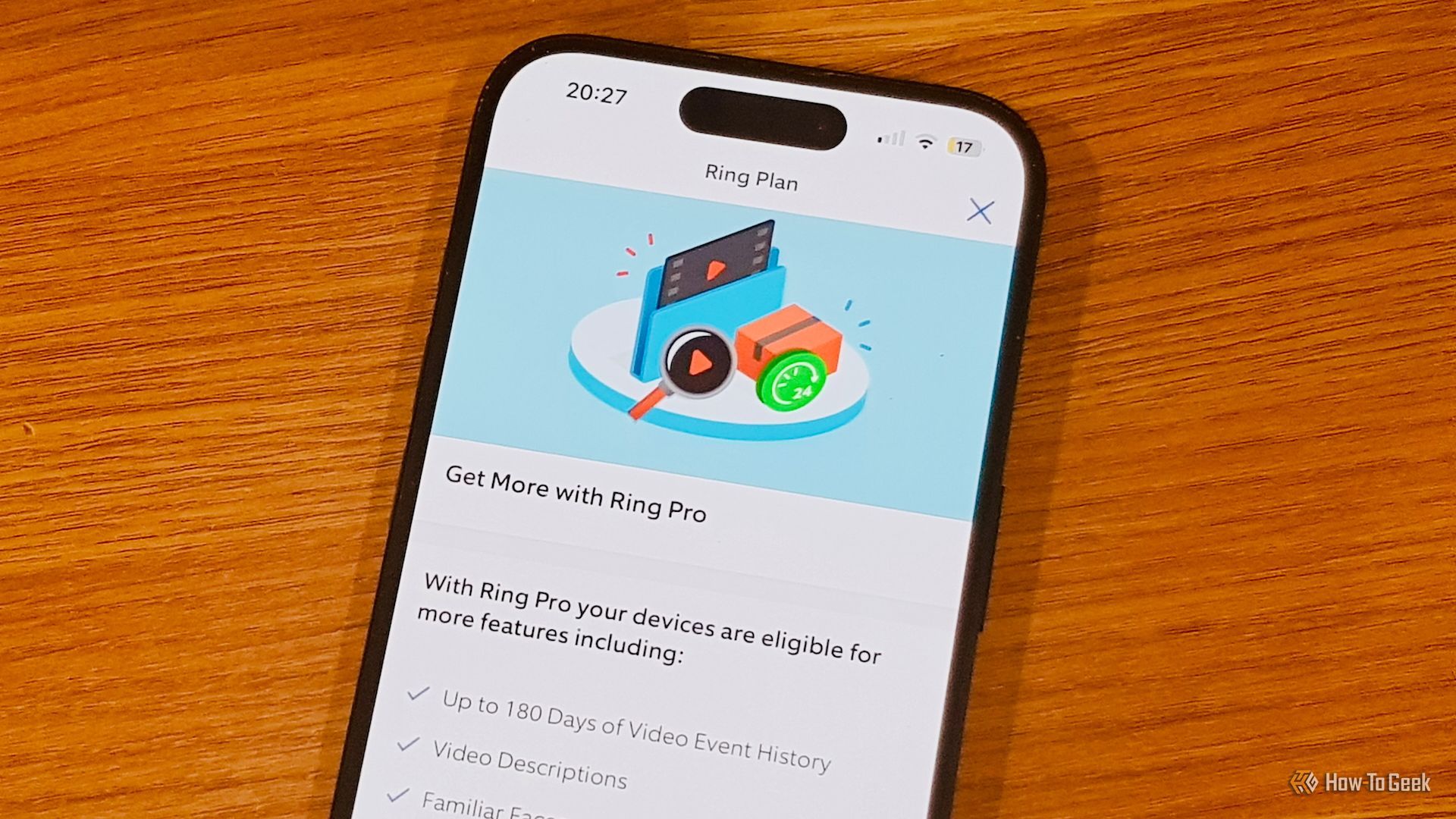
Tired of monthly fees for essential smart home features? This guide shows you how to leverage local solutions for security cameras, video doorbells, garage door openers, and home security systems, giving you more control, privacy, and savings – all without a subscription.
Why Go Subscription-Free?
Embrace a subscription-free smart home for ultimate control over your devices and data. Enjoy unlimited video history, enhanced privacy by keeping data local, and escape limitations imposed by proprietary systems, leading to a more flexible and cost-effective setup.
Prerequisites for Your Subscription-Free Smart Home
To get started, you'll need:
- Compatible Devices: Look for devices supporting local storage or integration with local smart home hubs.
- Local Storage: A Network Video Recorder (NVR), a self-hosted solution like Frigate, or Network-Attached Storage (NAS).
- Smart Home Hub (Recommended): A powerful local hub like Home Assistant for unified control and advanced automations.
- Reliable Local Network: Essential for seamless device communication.
Building a Subscription-Free Smart Home: Device by Device
1. Security Cameras: Unlimited History & Enhanced Privacy
Subscription cameras often limit video history to short periods (e.g., 60 days) and store footage on third-party cloud servers, raising privacy concerns.
Your Subscription-Free Solution: By choosing cameras with local storage options (like an SD card slot or ONVIF compatibility) and utilizing a self-hosted Network Video Recorder (NVR) such as Frigate, you gain:
- Unlimited Video History: Store footage for as long as your storage allows, far exceeding typical subscription limits, without recurring fees.
- Enhanced Privacy: All recordings remain securely on your local network, not external servers.
- Advanced Features: Access motion detection and event history with granular control through your local NVR, all for free.
2. Video Doorbells: Complete Event History, No Paywalls
Many video doorbells gate essential features behind subscriptions, restricting event history access (sometimes just a few hours) or charging for person/package detection. Even premium plans might offer limited history (e.g., 10 days of 24/7, 60 days of events).
Your Subscription-Free Solution: Opt for doorbells with local storage (e.g., an SD card slot) or NVR integration to ensure:
- Full Event History: Access any past recording, limited only by your storage capacity, completely free.
- Unlocked Core Features: Enjoy person and package detection, plus extended live viewing, without monthly fees.
Integrate your chosen doorbell with your local NVR or Network Attached Storage (NAS) for secure, on-site video event storage.
3. Garage Door Openers: Reliable, Cloud-Independent Control
Cloud-dependent smart garage openers risk API blocking, disabling your automations unexpectedly (e.g., Chamberlain's action against Home Assistant). Integrated cameras often require subscriptions for event history.
Your Subscription-Free Solution: Seek openers with local control or Home Assistant compatibility. This offers:
- Uninterrupted Access: Control your garage door and automations reliably, free from third-party service disruptions.
- Optional Local Monitoring: Add an inexpensive local IP camera to your NVR (like Frigate) for subscription-free motion detection and event history.
- Robust Smart Home Integration: Use a local hub like Home Assistant for resilient, cloud-independent garage door automations.
4. Home Security Systems: Flexible & Fee-Free App Control
Beyond professional monitoring, many security systems demand subscriptions for basic app control (arming/disarming) and force you into limited, proprietary device ecosystems.
Your Subscription-Free Solution: Build a local security system with a smart home hub like Home Assistant to gain:
- App Control without Subscription: Arm and disarm your system from your phone via your local network, with no recurring fees.
- Broad Device Compatibility: Integrate devices from any brand (e.g., Zigbee, Z-Wave), offering superior choice and flexibility.
- Customizable Automations: Create complex, personalized security rules by integrating all your sensors, sirens, and smart devices.
Tips for Your Subscription-Free Smart Home
- Prioritize Local Control: Always check if devices offer local storage/processing or open-source integration.
- Research Compatibility: Verify a device's true local capabilities before purchase.
- Start Small: Begin with a few devices to master the local control approach.
- Backup Configurations: Regularly back up your Home Assistant or NVR settings.
- Secure Your Network: Use strong passwords and keep router firmware updated.
Troubleshooting Your Local Smart Home Setup
- Connectivity Issues: Ensure a stable local network; check Wi-Fi/wired connections and router settings.
- Device Not Appearing: Verify power, local configuration, and range. Consult manuals for local integration.
- Storage Full: Monitor NVR/local storage capacity; configure auto-deletion or expand storage.
- Automation Not Triggering: Double-check rules in your smart home hub and review logs for errors.
Next Steps for Expanding Your Smart Home
Once comfortable, explore:
- Advanced Automations: Dive into Home Assistant Blueprints for complex scenarios.
- Energy Monitoring: Integrate smart plugs and sensors for optimization.
- Lighting & Climate: Extend local control to smart lights and thermostats.
FAQ
Q: What is an NVR and do I need one? A: An NVR (Network Video Recorder) is a device or software that records video from IP cameras over a network. It's highly recommended for local, subscription-free storage of camera/doorbell footage, allowing unlimited history based on your storage capacity.
Q: Is Home Assistant difficult to set up for a beginner? A: Home Assistant has a learning curve but offers excellent documentation and community support. Starting with pre-built images or dedicated hardware can make the initial setup more accessible. The investment in learning pays off with unmatched control and flexibility.
Q: How can I tell if a smart home device supports local storage or control? A: Always check product specifications and manuals for "SD card slot," "local recording," "ONVIF support," or explicit mentions of local API access. Online reviews and forums are also great resources for insights into a device's actual local capabilities.
Conclusion
By choosing devices that support local control and utilizing powerful open-source platforms, you can build a smarter, more private, and cost-effective home. Say goodbye to restrictive subscriptions and embrace a smart home that truly operates on your terms.
Related articles

Apple Unveils iPhone Duo: Pricey Foldable Sees Soaring Demand
Apple has officially entered the foldable smartphone arena with the long-anticipated launch of the iPhone Duo. Priced starting at a hefty $1,999, the device features a 5.4-inch outer display and a larger 7.6-inch inner

DJI Solo Video Setups: Smart Choices for Lone Creators
This review delves into DJI's recommended solo video setups, highlighting the Osmo Pocket 3 Creator Combo as a top pick for its integrated camera, gimbal, and mic. It also covers stabilizers like the Osmo Mobile 8 and RS 4, and the DJI Mic Mini series for enhanced audio, providing honest pros, cons, and clear buying advice.

Ditch Merge & Center: The Better Way to Align Text in Excel
Learn to use Excel's "Center Across Selection" to align text across cells without merging, avoiding common data manipulation issues. This guide provides steps to utilize this newly accessible feature and add it to your Quick Access Toolbar.

Stop Android Auto Battery Drain: Essential Features to Disable and
Android Auto offers unparalleled convenience, bringing your phone's most useful features directly to your car's display. From navigation and calls to messages and music, it keeps you connected without distracting you

Apple’s new HomeView smart display is $10 cheaper at Amazon: latest
In a rare move for a new Apple product, the highly anticipated HomeView smart display is already available at a discount on Amazon, weeks before its official launch. Consumers can now pre-order Apple's first dedicated
Google Gemini Task Update: Automation Just Got Smarter
Google Gemini Task Update: Automation Just Got Smarter Verdict: Google's latest update to Gemini, focused on its task automation capabilities, is a significant step forward in user experience. By rebranding 'Spark' as