
Gemini Notebook Upgrade: A Game Changer for Collaboration
Google’s Gemini Notebook, formerly known as NotebookLM, has received a significant upgrade that promises to redefine how users interact with and build upon shared information. This new functionality, allowing the
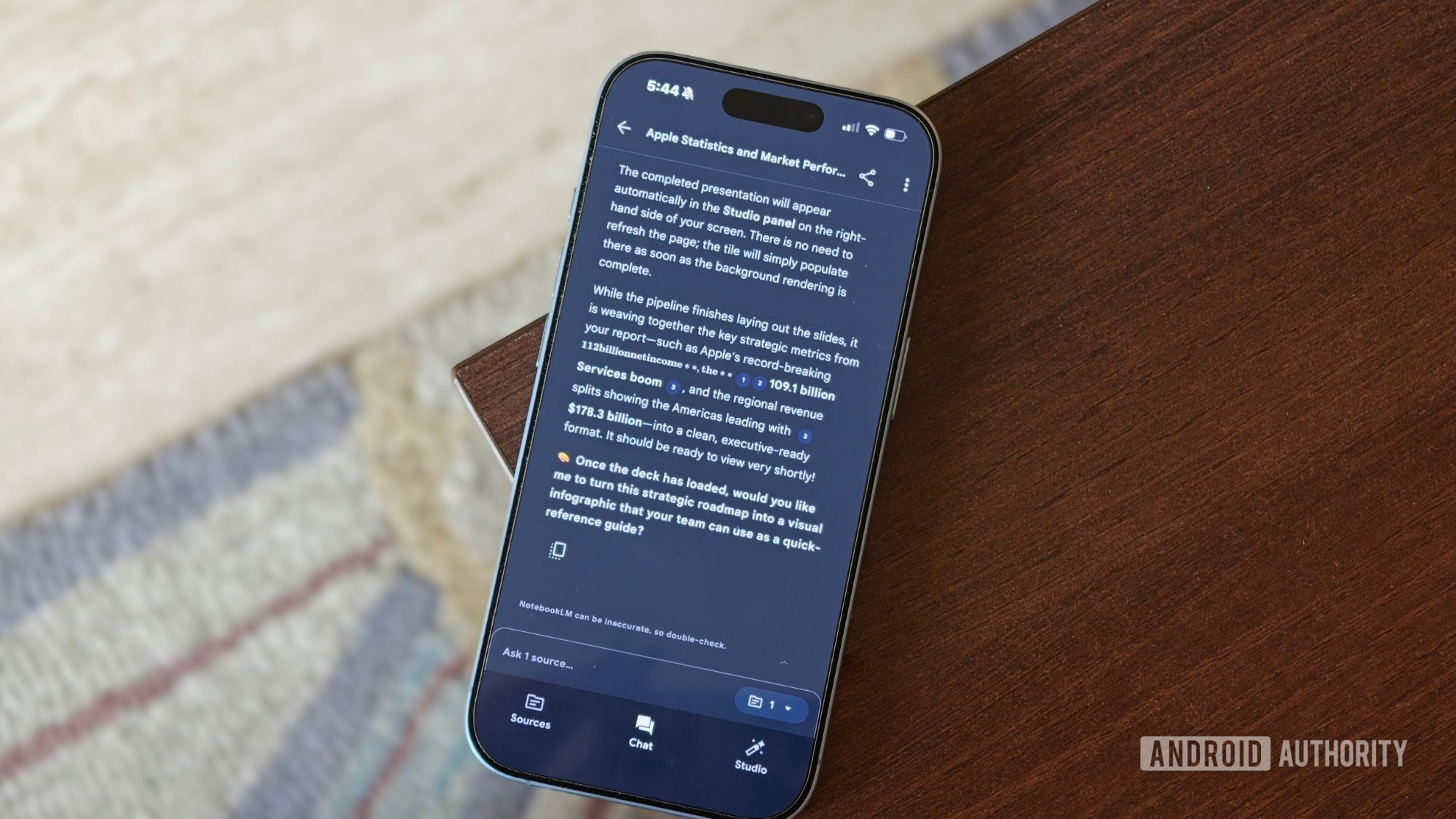
Google’s Gemini Notebook, formerly known as NotebookLM, has received a significant upgrade that promises to redefine how users interact with and build upon shared information. This new functionality, allowing the duplication of entire shared notebooks, is far more than a simple "copy-paste"; it's a foundational shift in collaborative and educational workflows. After putting this feature to the test, it's clear that this is a truly impactful enhancement, making it easier than ever to leverage collective knowledge.
Quick Verdict
The Gemini Notebook upgrade, introducing the ability to copy shared notebooks with all their rich content, is a genuine game-changer. It eliminates the tedious task of recreating information, offering a robust starting point for individual customization while maintaining privacy and owner control. This feature significantly enhances productivity and collaboration, earning a strong recommendation for anyone using Gemini Notebook for shared projects, research, or learning.
Diving Deep: What the Copy Feature Delivers
At its core, this upgrade enables users to make a complete, independent copy of a shared Gemini Notebook. But what exactly does that entail? It's much more comprehensive than simply cloning text documents. When you copy a shared notebook, you inherit the entire foundational structure and the powerful AI-generated content within it. This includes:
- All Source Material: Any documents, PDFs, or web links the original creator used to populate the notebook will be part of your copy. This means you immediately have access to the raw information that Gemini used to generate insights.
- Studio Creations: This is where the feature truly shines. Most of the advanced, AI-powered outputs generated by Gemini Notebook's "Studio" feature are transferred. This encompasses Audio and Video Overviews, which provide quick summaries; Study Guides and Flashcards, invaluable for learning; Quizzes for self-assessment; and pre-built Slide Decks for presentations. Even the specific prompts used to generate these artifacts and custom chat configurations are carried over, giving you insight into the creator's methodology and a springboard for your own AI interactions.
This robust transfer of content means that instead of facing an empty canvas, users are presented with a rich, pre-structured environment. Imagine a teacher creating a comprehensive notebook with lecture notes, assigned readings, a video overview of complex topics, and a custom quiz. Now, every student can instantly replicate that entire package, ready to personalize, annotate, and deepen their understanding without the painstaking initial setup.
User Experience: Collaborative Power, Individual Freedom
The user experience with this new copying feature is remarkably intuitive and empowering, striking an excellent balance between shared resources and individual autonomy.
For the Recipient (the 'Copier'): The primary benefit is the immediate acceleration of their work. No longer do you need to manually gather sources or painstakingly recreate AI-generated content. A simple click transforms a shared resource into your personal workspace. This is revolutionary for students, new team members, or anyone onboarding to a complex project. They gain instant access to a curated, intelligent knowledge base, allowing them to jump straight into adding their own insights, asking specific questions of Gemini, or tailoring the content to their unique needs.
For the Creator (the 'Sharer'): This feature elevates their ability to disseminate information. They can craft a meticulously organized and AI-enriched notebook, confident that recipients can use it as a robust foundation. This is particularly useful for setting standardized starting points for tasks, research projects, or training modules. Google has also ensured that creators maintain control; the "Allow copies" setting, enabled by default, can be toggled off if an owner prefers to prevent duplication.
One of the most critical aspects of the user experience is the independence of the copied notebook. Once duplicated, your version is entirely separate from the original. If the original owner makes changes, adds new sources, or even deletes their notebook, your copy remains unaffected. This independence is a double-edged sword: while it means you won't automatically receive updates from the original, it grants complete freedom to modify, experiment, and even radically alter the notebook without impacting the source material or other users' copies. This promotes true ownership and diverse applications of shared knowledge.
Crucially, privacy is maintained. Your personal notes, annotations, and chat history within your original Gemini Notebook remain private. When you copy a shared notebook, only the shared elements transfer; your personal interactions with Gemini or your own private additions are not exposed.
There's a minor caveat regarding Google Drive sources: they will only transfer if the person making the copy already has permission to access those specific original Drive files. While this is logical for security, it's something to be aware of when setting up shared notebooks with Drive content.
Pros and Cons
Pros:
- Unprecedented Efficiency: Eliminates the need to start from scratch, saving significant time and effort in gathering sources and generating AI content.
- Comprehensive Content Transfer: Copies not just sources, but also rich Studio creations like overviews, study guides, quizzes, and slide decks, providing a fully developed foundation.
- True Independence: Copied notebooks are separate from the original, allowing for unfettered customization without fear of affecting the source or other copies.
- Enhanced Collaboration: Facilitates sharing of complex knowledge bases, ideal for educational settings, team projects, and onboarding.
- Privacy-Focused: Personal notes and chat history do not transfer with the copied notebook.
- Creator Control: Owners can easily enable or disable the copying option for their notebooks.
Cons:
- Google Drive Permissions Dependency: Shared Google Drive sources require the copier to have existing permissions for those files, which might require extra coordination.
- Default 'Allow Copies' Setting: While beneficial for collaboration, some creators might overlook this default setting and inadvertently allow copies they didn't intend to share broadly.
- No Live Synchronization: The independence, while a major pro for customization, means copied notebooks do not receive real-time updates from the original. This is a deliberate design choice, but users expecting a synchronized shared document might see it as a limitation.
Alternatives
The source content does not mention any direct alternatives to Gemini Notebook's specific feature of copying AI-enriched notebooks with Studio content. Therefore, a comparison table is not applicable here.
Recommendation
The Gemini Notebook upgrade to copy shared notebooks is a powerful, much-needed feature that significantly elevates the platform's utility for anyone engaged in collaborative learning, research, or project management. If you frequently share information, create educational materials, or work in teams where a common knowledge base is essential, this update will fundamentally change your workflow for the better. It's an indispensable tool for maximizing productivity and leveraging AI-powered insights across groups. While the Google Drive permission handling requires a quick check, the overall benefits far outweigh this minor consideration. This is an upgrade that I highly recommend exploring, especially if you're already a Gemini Notebook user.
FAQ
Q: What exactly gets copied when I duplicate a Gemini Notebook? A: When you copy a shared Gemini Notebook, you get all the original source material (documents, links), along with most of the AI-generated "Studio" content. This includes Audio and Video Overviews, Study Guides, Flashcards, Quizzes, Slide Decks, and the custom chat configurations and prompts used to create them. Your personal notes and chat history, however, do not transfer.
Q: Are copied notebooks linked to the original? Will changes update my copy? A: No, copied notebooks are completely independent. Once you make a copy, it's your own separate version. Any changes made to the original notebook by its owner will not automatically reflect in your copied version. This allows you complete freedom to customize your copy without affecting the original or other users.
Q: Can I prevent others from copying my Gemini Notebooks? A: Yes. Gemini Notebook provides an "Allow copies" setting within the sharing options. This setting is enabled by default, but you can easily toggle it off if you prefer that others cannot duplicate your notebook.
Related articles
Android 17 QPR2 Beta 7.1: The Performance Relief You've Been Waiting
Android 17 QPR2 Beta 7.1: Finally Fixing the QPR1 Performance Woes Verdict: Android 17 QPR2 Beta 7.1 is a crucial and highly anticipated software update for Google Pixel users, specifically targeting and resolving the

DJI Solo Video Setups: Smart Choices for Lone Creators
This review delves into DJI's recommended solo video setups, highlighting the Osmo Pocket 3 Creator Combo as a top pick for its integrated camera, gimbal, and mic. It also covers stabilizers like the Osmo Mobile 8 and RS 4, and the DJI Mic Mini series for enhanced audio, providing honest pros, cons, and clear buying advice.

Ars Technica's Rocket Report: Your Essential Space Industry Briefing
Quick Verdict Ars Technica's Rocket Report, presented by veteran space reporter Stephen Clark, offers an invaluable and meticulously organized weekly (or similar frequency, implied by "Edition 9.15") digest of the most

Apple iPhone Duo: A Daring Debut with Notable Compromises
Apple's highly anticipated iPhone Duo, priced at $2,000, has gone on pre-order. While hailed as "Apple's most exciting device in a decade" for its innovative foldable design and immersive display, it comes with significant drawbacks like the absence of FaceID and a premium camera.

KDE Plasma 6.8: A Future-Focused 30th Anniversary Update
Quick Verdict KDE Plasma 6.8, arriving as the "30th Anniversary Edition," is a pivotal release that decisively pushes the desktop environment into the future. With a definitive farewell to native X11 sessions and a

Kojima Compares Divisive New Film 'Digger' to MGS2's Prescient Vision
Gaming icon Hideo Kojima has praised the divisive 2026 film *Digger*, drawing intriguing parallels to his own prophetic game, *Metal Gear Solid 2*. Both works, he explains, uniquely explore the dangers of misinformation and a fragmented digital reality, anxieties he shares with *Digger*'s director, Alejandro González Iñárritu.