
Demystifying Your C: Drive: Why Windows Skips A: and B
Learn why Windows uses C: for its primary drive and skips A: and B:, tracing this convention back to the floppy disk era and the enduring impact of technical legacy.
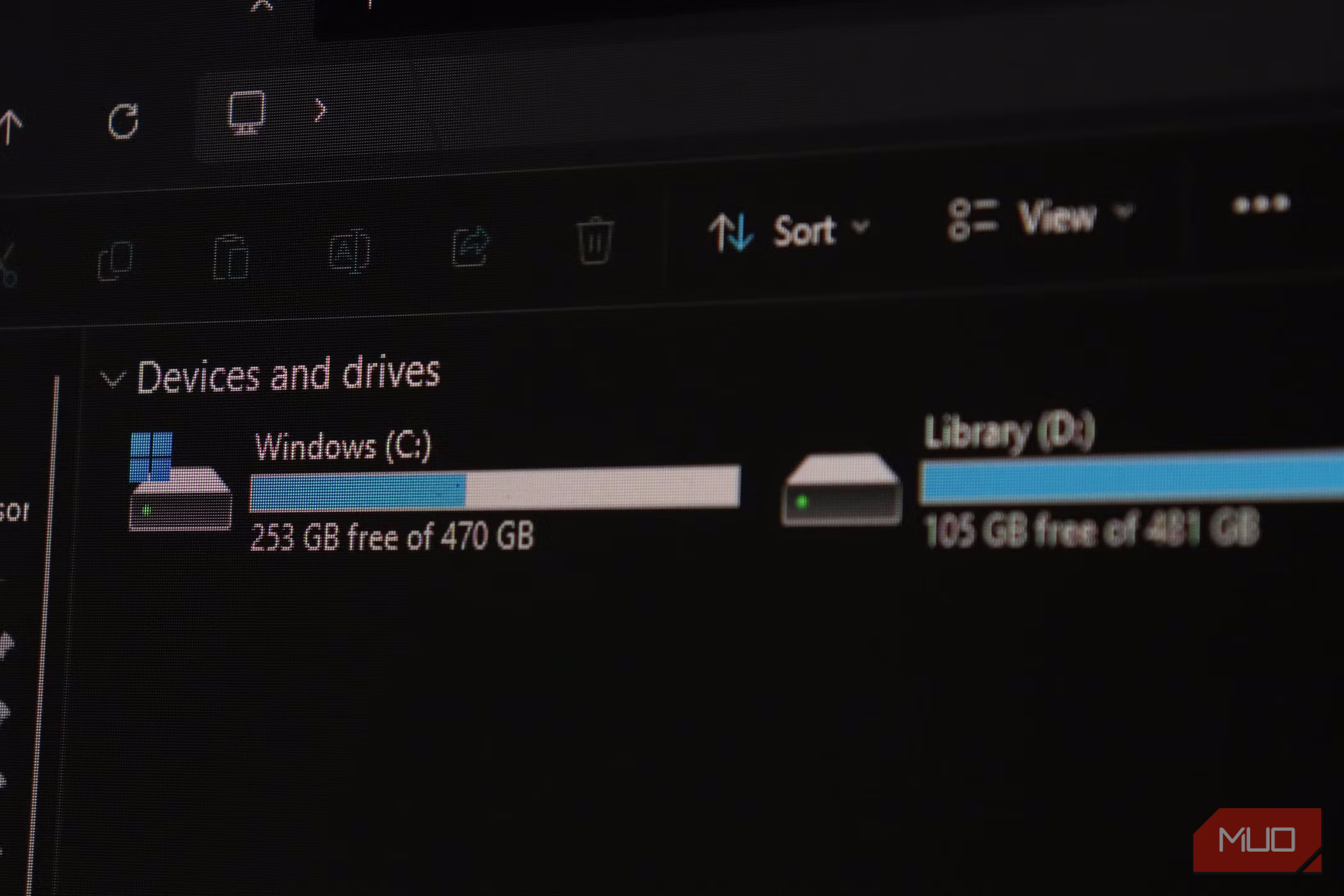
Ever noticed your Windows computer's main drive is always C:, completely skipping A: and B:? It's a common observation, and the answer to this quirky mystery lies deep in the early history of personal computing, specifically with a technology most people today have never encountered: the floppy disk. This guide will take you through time to explain why C: became the standard, why A: and B: remain largely unused, and how this historical artifact continues to shape modern Windows systems.
No Prerequisites Needed, Just Your Curiosity!
You don't need any special tools or technical expertise for this guide—just a curious mind ready to explore a fascinating piece of computing history!
The Dawn of Drive Letters: Floppy Disks Take the Lead
Our story begins in the 1970s, long before hard drives became a common feature in personal computers. Early operating systems, such as CP/M (Control Program for Microcomputers), pioneered the idea of using single letters to identify storage devices. These devices were almost exclusively floppy disks – flexible magnetic discs that were the primary way to handle everything from the operating system itself to user files.
When Microsoft developed MS-DOS (Microsoft Disk Operating System), heavily inspired by CP/M, it adopted this sensible drive letter convention. The original IBM PC, released in 1981, often featured two 5.25-inch floppy drives. Naturally, these were assigned the letters A: and B:.
In a typical two-drive setup, users would boot the operating system from the A: drive and use the B: drive for storing data or running a second program disk. This setup allowed for a clear separation of tasks. If a machine only had one floppy drive, the system still preserved the idea of A: and B:. The single drive would effectively act as both, leading to those now-legendary prompts: "Please insert source disk into drive A:... Now insert destination disk into drive A:." This physical "disk shuffle" allowed a solitary drive to handle tasks requiring two distinct storage points.
Crucially, the system BIOS (Basic Input/Output System) and the floppy disk controller had fixed, hard-coded hardware addresses specifically for drive A and drive B. These designations were deeply embedded at the hardware level, meaning DOS automatically looked for and assigned these letters to any detected floppy hardware.
When Hard Drives Arrived: Why C: Became the Standard
With A: and B: already firmly reserved at the BIOS level for floppy controllers, hard drives, when they emerged in the early 1980s, needed a new identifier. There was no straightforward way to simply reassign A: or B: to them, as these letters were already claimed by the legacy floppy controller addresses. The operating system, needing a new letter for this revolutionary internal storage, simply moved to the next available option in the alphabet. And thus, the first hard disk naturally became C:.
At the time, this was a perfectly logical and pragmatic choice. Nobody could have predicted that this temporary solution would become an enduring standard, defining how Windows computers would label their primary storage for over forty years.
The Unmovable C:: A Legacy of Software and Technical Debt
You might wonder why, with countless Windows updates and major operating system overhauls, Microsoft never 'cleaned up' this antiquated drive letter assignment. The answer lies in a concept known as 'technical debt.' The C: drive isn't just a label; it's a foundational pillar upon which decades of software have been built.
For generations, software developers have written applications with the implicit assumption that the Windows operating system and its core files reside on the C: drive. This isn't just a suggestion; it's often hard-coded into installers, file paths, registry entries, and system shortcuts.
Imagine the chaos if Microsoft suddenly decided to rename the main drive to A: or Z:. It wouldn't merely be a cosmetic change. It would break a vast ecosystem of legacy software. Applications would fail to install, existing programs wouldn't find their files, and system shortcuts would lead nowhere. The collateral damage would be immense and unpredictable, leading to widespread instability and user frustration. The sheer effort and potential disruption involved in such a change far outweigh any perceived benefit of 'tidying up' the drive letters. It's a classic example of how historical technical decisions can become permanent fixtures due to the monumental cost of altering them.
Where Are A: and B: Now? Their Silent Existence
Interestingly, A: and B: never truly disappeared. They remain reserved and technically available within Windows. If you delve into Windows Disk Management, you'll see these letters listed as assignable options. You could, theoretically, assign A: or B: to an external storage device, like a USB drive or an SD card, if you felt particularly adventurous.
However, there's a crucial catch. Because these letters were originally earmarked for removable floppy disks, Windows treats them differently. Specifically, Windows Search does not index drives assigned A: or B: by default. This means if you decide to store important project files on an 'A:' drive, you might be surprised when they don't appear in your Start Menu search results or quick access lists. While the option exists, it comes with practical limitations, reinforcing why most users wisely stick to the D:, E:, and higher for their additional storage.
The Floppy's Lasting Legacy: Icons, Airplanes, and Nuclear Silos
The humble floppy disk, the catalyst for the C: drive's existence, continues to cast a long shadow over our digital and even physical world. Its most visible modern manifestation is perhaps the 'Save' icon found in countless applications. That familiar square with a downward arrow is, in fact, a graphical representation of a 3.5-inch floppy disk. Many users click this icon daily without ever having touched the physical media it depicts, a testament to enduring design iconography.
Beyond the desktop, the floppy disk still performs critical tasks in surprising corners of the real world. For example, some Boeing 747-400 aircraft continue to rely on 3.5-inch floppy disks to load essential software updates into their flight systems. Engineers manually insert these disks, often as part of routine monthly maintenance.
Even more astonishingly, the U.S. Air Force managed its nuclear arsenal control system for decades using 8-inch floppy disks, only completing its transition to modern solid-state storage in June 2019. This highlights the incredible reliability and longevity sometimes found in older technologies.
And across the globe, Japan recently concluded its own 'war on floppies.' Until June 2024, numerous regulations mandated businesses to submit data on physical media like floppy disks and CDs. It took a concerted effort by the country's Digital Agency to finally retire these requirements and push public and private sectors into the digital age.
Every Odd Thing Your PC Does Has a Reason
The story of the C: drive is a fascinating peek into the historical layers that underpin our modern technology. It's a reminder that what often seems like an arbitrary design choice usually has a logical, if sometimes dated, reason behind it. So, the next time you see that C: drive in File Explorer, you'll know it's not just a letter; it's a living piece of computing history, a silent tribute to the floppy disk, and a testament to the enduring weight of legacy in technological evolution.
FAQ
Q: Can I change my C: drive letter to A: or B:?
A: While technically possible through advanced system tools, it is strongly not recommended. Changing the C: drive letter would likely render your Windows operating system unbootable and break countless applications due to hard-coded paths and registry entries that expect Windows to be on C:. It would cause significant system instability and potential data loss.
Q: Why don't other operating systems like macOS or Linux use drive letters like Windows?
A: macOS and Linux (and other Unix-like systems) use a different file system hierarchy based on a single root directory, usually represented by a / (forward slash). All storage devices, whether internal hard drives, USB drives, or network shares, are "mounted" as subdirectories within this root. This approach offers a more flexible and unified view of storage compared to Windows' drive letter system, which evolved from the need to manage discrete physical devices in early computing.
Q: Are A: and B: permanently reserved, even if I never use floppy disks?
A: Yes, the A: and B: drive letters are still reserved by Windows as legacy assignments, even on modern systems that have never had a floppy drive. This reservation is a result of the historical architecture inherited from MS-DOS and the BIOS. While you can manually assign them to other storage devices, Windows' default indexing behavior for these letters (or lack thereof) means they are generally avoided for practical use.
Next Steps and Related Topics
Curious about other historical quirks in technology? Explore the origins of common computer icons, delve into the evolution of storage devices from punch cards to NVMe SSDs, or learn more about file system structures in different operating systems. Understanding these foundational elements can deepen your appreciation for the complex machines we use every day.
Related articles

Ditch Merge & Center: The Better Way to Align Text in Excel
Learn to use Excel's "Center Across Selection" to align text across cells without merging, avoiding common data manipulation issues. This guide provides steps to utilize this newly accessible feature and add it to your Quick Access Toolbar.

Ars Technica's Rocket Report: Your Essential Space Industry Briefing
Quick Verdict Ars Technica's Rocket Report, presented by veteran space reporter Stephen Clark, offers an invaluable and meticulously organized weekly (or similar frequency, implied by "Edition 9.15") digest of the most
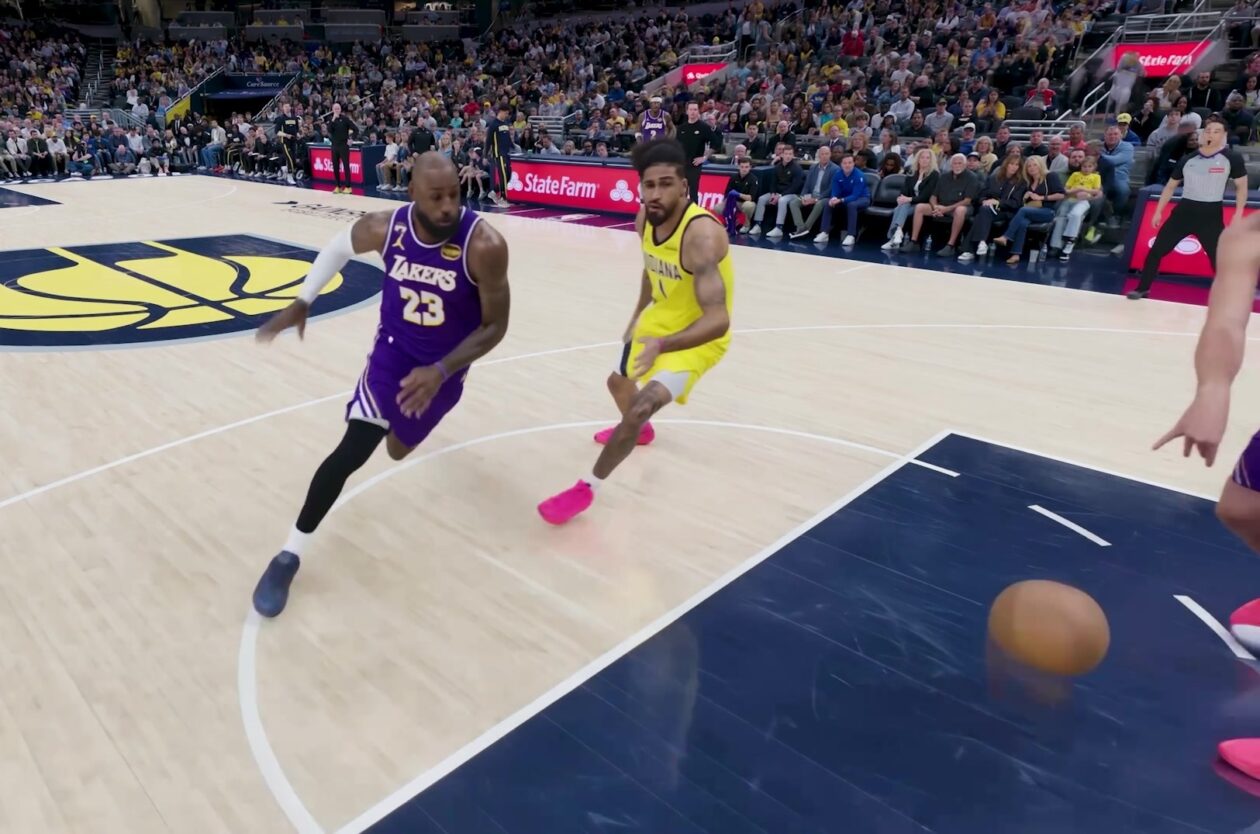
Amazon Prime Video Launches AI-Powered Prime 360 for NBA Coverage
Amazon Prime Video is elevating its NBA coverage with the introduction of Prime 360, an AI-powered replay system offering immersive, 'fly through' views of the action. Kicking off its second season, Prime Video also adds Yahoo fantasy integration and gains exclusive Eastern Conference Finals rights, expanding its tech-driven sports broadcast. The new features aim to deliver a unique and interactive viewing experience for basketball fans.

Prototype Racing 2030: A Unified Future Driven by Software
Prototype racing is heading towards a unified, LMDh-based rule set by 2030, promising greater stability, cost-effectiveness, and a focus on software-driven innovation for OEMs, despite current economic challenges.

Stop Android Auto Battery Drain: Essential Features to Disable and
Android Auto offers unparalleled convenience, bringing your phone's most useful features directly to your car's display. From navigation and calls to messages and music, it keeps you connected without distracting you

Windows October Update: A Must-Have Security Overhaul
Microsoft's October 2026 Windows update delivers a critical security overhaul, patching over 1,400 vulnerabilities including two zero-days, one already exploited. It's essential for all users, especially with several Windows 11 versions reaching end of support.