
Android's Linux Terminal: Max Performance, Visual Cost – A Deep Dive
Android's built-in Linux Terminal is gaining powerful new resolution controls in Android 17, letting users sacrifice visual quality for max performance when running graphical Linux apps and games. It’s a significant upgrade for enthusiasts but comes with trade-offs.
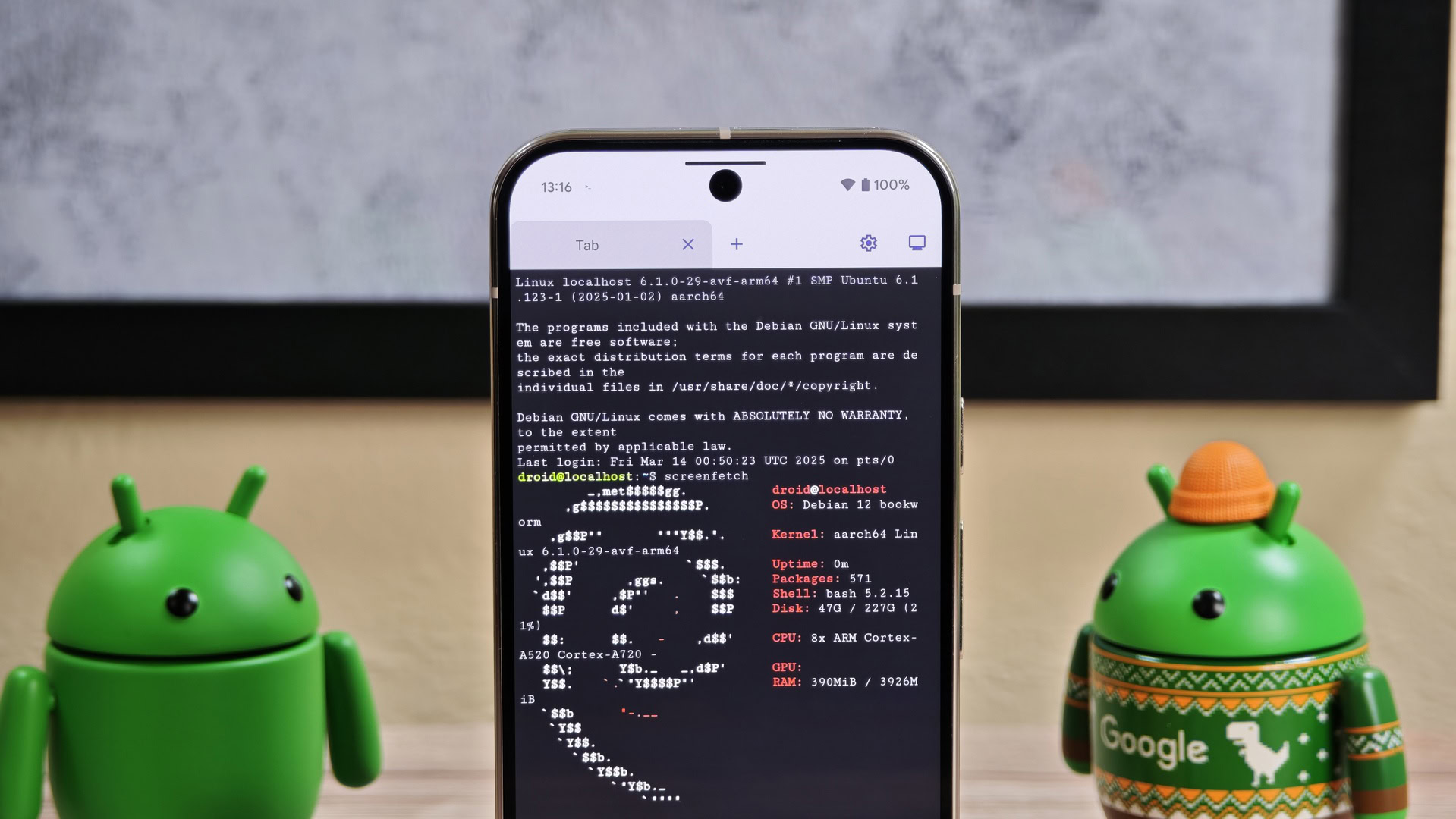
Android's Linux Terminal: Max Performance, Visual Cost – A Deep Dive
Verdict: A Niche Power-Up with Visible Compromises Android’s built-in Linux Terminal is gaining significant updates in Android 17 QPR1 beta 1, empowering users to prioritize raw performance over visual fidelity for graphical Linux applications and games. This is a compelling upgrade for enthusiasts, promising a smoother experience, but it undeniably introduces a noticeable trade-off in visual quality.
Unlocking Hidden Potential: New Performance Controls
Many Android users are unaware of the built-in Linux Terminal, let alone its growing capability to run full graphical Linux applications. Google is steadily enhancing this hidden environment, particularly to improve Android’s desktop mode. The latest additions, discovered in Android 17 QPR1 beta 1 and slated for stable release, introduce fine-grained control over the Terminal’s graphical interface, directly impacting how resource-intensive Linux programs are rendered.
At the core are new "Display resolution" settings, found within the Terminal app under Settings > Advanced. These choices allow users to consciously balance visual quality against processing speed for graphical Linux applications:
- Full Resolution: Aims for the highest visual quality. The source warns this "could degrade the performance," suggesting it might be slow for demanding apps on many devices.
- Half Resolution: Recommended for "optimal performance," this setting balances resource usage with visibility. It's likely to be a popular choice, offering a good performance boost without severe visual sacrifice.
- Quarter Resolution: Prioritizes absolute performance, ensuring "better performance, but at the expense of quality." Users should expect significant pixelation but notably increased speed, ideal for less visually demanding tasks or games like DOOM.
Beyond resolution, the Terminal app gains several quality-of-life improvements. A new full-screen button hides system bars for greater immersion. Toolbar options are intelligently moved into a floating, pill-shaped bar, decluttering the interface. A modern interface, memory usage limiting (previously in Canary builds), and new CLI theming options are also confirmed for the stable Android 17 rollout. These enhancements collectively point towards a more mature and user-friendly Linux environment within Android.
User Experience: The Trade-off Equation
For developers, Linux enthusiasts, or power users, these resolution options are a significant boon. Casual Android users, however, will likely not notice these changes, as the Linux Terminal remains a niche feature.
Consider running a resource-intensive Linux app or retro emulator via Android’s desktop mode. Previously, performance might have been frustratingly slow. Now, by lowering the resolution, a sluggish experience can become surprisingly smooth. The "Half" resolution, in particular, should make many graphical Linux applications genuinely usable on mobile devices.
The dedicated full-screen button is a welcome addition, allowing Linux applications to utilize the entire display without system UI distractions. The floating, pill-shaped toolbar is a thoughtful design choice, maintaining accessibility while keeping the screen clear. Additional features like CLI theming enhance user comfort, and memory usage limiting helps maintain Android’s responsiveness while background Linux processes run.
Pros: Enhanced Control & Expanding Capabilities
- Granular Performance Optimization: Direct control over graphical resolution makes resource-intensive Linux apps more viable across diverse Android hardware.
- Improved Immersion: Full-screen mode offers a distraction-free environment.
- Smarter UI: The floating toolbar improves usability without screen clutter.
- Greater Customization: CLI theming and memory limiting add personalization and system resource management.
- Stronger Desktop Mode: These features significantly bolster Android’s capabilities as a platform for Linux-based desktop computing.
Cons: Visual Compromises & Niche Appeal
- Direct Visual Compromise: Maximizing performance directly sacrifices visual fidelity; "Quarter" resolution will appear notably pixelated.
- Niche Audience: These advanced features primarily cater to power users and developers, not the average Android user.
- Technical Barrier: Engaging with Linux applications, even with a GUI, still requires a certain level of technical understanding.
- Beta Phase Origin: While confirmed for stable rollout, current access is through beta, implying potential for early bugs.
Alternatives: An Integrated Solution
The source content focuses exclusively on enhancements to Android's built-in Linux Terminal. It does not mention any third-party applications or alternative methods that provide the same integrated level of performance tuning for graphical Linux environments directly within the Android OS. Consequently, a comparison table is not applicable here.
Recommendation: Essential for Power Users, Irrelevant for Others
This isn't a product to purchase, but a key enhancement arriving with Android 17. If you are an Android power user, a developer, a Linux enthusiast, or someone eager to push your device’s limits to run full-scale Linux applications and games, these new performance controls are an invaluable update. They transform Android's hidden Linux environment into a genuinely powerful and customizable platform.
For mainstream Android users focused on typical apps, these updates will likely have no direct impact. This feature is tailored for those willing to experiment, understand technical trade-offs, and are excited by the prospect of integrating desktop Linux capabilities into their mobile device. For them, the visual compromise for significant performance gains is a worthwhile bargain.
FAQ
Q: Will these performance options affect my regular Android apps?
A: No, these resolution options specifically apply to the graphical interface of the Linux Terminal app when running Linux programs. Your standard Android applications will not be impacted.
Q: Is this feature immediately available for all Android users?
A: The options are currently available in Android 17 QPR1 beta 1. They are expected to be part of the stable Android 17 release when it becomes widely available.
Q: Is a powerful Android device necessary to benefit from these settings?
A: While more powerful devices will naturally perform better, these settings are particularly useful for making graphical Linux applications run more smoothly on a wider range of hardware, including less powerful devices. By lowering the resolution, even modest Android phones can achieve usable performance for apps that might otherwise be too sluggish.
Related articles

Crystal Lake Series on Peacock: A Deep Dive into Horror's Past
Crystal Lake Series Review: A Deep Dive into Horror's Past Verdict: Is Crystal Lake Worth the Dive? The long-awaited Friday the 13th prequel, Crystal Lake, is finally arriving on Peacock, promising a fresh, in-depth

Tesla Set to Finally Unveil Second-Generation Roadster on October 1
The much-anticipated second generation of the Tesla Roadster, a halo vehicle promising revolutionary performance, is finally slated for a public unveiling on October 1. After years of delays and a protracted development
Google's AI Branding Fix: A Clearer Vision for Gemini
This article critiques Google's fragmented AI branding, proposing a unified 'Gemini Intelligence' system to simplify user experience and strengthen Gemini's identity.

Chuwi UniBox AI495 Pro Review: A Mini AI Powerhouse
Chuwi's UniBox AI495 Pro review: A powerful mini workstation with 192GB RAM and an AMD Ryzen AI chip for local LLM processing, packed into a compact, Mac Pro-esque design.
Pixel Connectivity: Battery Drain, Not Data Speed, Is the Real
Google's Pixel series has consistently offered a compelling Android experience, often earning a spot on recommendation lists for its clean software and camera prowess. However, a recurring shadow has loomed over the

CNET's NYT Connections: Sports Edition Hints & Answers - Daily Puzzle
CNET's daily guide for NYT Connections: Sports Edition offers clear, spoiler-protected hints and answers, making it an efficient and reliable resource for sports puzzle enthusiasts.